Internal Spool Holder for Elegoo Centauri Carbon
admin | 17.12.2025
3D Preview
Loading 3D model...
LMB: Rotate | Scroll: Zoom | RMB: Pan
Gallery (8)
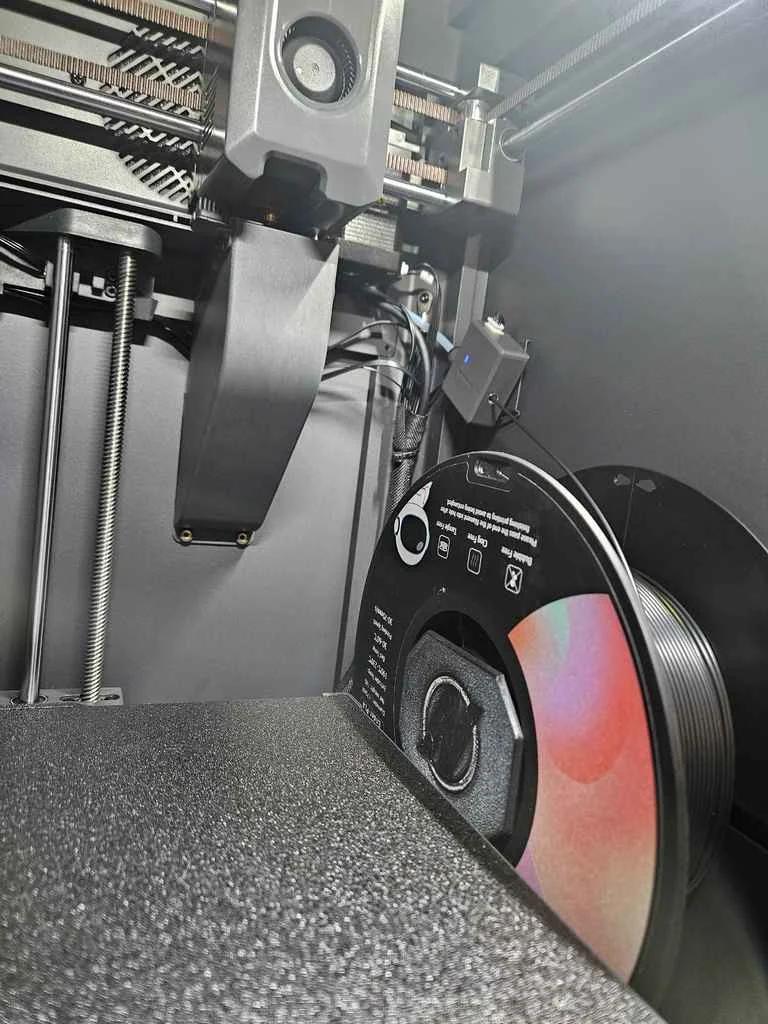
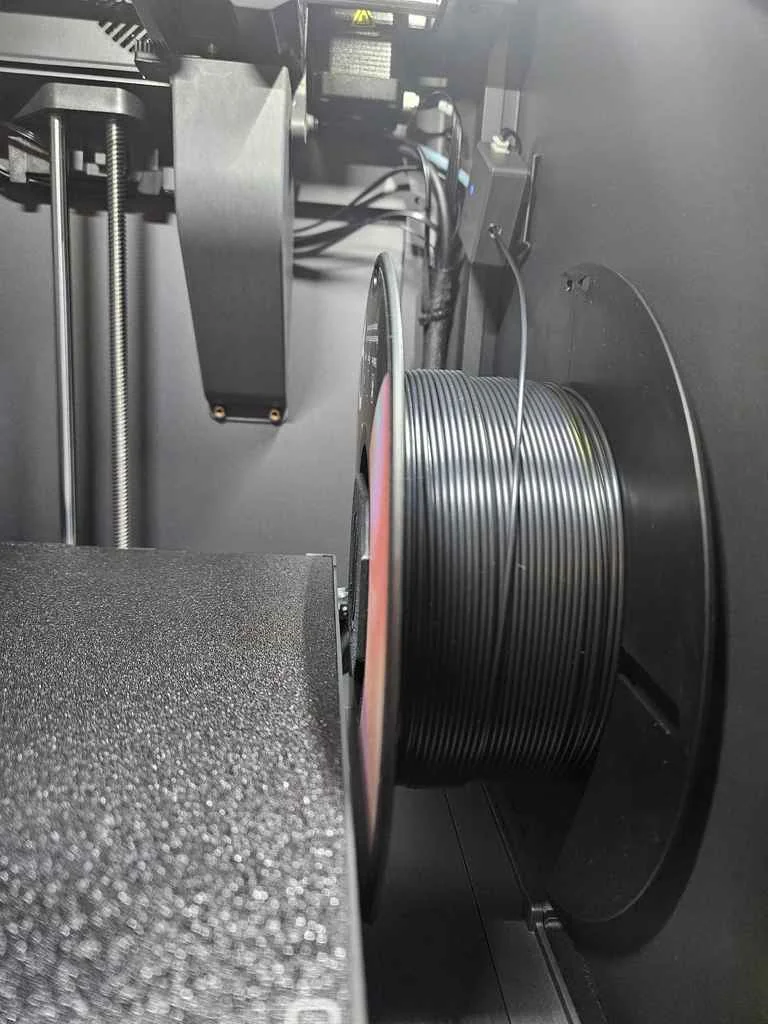
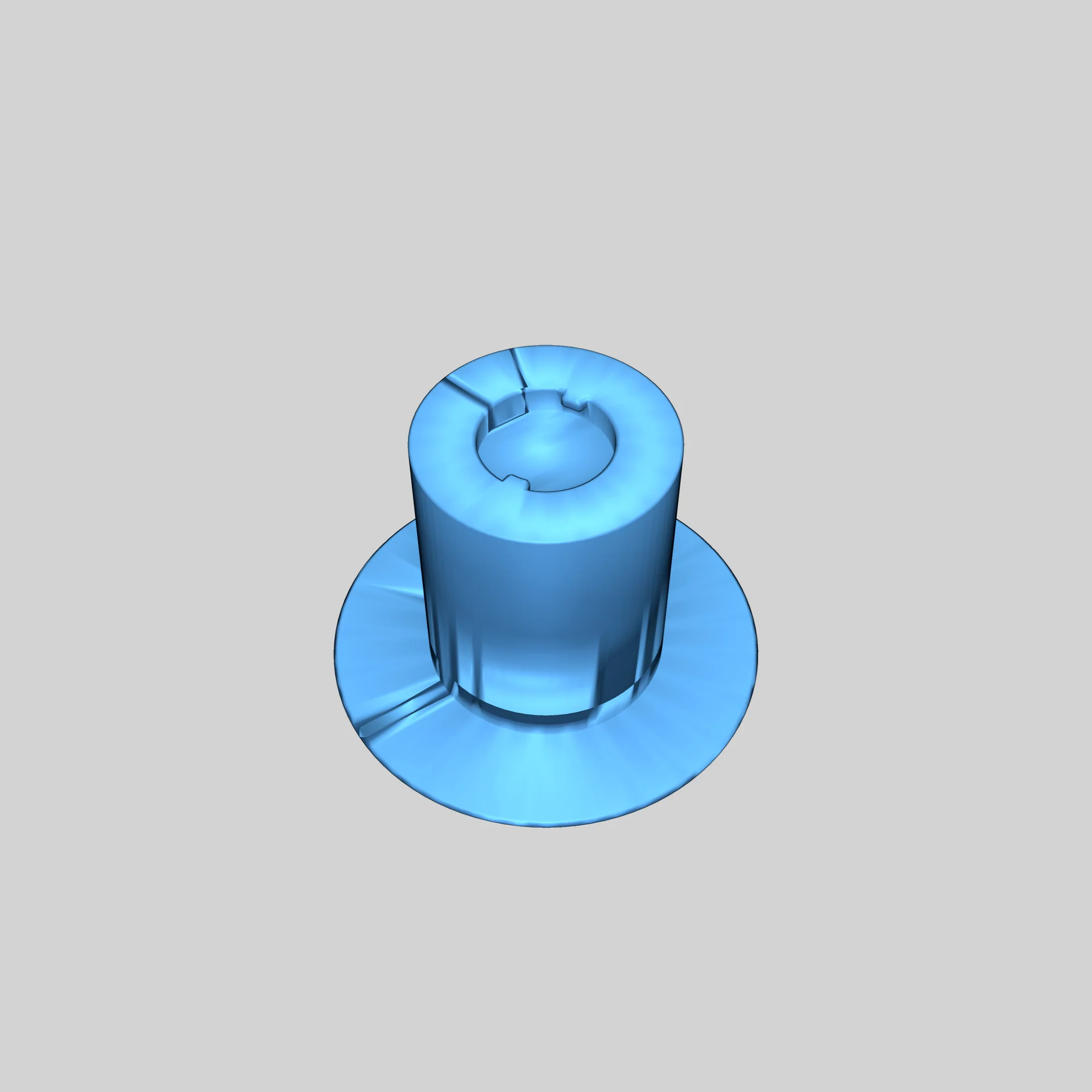
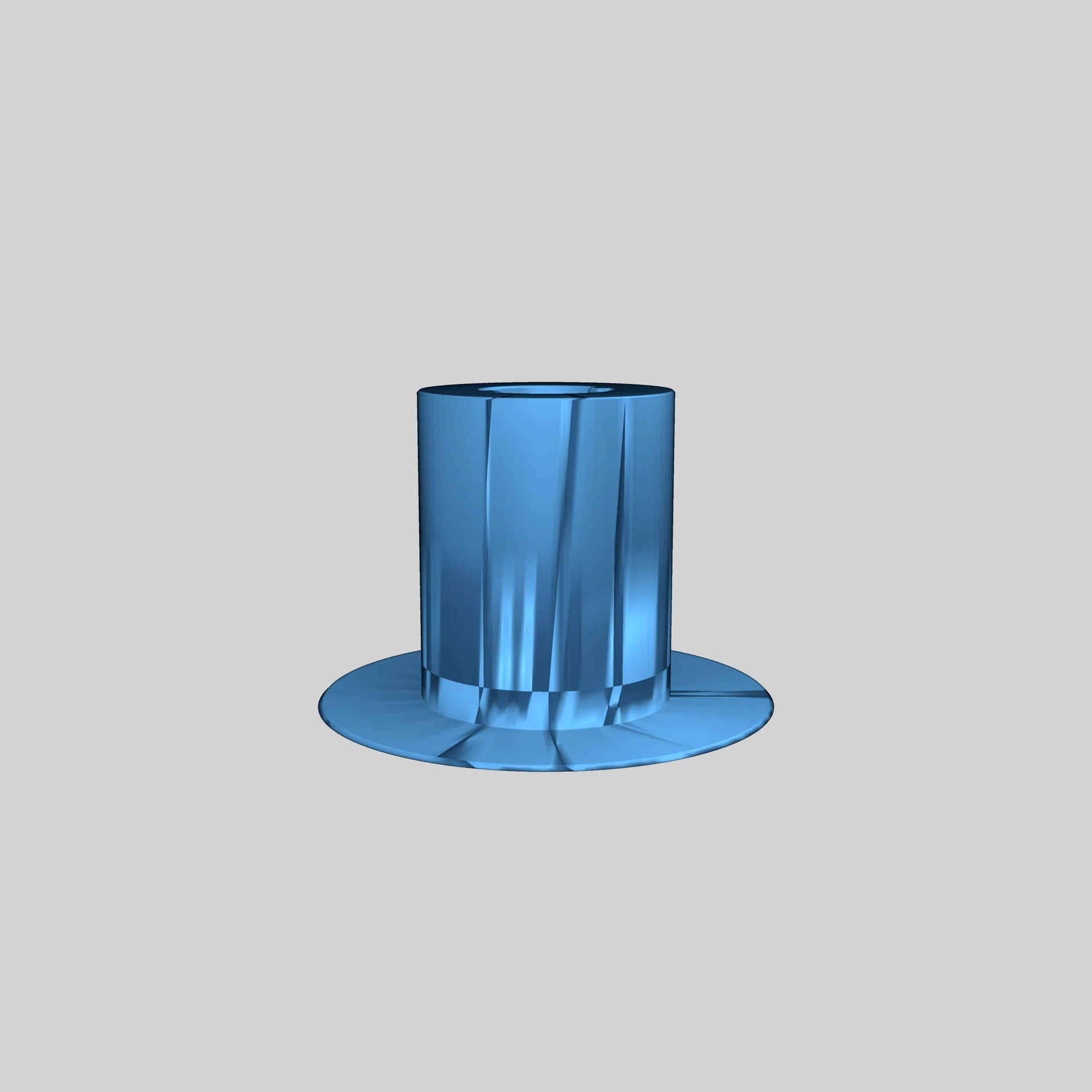
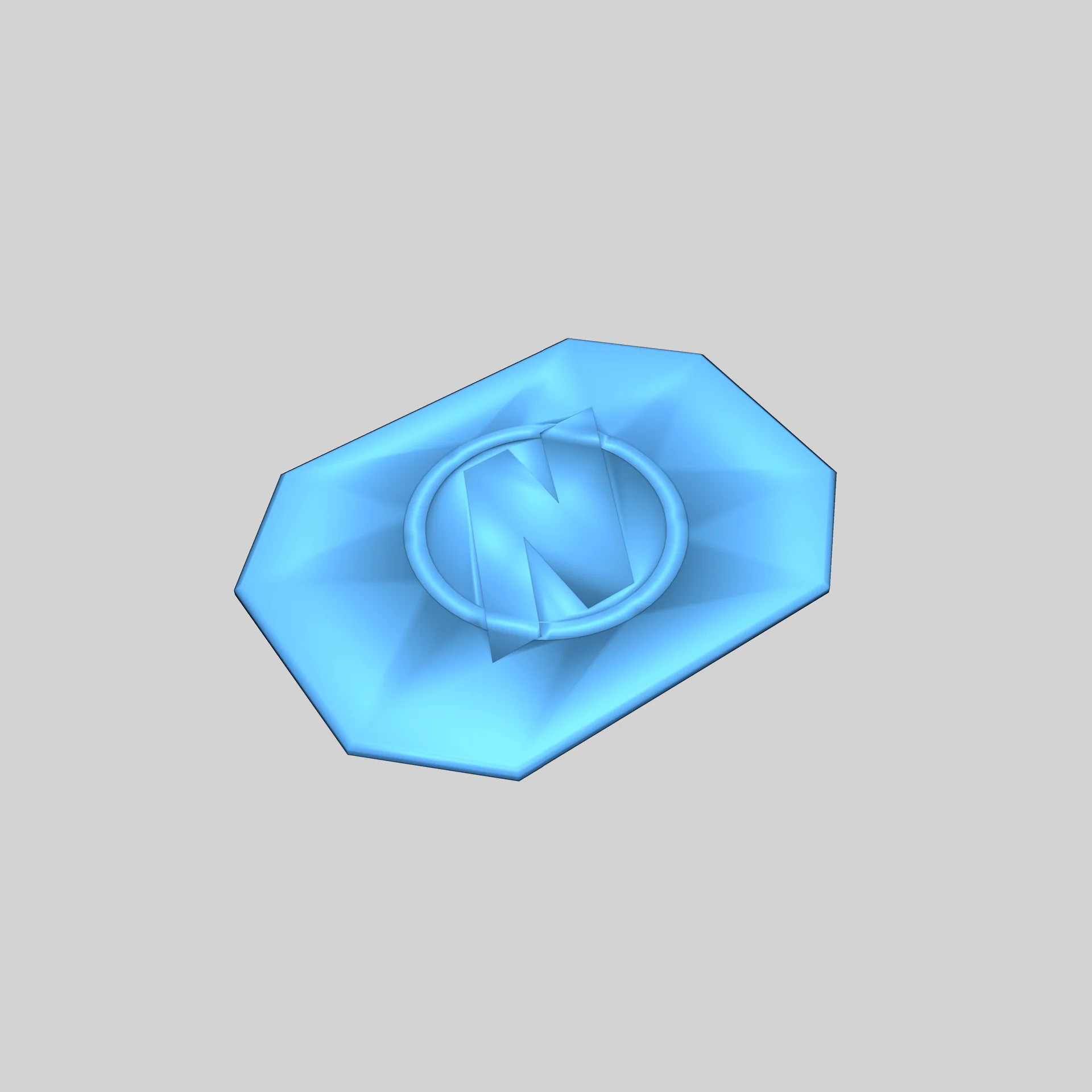
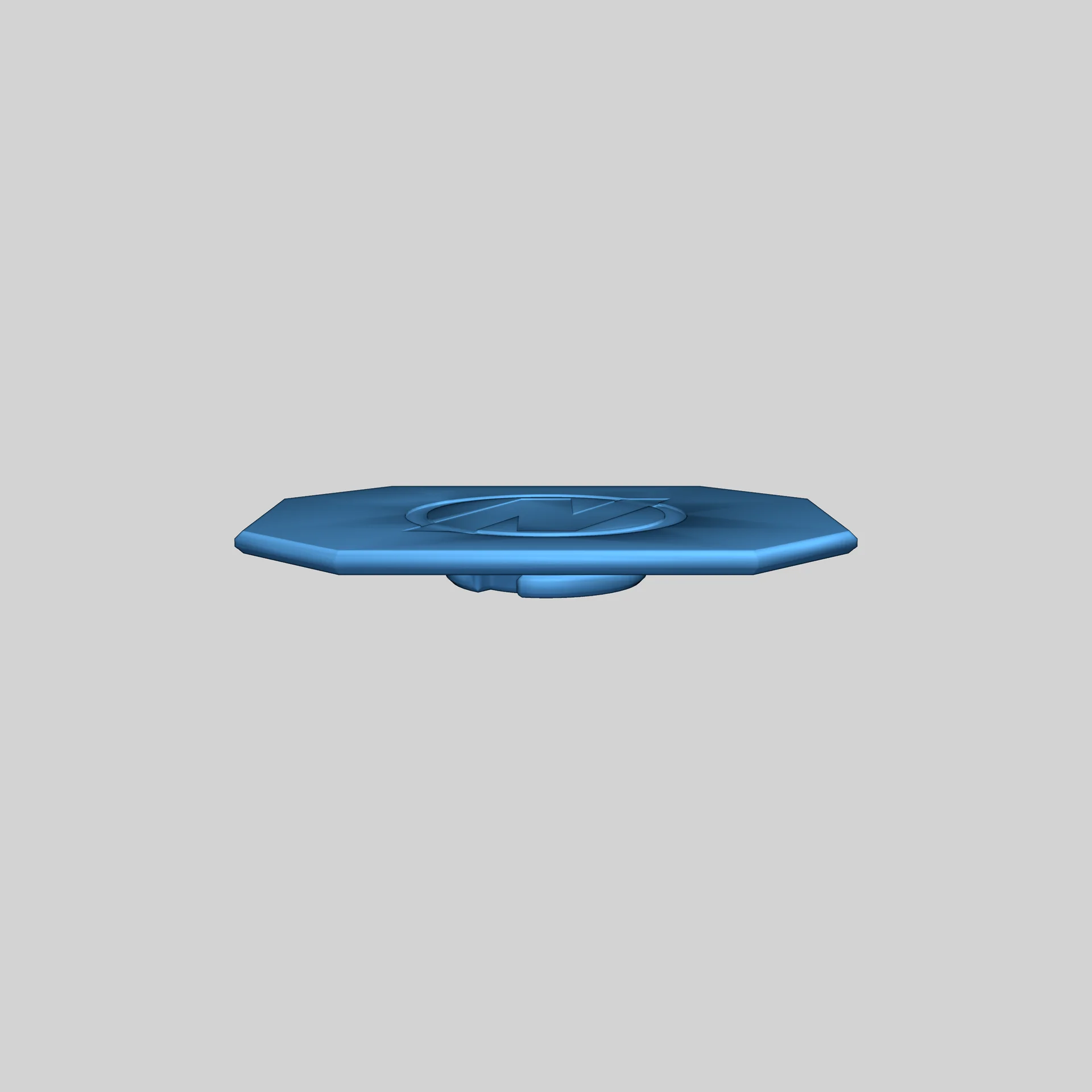
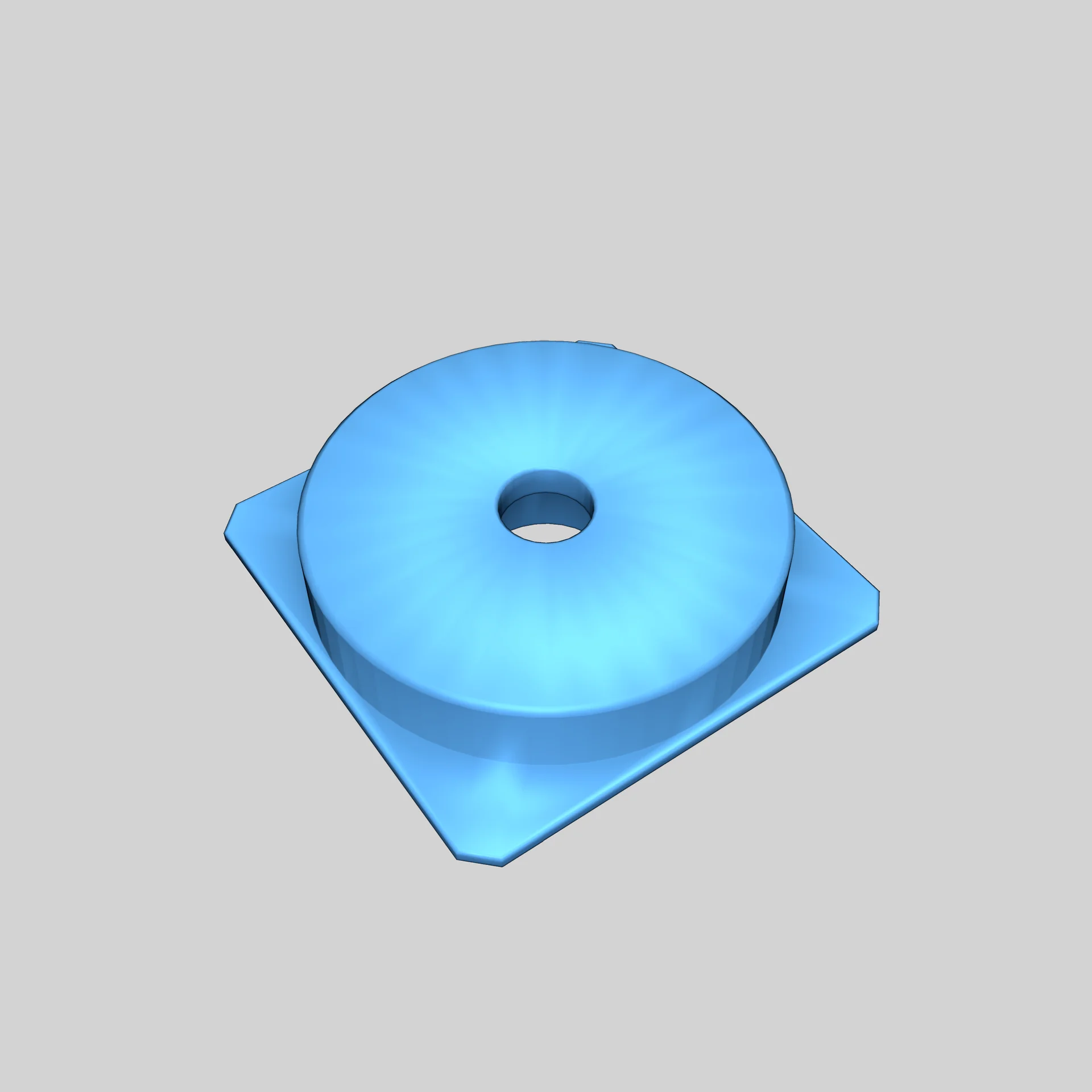
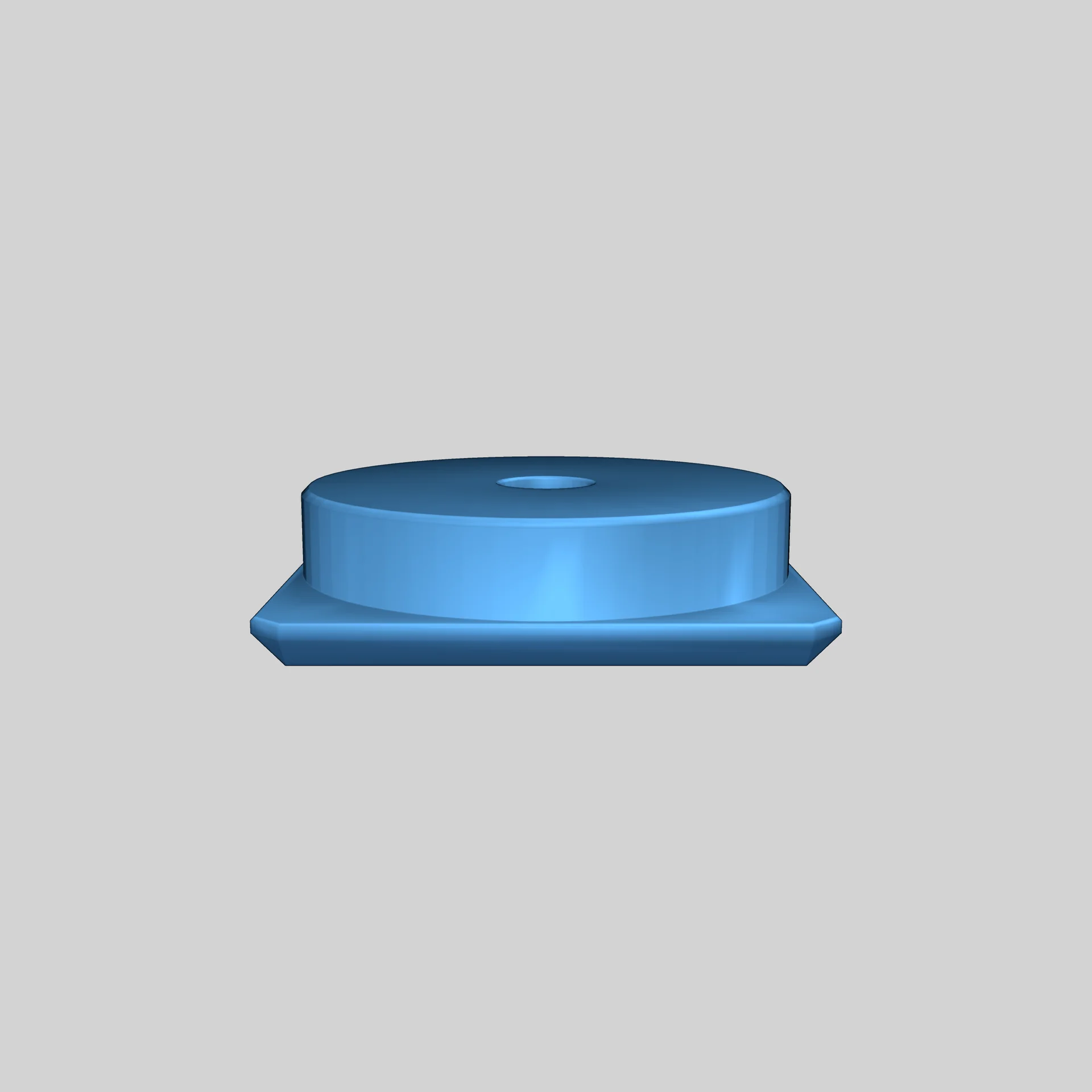
This internal spool holder for the Elegoo Centauri Carbon reduces the width to approximately 410 mm, enabling two units to fit on a shelf.
Required Parts:
- M6 Screw (12-16 mm length, longer recommended)
- 7.5 mm Panel Spacer by Synthetic Electron 3D (link)
Assembly Instructions:
- Fully remove the PTFE tube.
- Unscrew the left and back panels.
- Remove the original spool holder.
- Relocate the filament sensor inside.
- Reinstall the PTFE tube following the print head cable path.
- Install the side panel with the spacer.
- Connect the cable and PTFE tube to the sensor.
- Ensure filament passes through smoothly without excessive friction.
- Reattach the back panel.
- Insert the internal spool holder.
- Secure everything with the M6 screw.
- Attach your preferred spool and secure it.
Follow the printing settings for optimal results.
Please login to post comments.
Information
- Author: admin
- Date: 17.12.2025
- Category: 3D Printing
- Views: 58
- Downloads: 66
- Likes: 0
- Images: 8
- Files: 3
Download ZIP
Model Author
Similar models
Recently viewed
×
❮
![]() ❯
❯