Xtool S1 Laser Cable Protector
admin | 23.12.2025
3D Preview
Loading 3D model...
LMB: Rotate | Scroll: Zoom | RMB: Pan
Gallery (8)
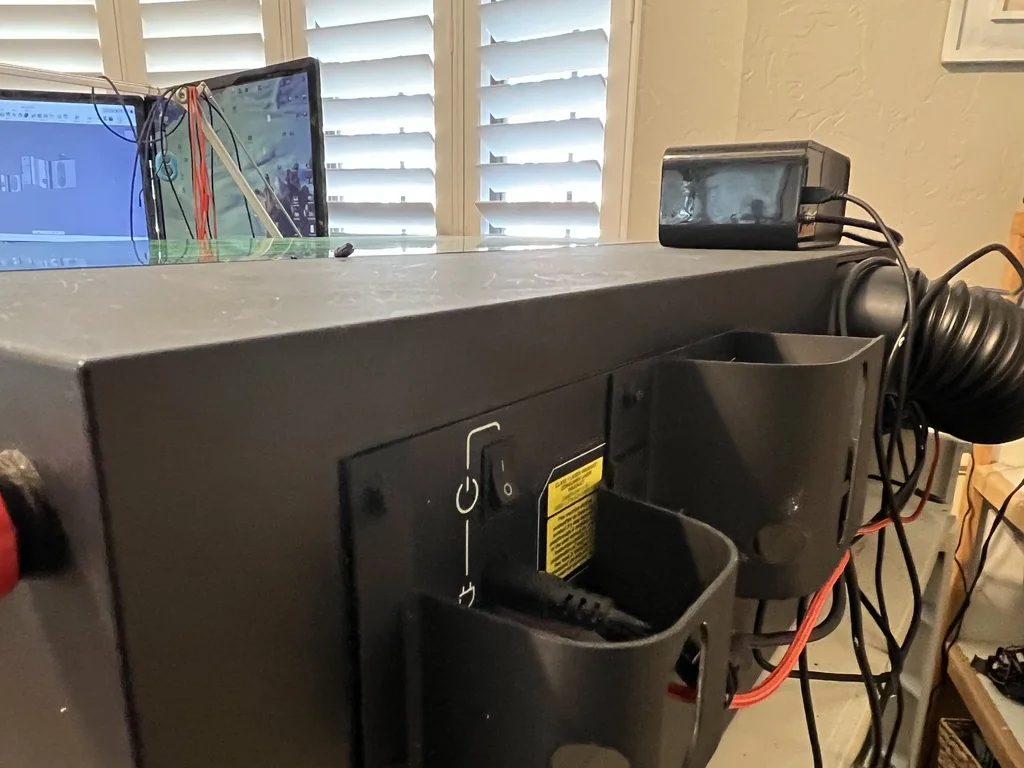
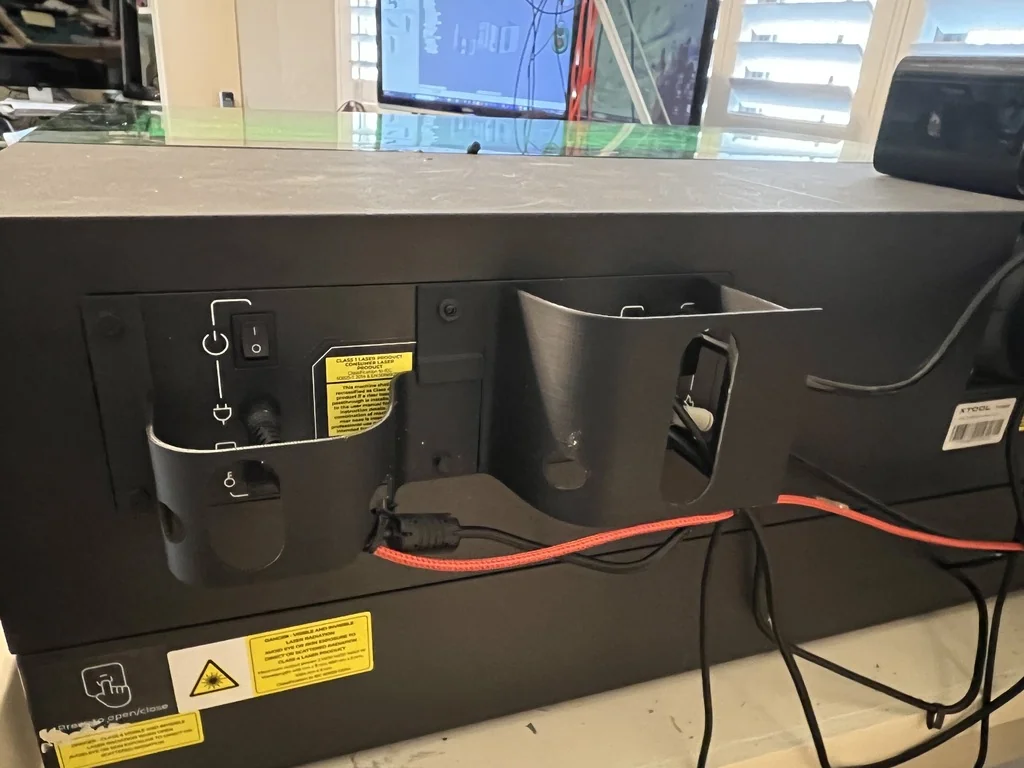
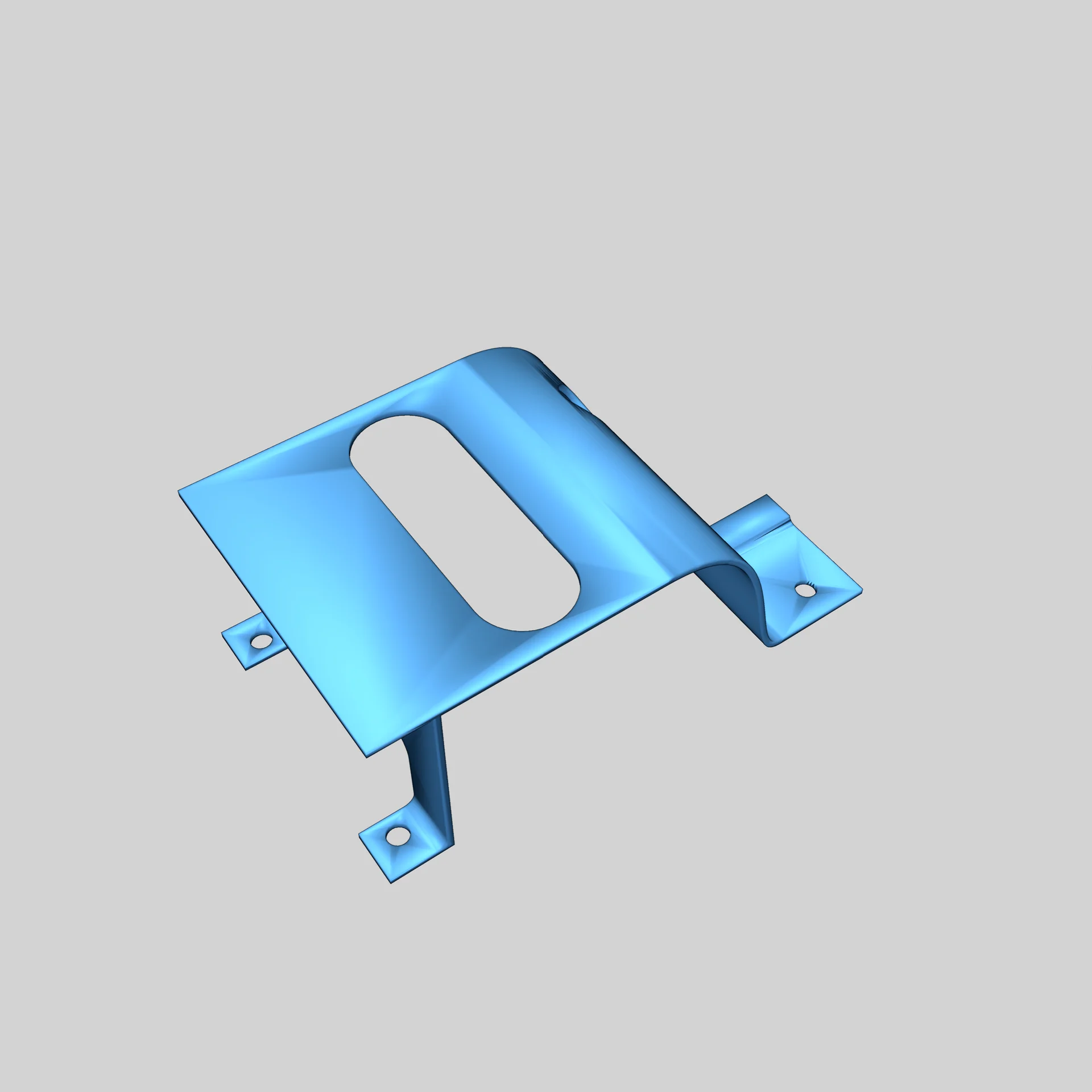
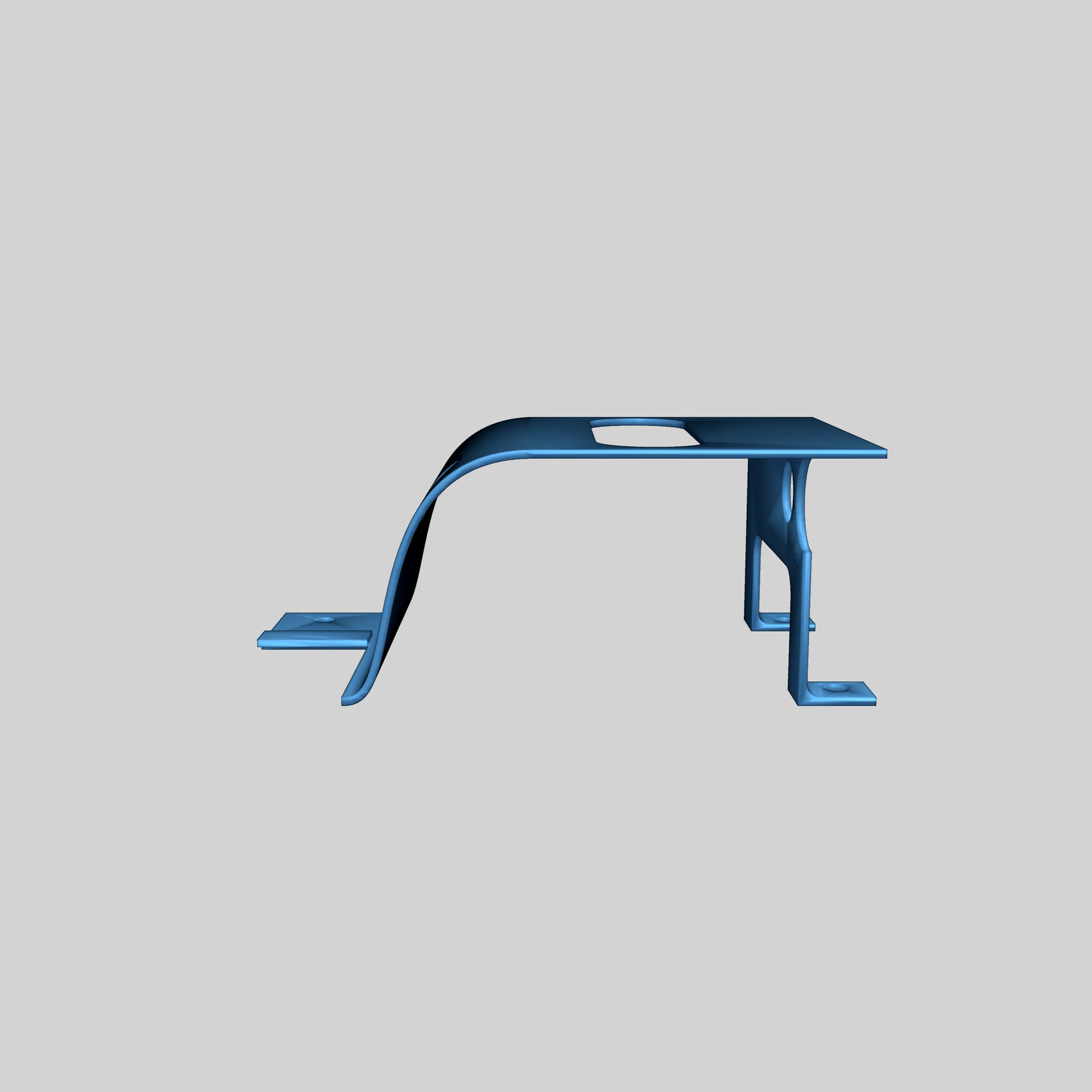
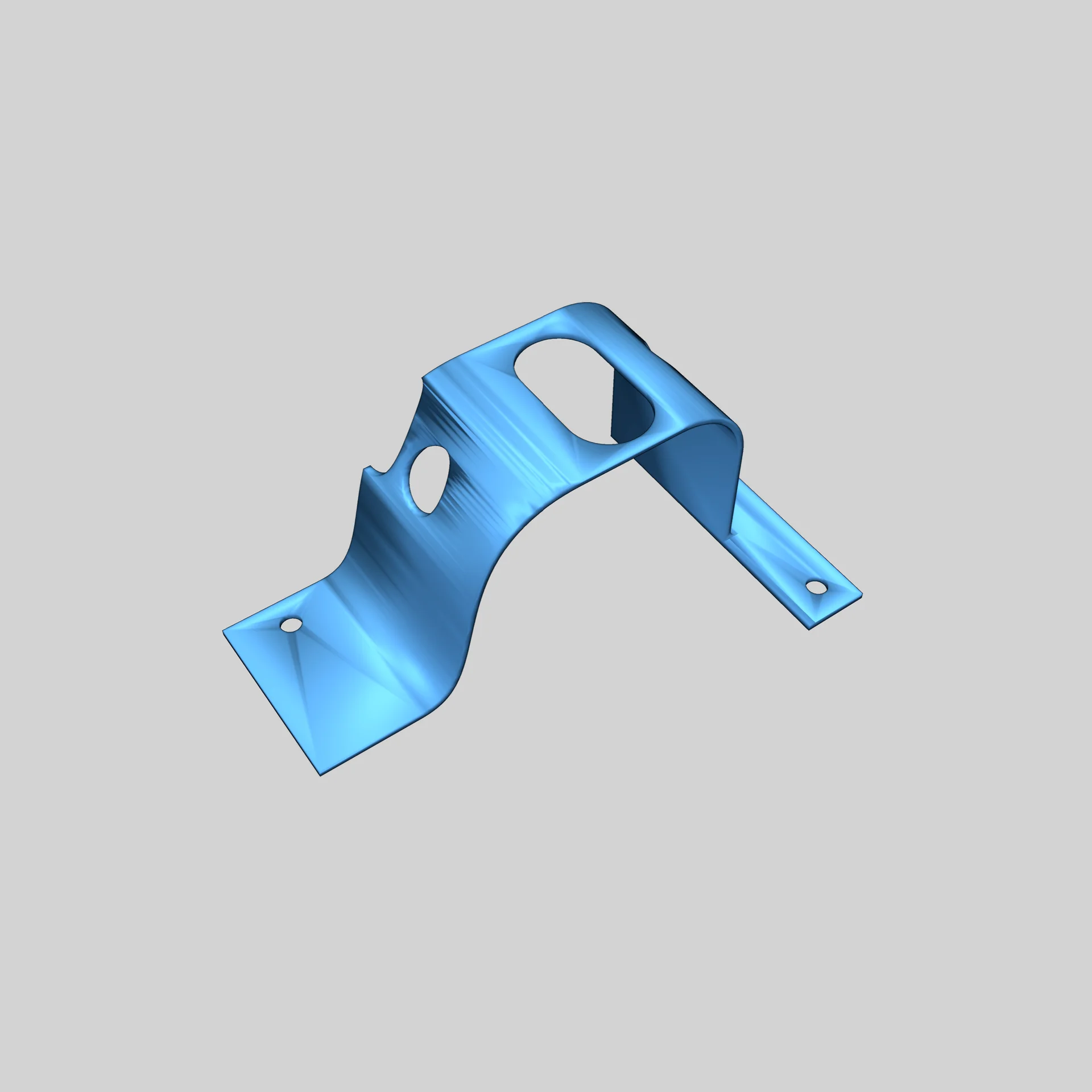
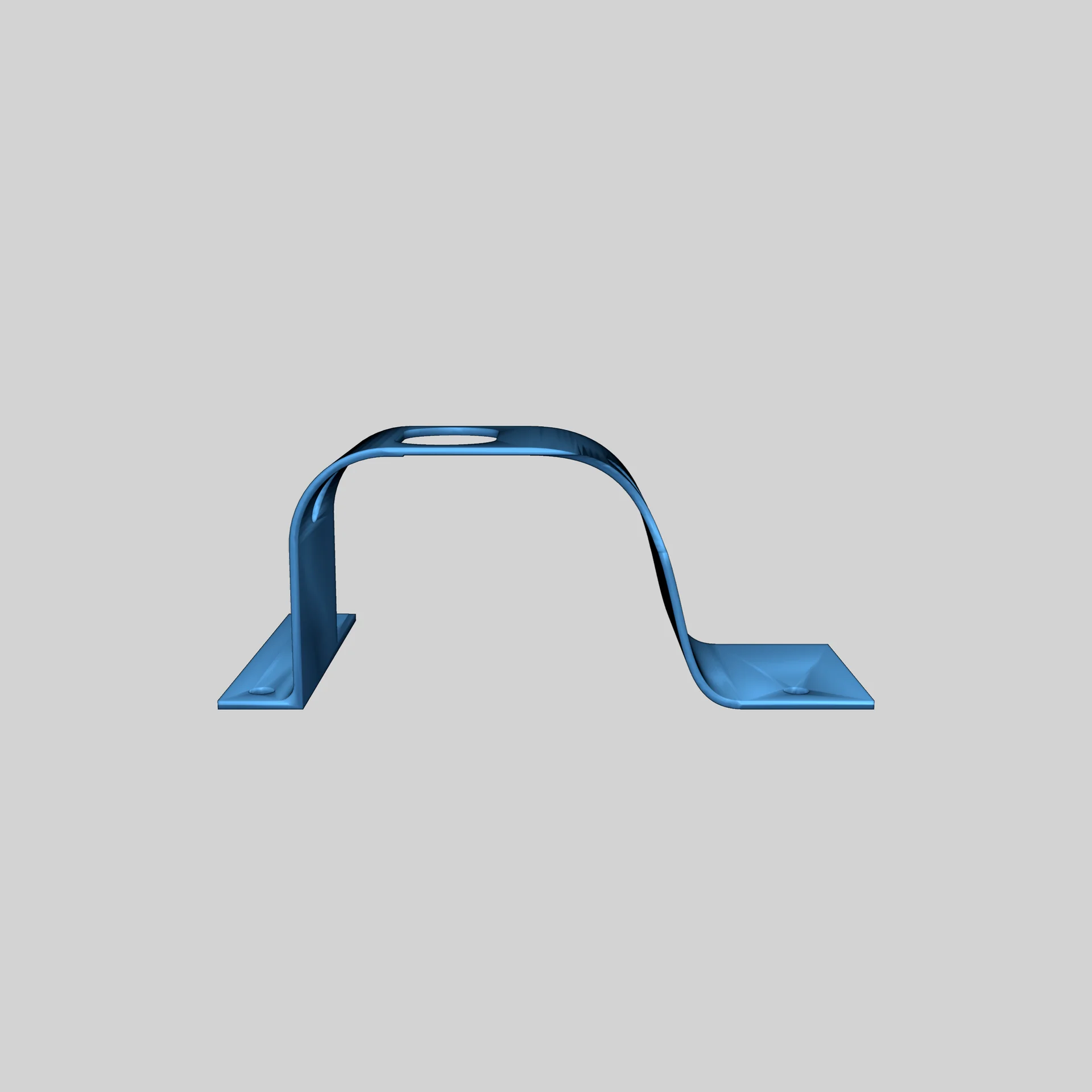

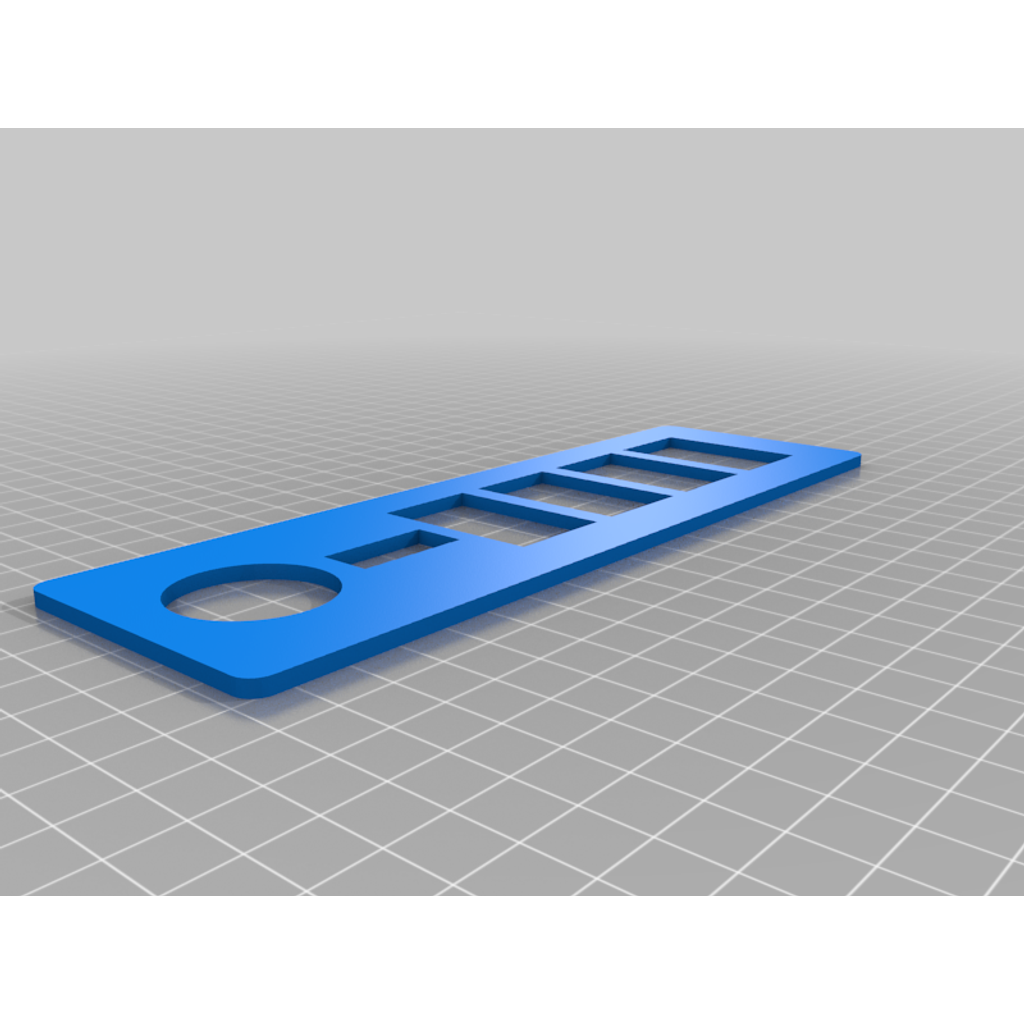
The cable protector for the Xtool S1 laser prevents damage and disconnection of cables, ensuring secure attachment.
Installation:
- Remove one screw at the back of the laser and replace it with a 3mm x 20mm self-tapping screw.
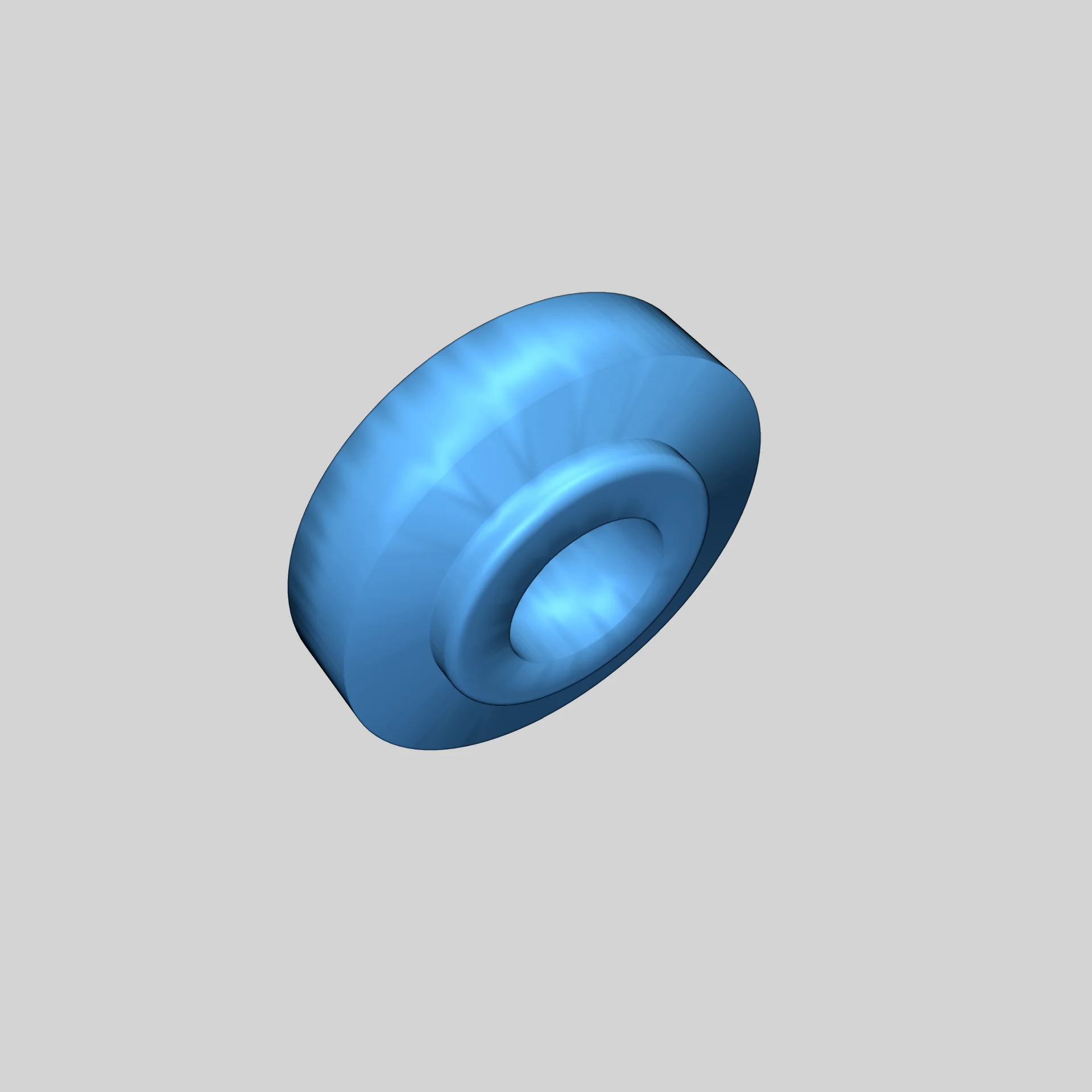
- Use a washer with each screw to ensure stability.
- Avoid removing all screws at once to prevent component shifting.
- Cables can be routed through the holes or secured below with cable ties.
- Alternatively, use strong double-sided tape for mounting the protector without removing screws.
An optimal solution for protecting your cables!
Category
Please login to post comments.
Information
- Author: admin
- Date: 23.12.2025
- Category: Tools & Organizers
- Views: 113
- Downloads: 91
- Likes: 0
- Images: 8
- Files: 3
Download ZIP
Model Author

×
❮
![]() ❯
❯