Removable 2nd Screen mount for Steam Deck
admin | 05.03.2026
3D Preview
Loading 3D model...
Gallery (24)
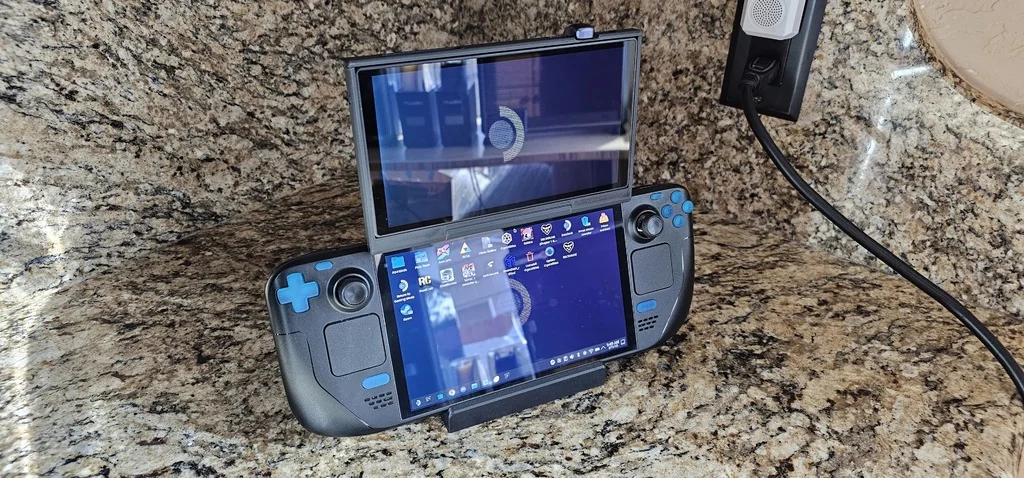
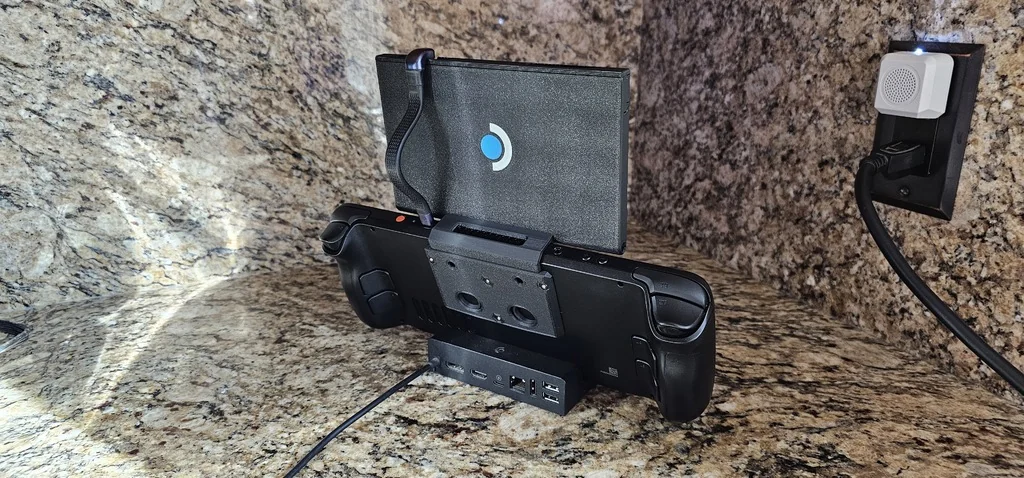
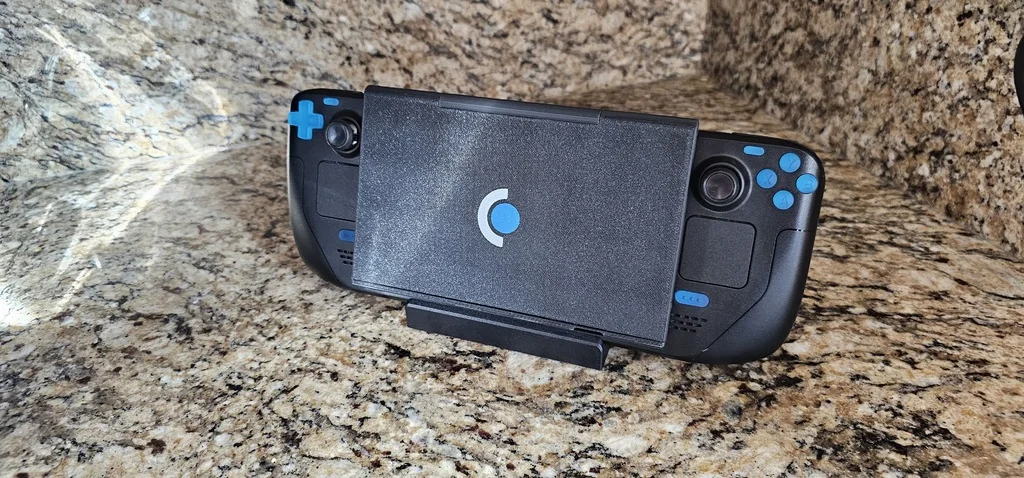
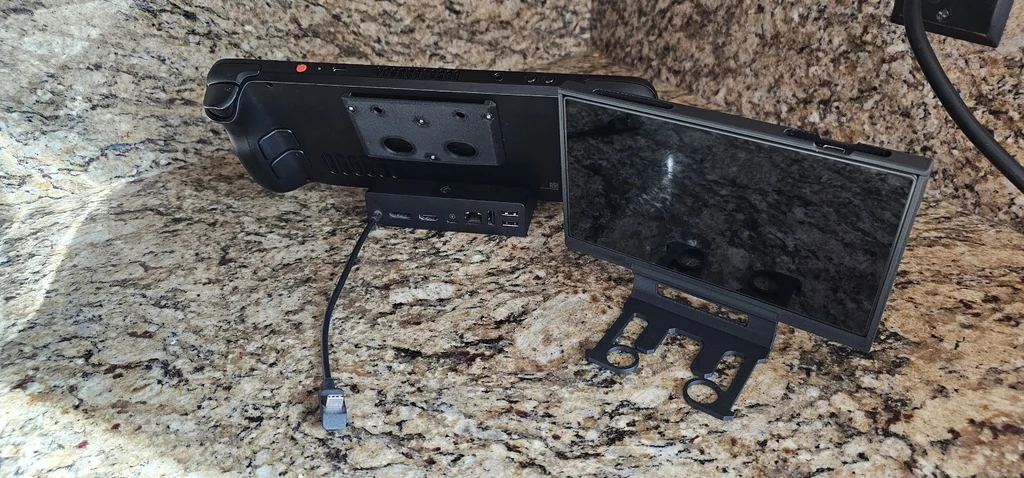
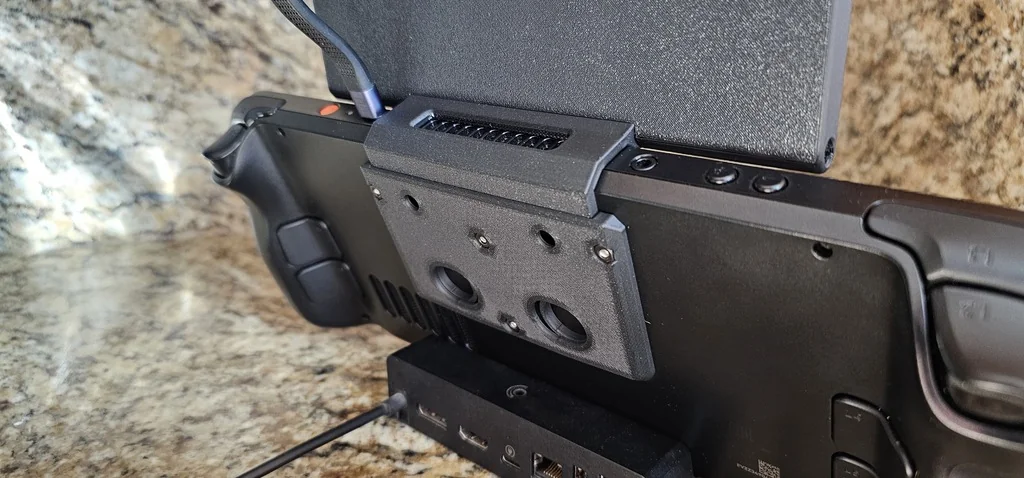
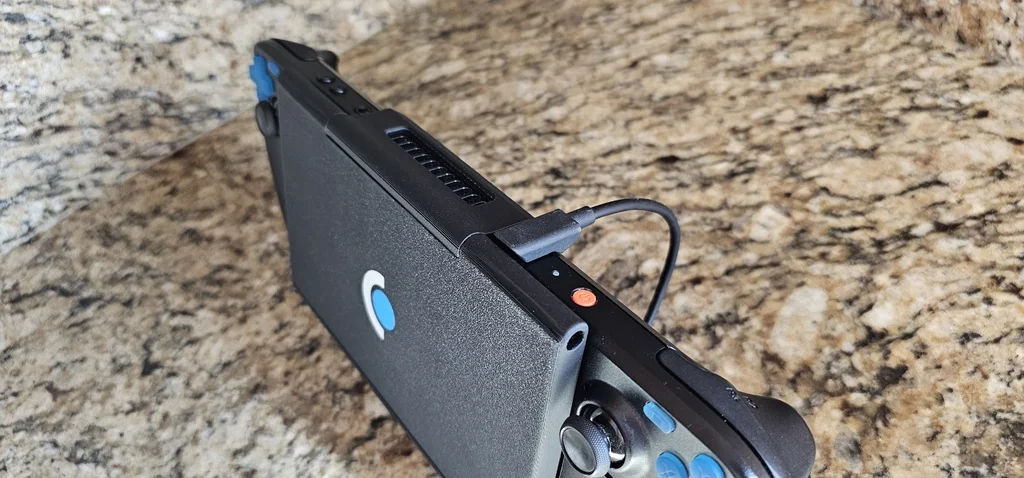
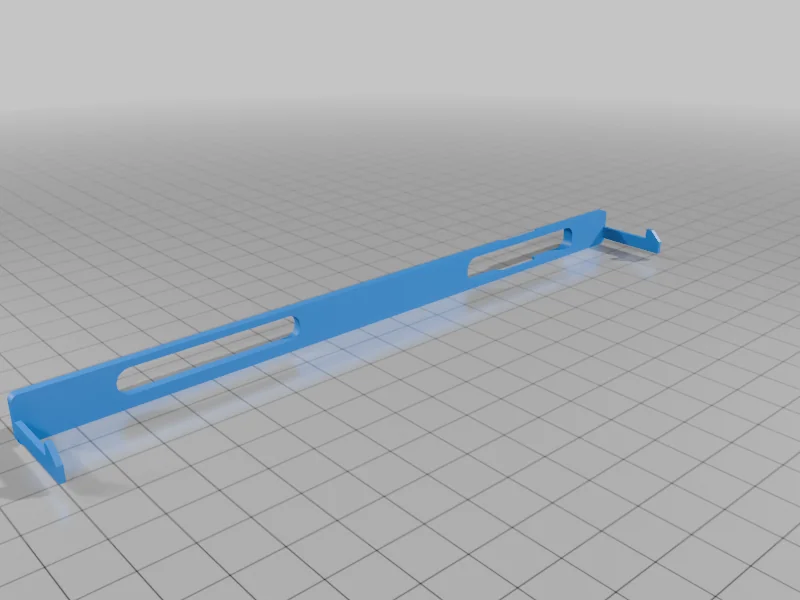
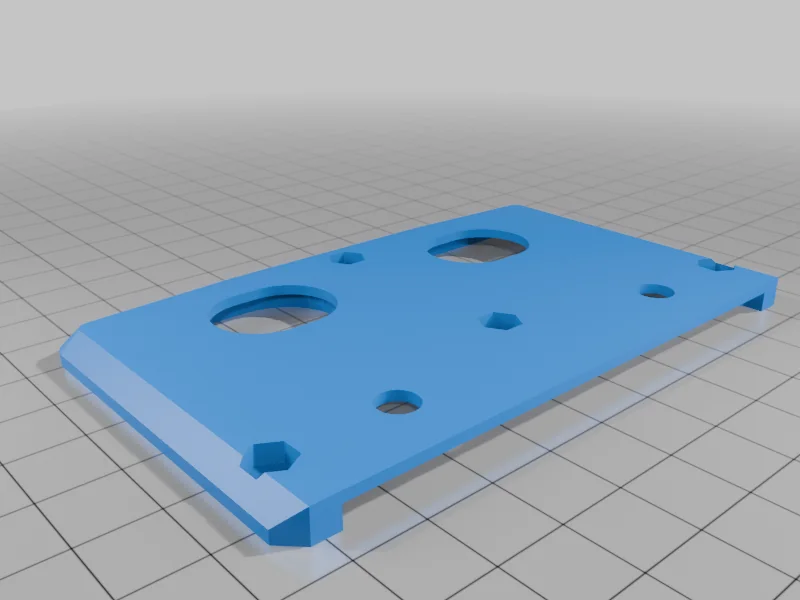
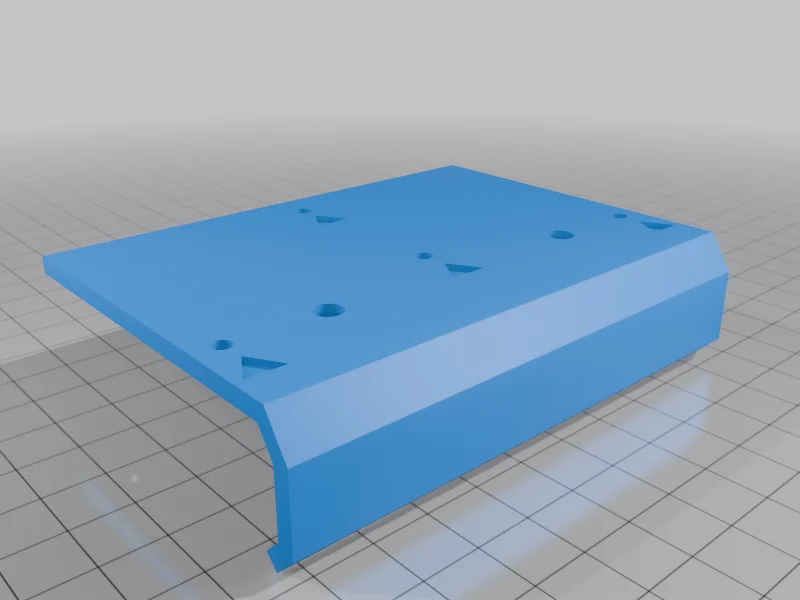
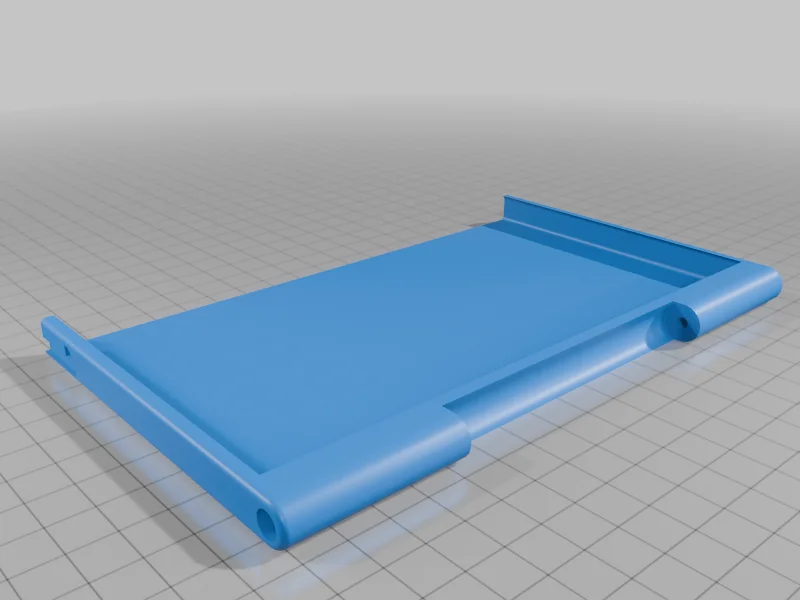
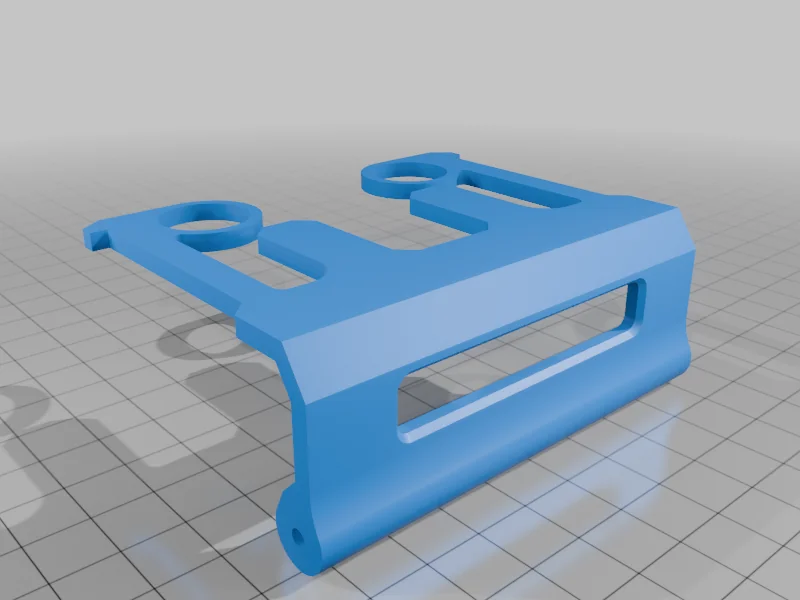
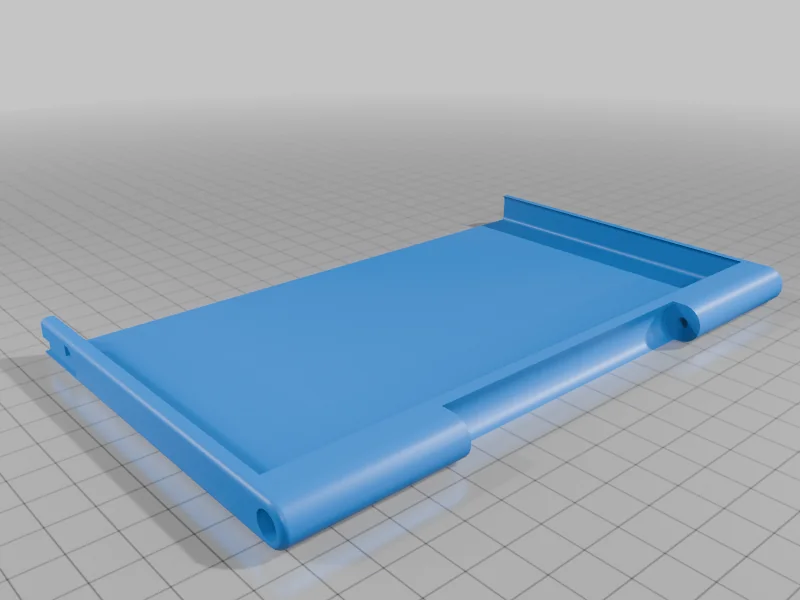
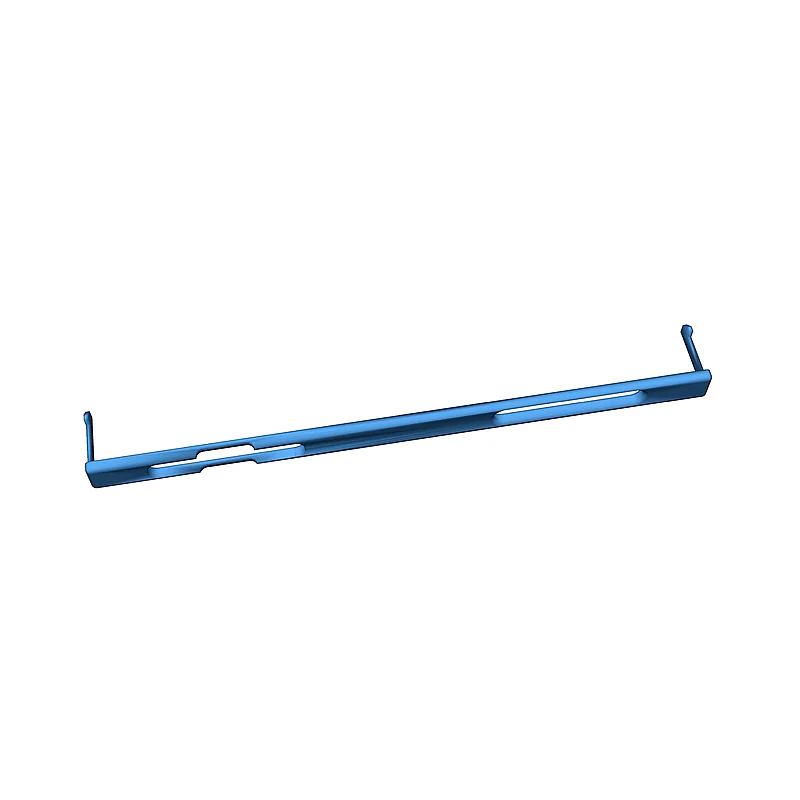
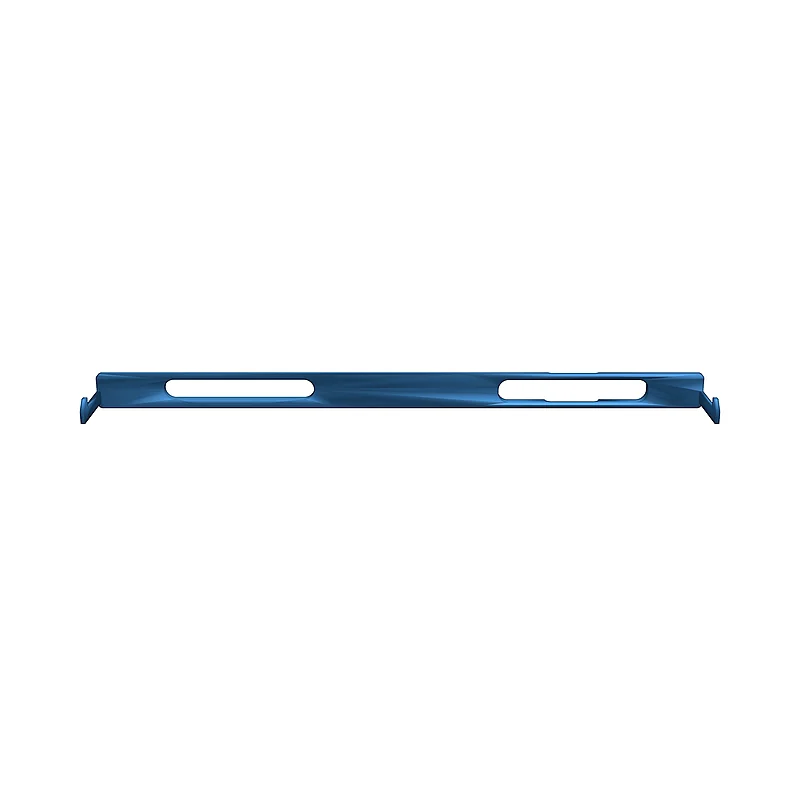
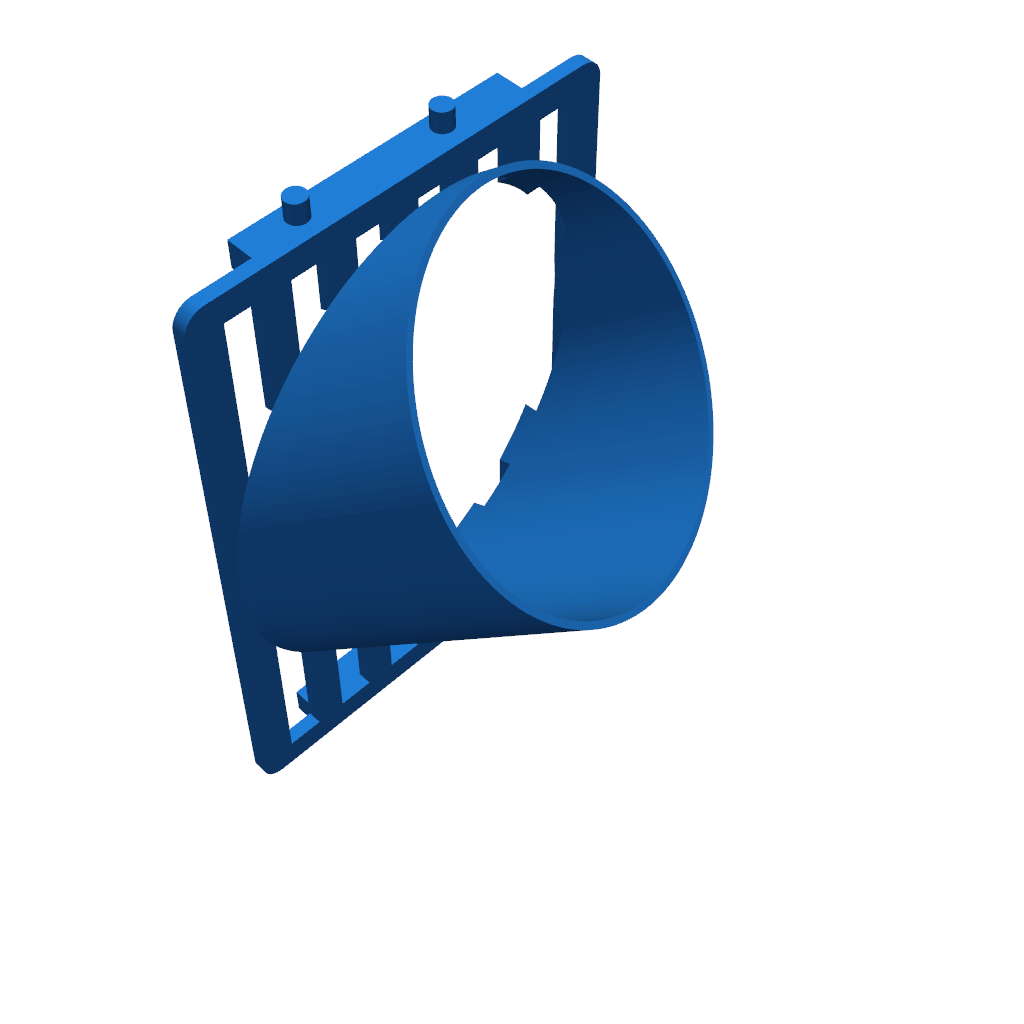
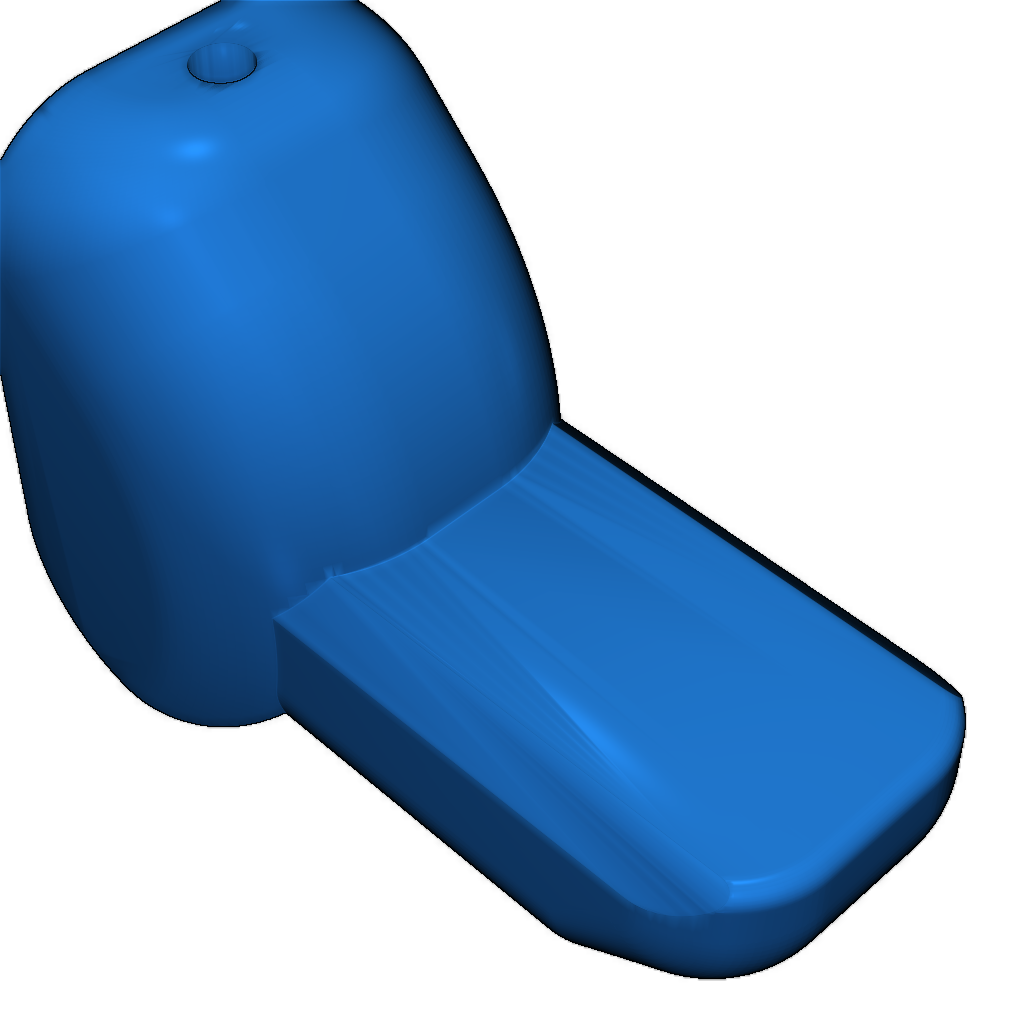
This Mount is designed for the PeakDo 7 inch Portable Touchscreen. Here Are the parts you'll need: Screen: USB cable: 4 M3x6 flat head screws 4 M3 nuts 2 M3x50 socket head cap screws Remove the backplate and use the Drill jig to help you line up the holes for the base of the mount. Use a 3mm drill bit. Then, from the inner side of the backplate, you need to countersink the holes you drilled. This will allow your screws to be flush with the backplate. Otherwise they could potentially break or short circuit something. Use the M3x6 flathead screws and the M3 nuts to attach the Base to the backplate. Do not overtighten the screws, this could crack you backplate. Just make them tight enough that thew wont shake loose. You could also add a drop of Loctite to each of the nuts for extra security. Add a small piece of electrical tape over each of the screw heads on the inside of the backplate to ensure they dont short circuit anything. Now you can put the backplate back on the Steam Deck. Use the M3x50 screws to attach the screen holder to the hinge on the clip. Print with a .4mm nozzle at 100% infill for all the parts. PLA seems to be strong enough. Настройки печати и инструкции
Please login to post comments.
Information
- Author: admin
- Date: 05.03.2026
- Category: Gadgets & Electronics
- Views: 140
- Downloads: 153
- Likes: 0
- Images: 24
- Files: 6
Download ZIP