SX-70 Digital Camera Adapter
admin | 12.03.2026
3D Preview
Loading 3D model...
LMB: Rotate | Scroll: Zoom | RMB: Pan
Gallery (23)
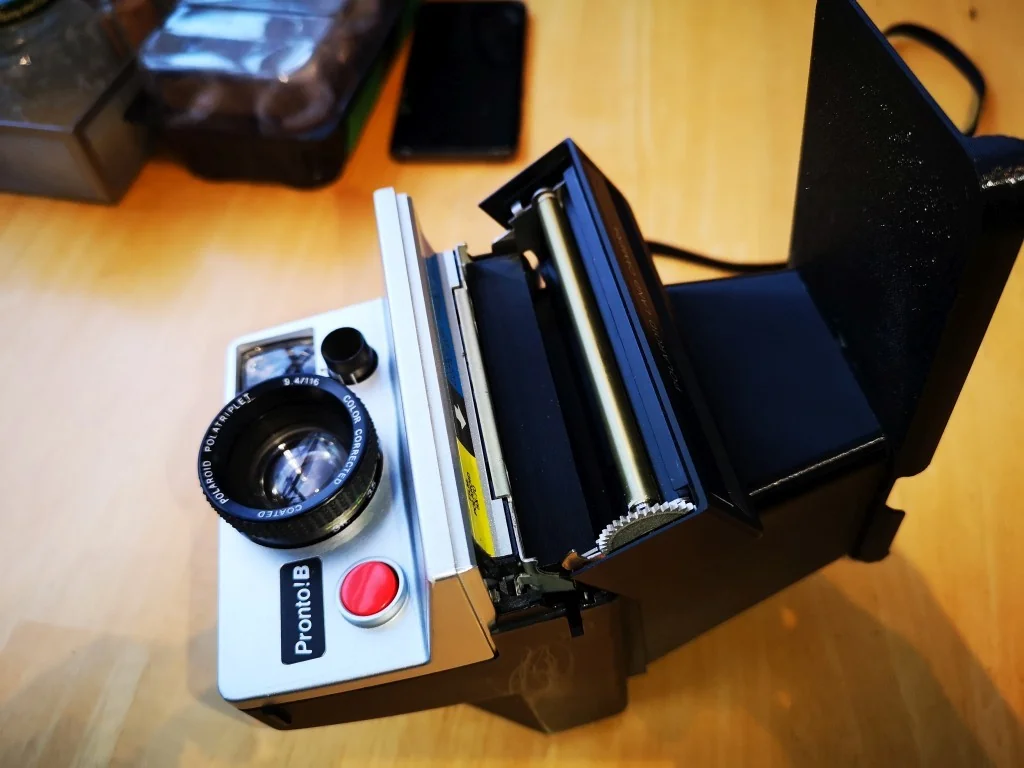


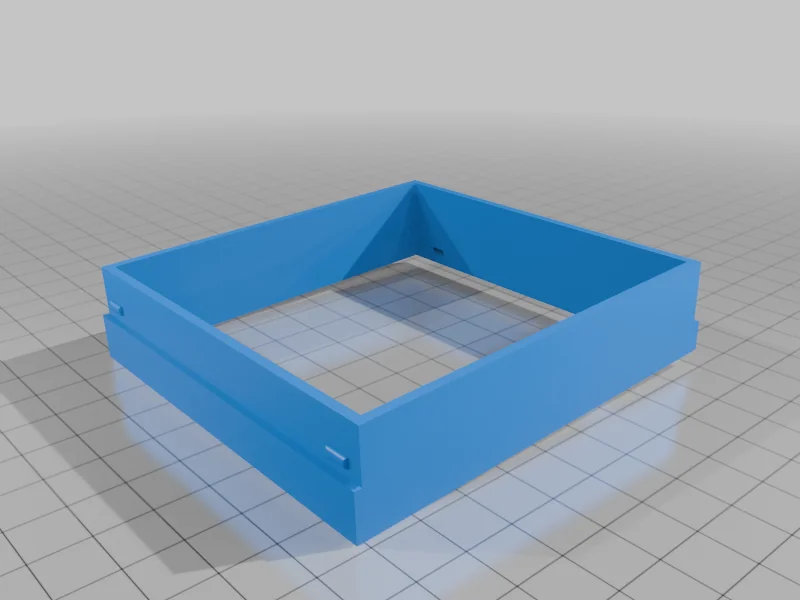
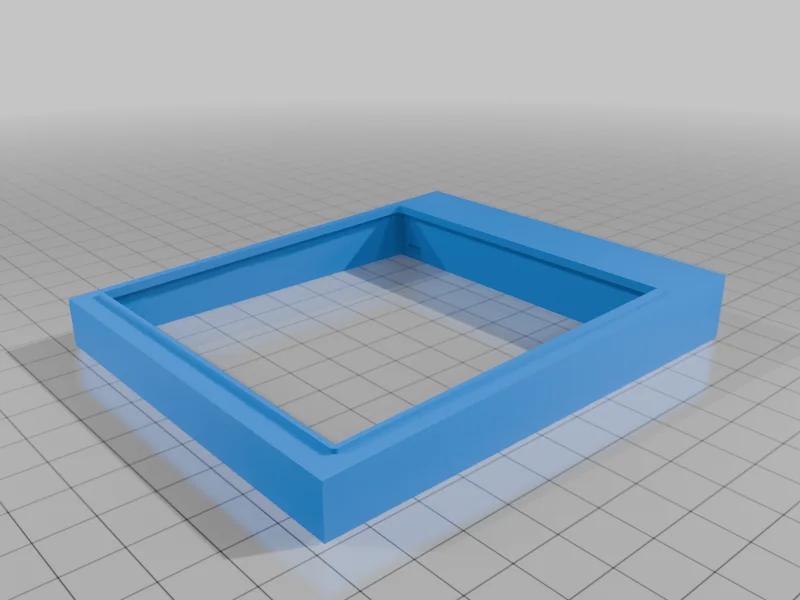
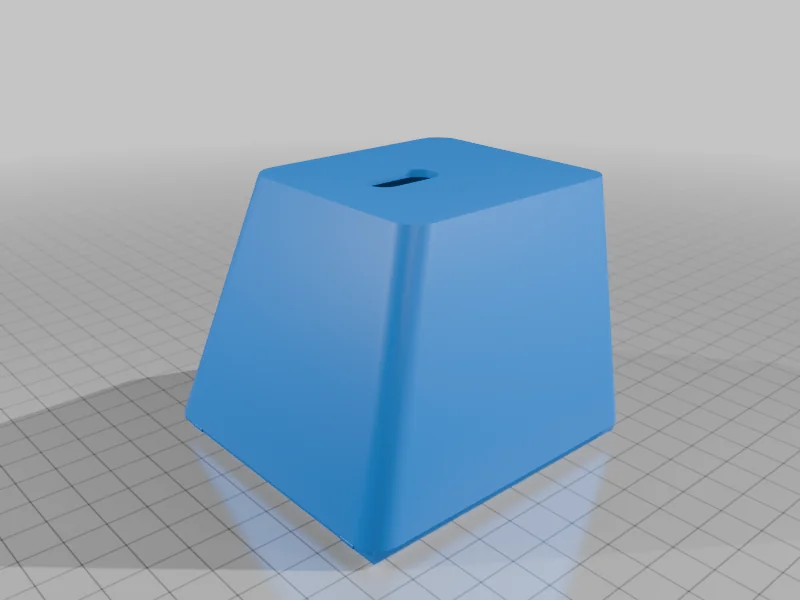

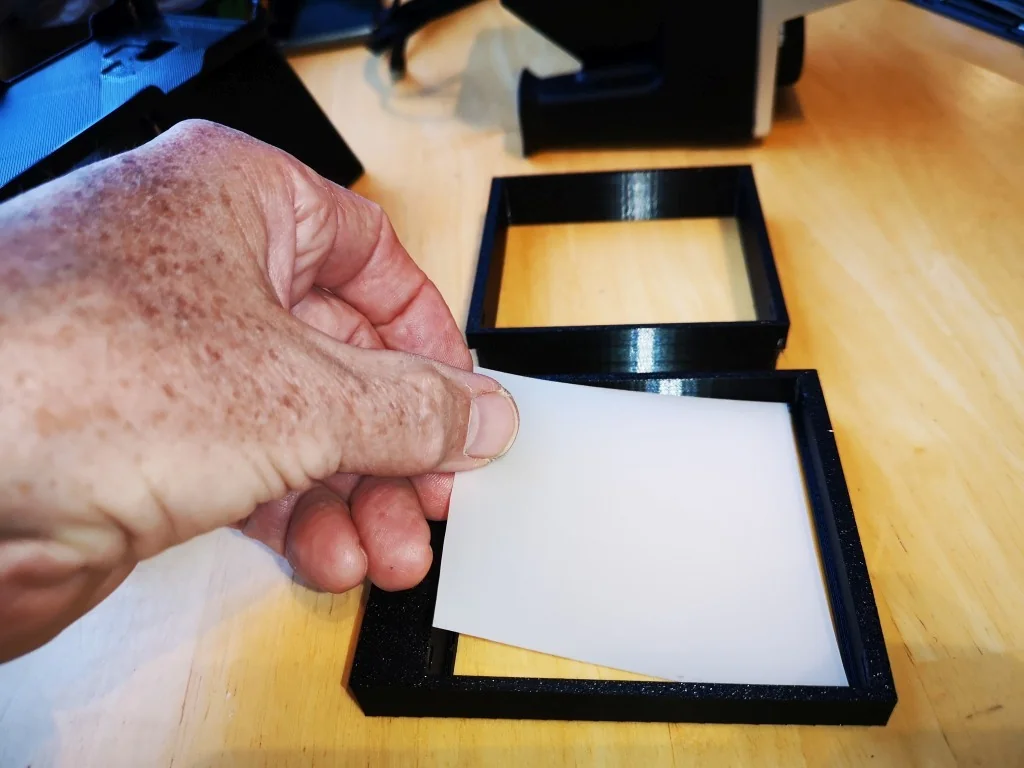
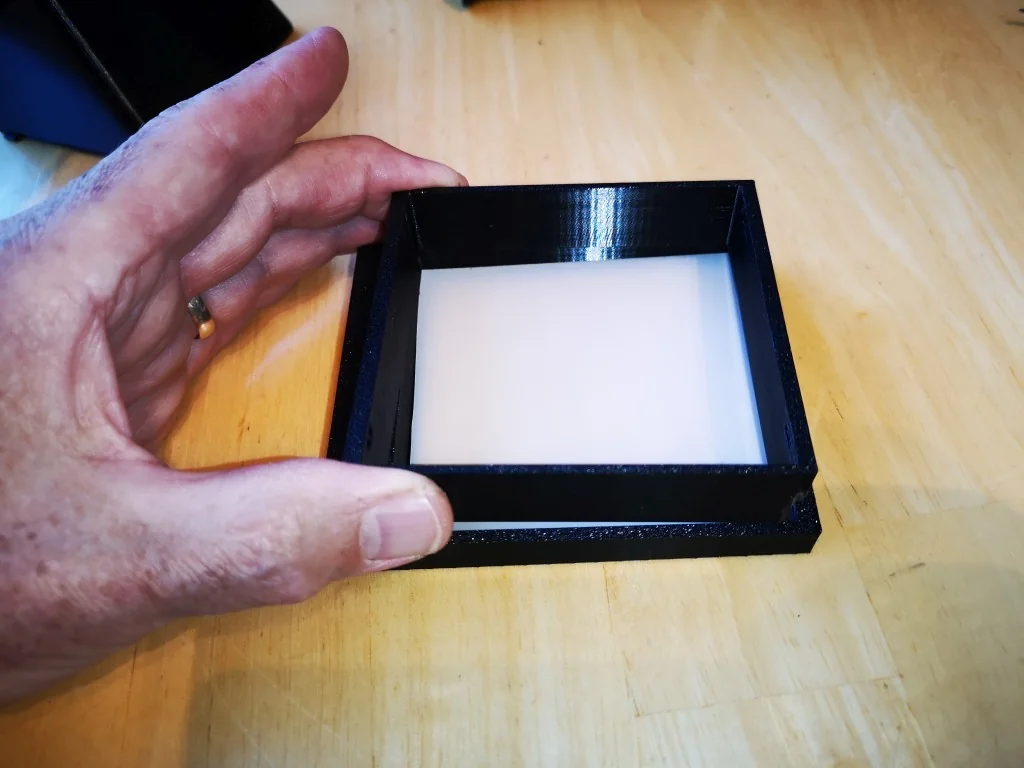


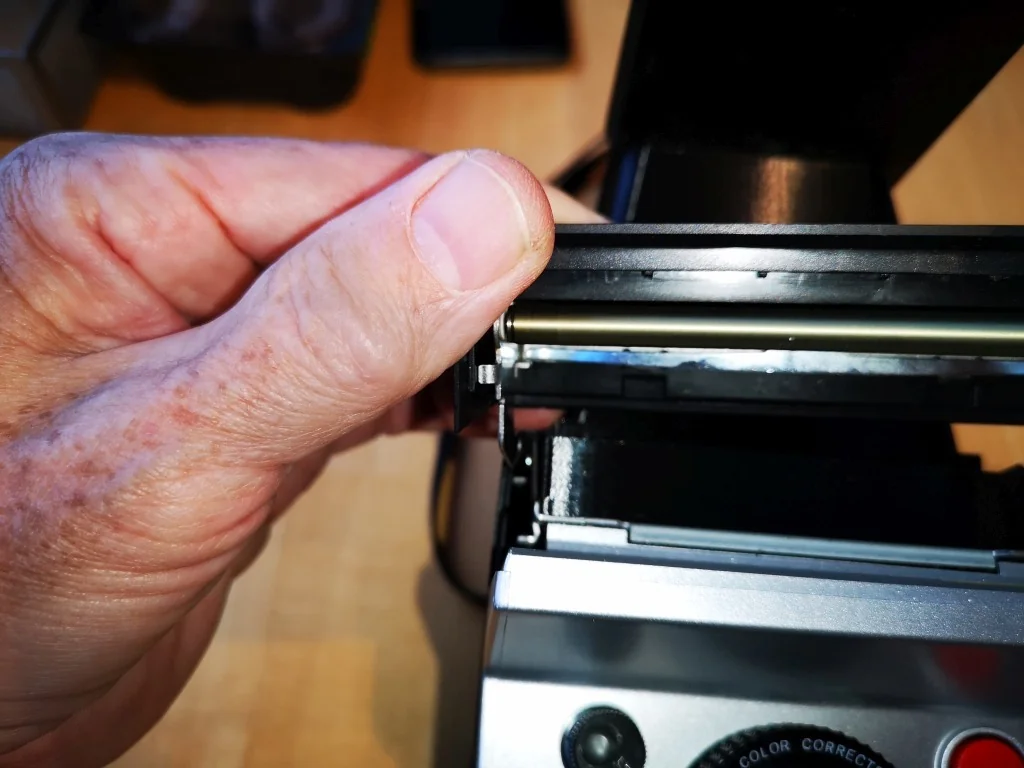
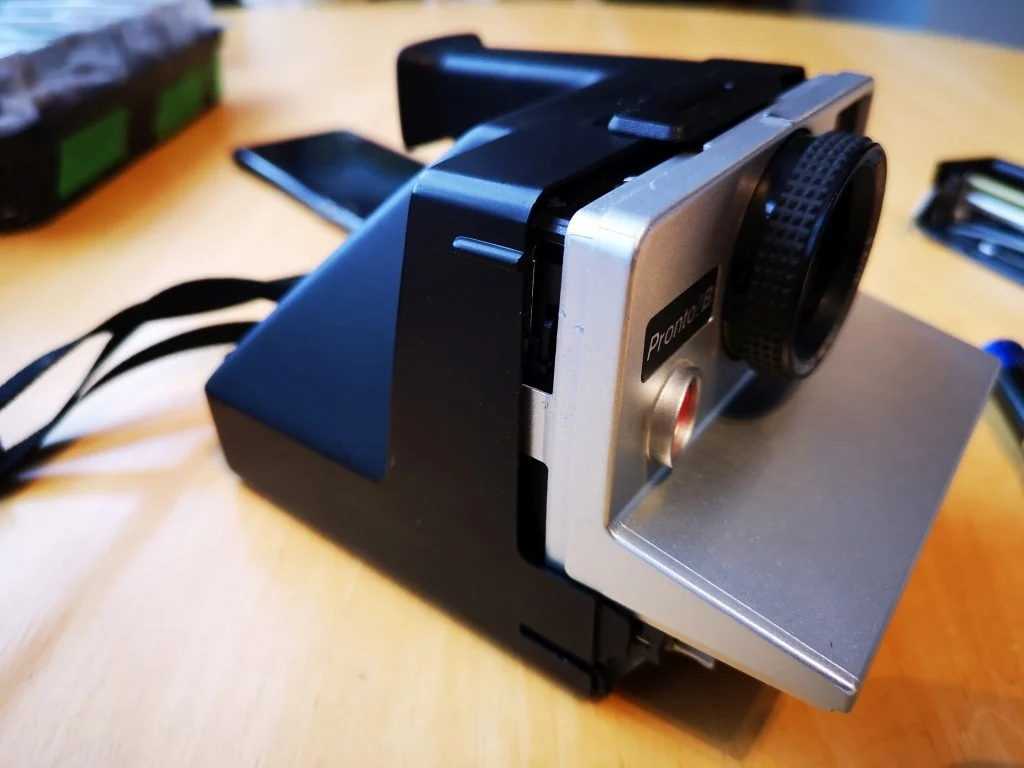

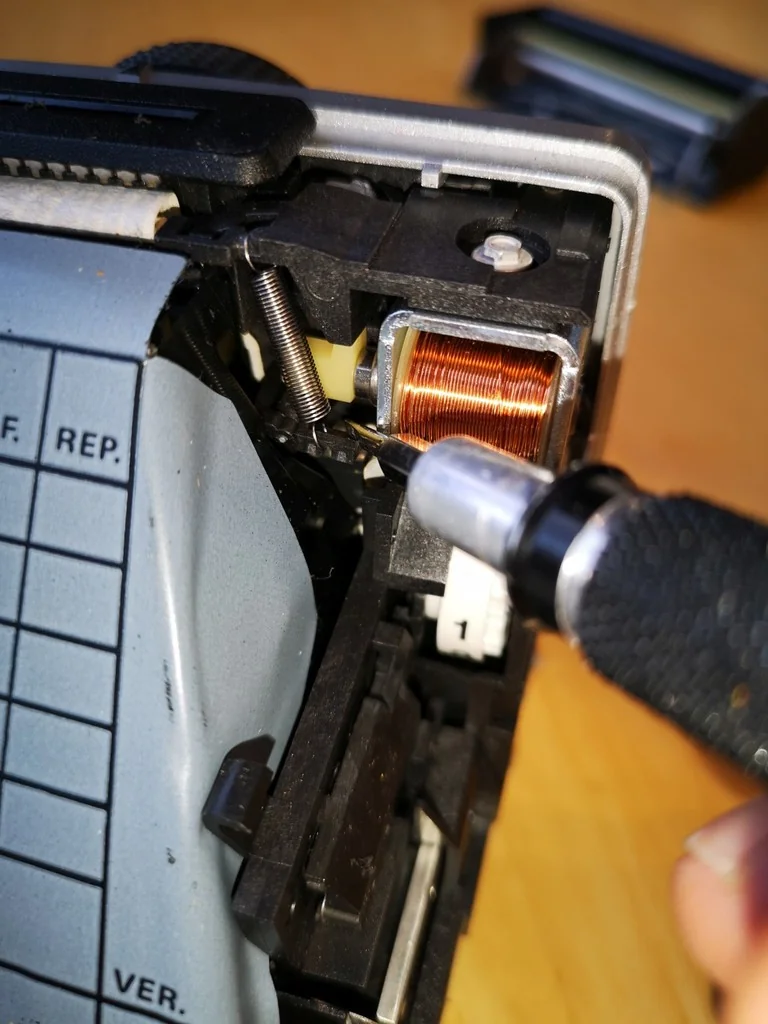
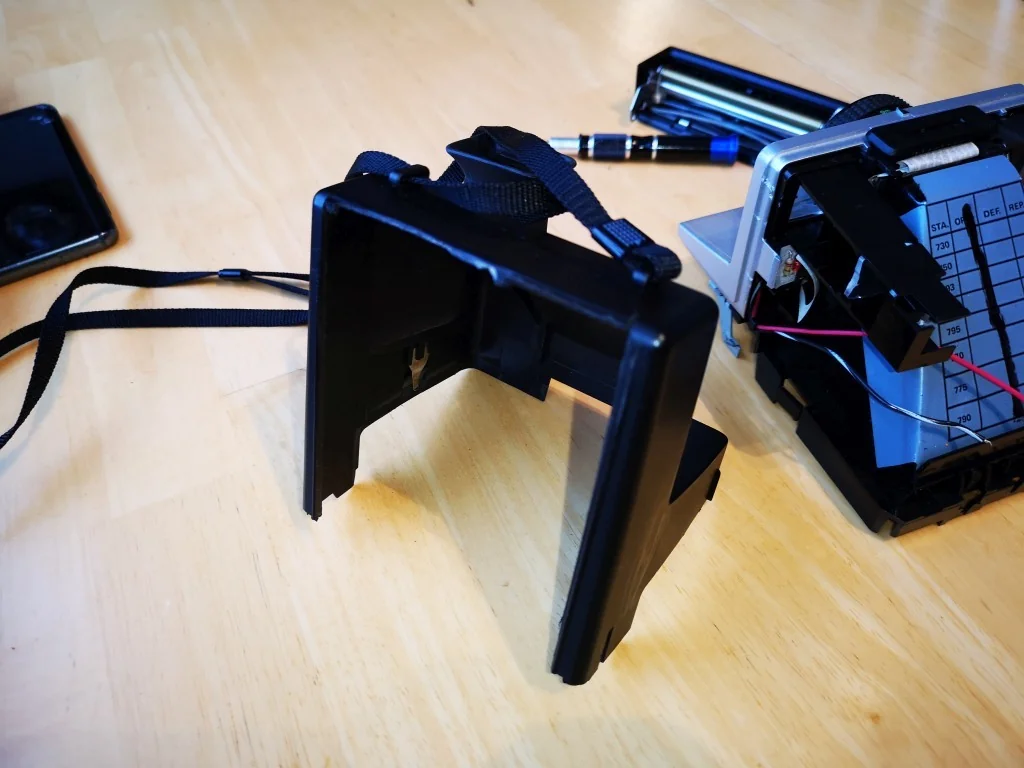
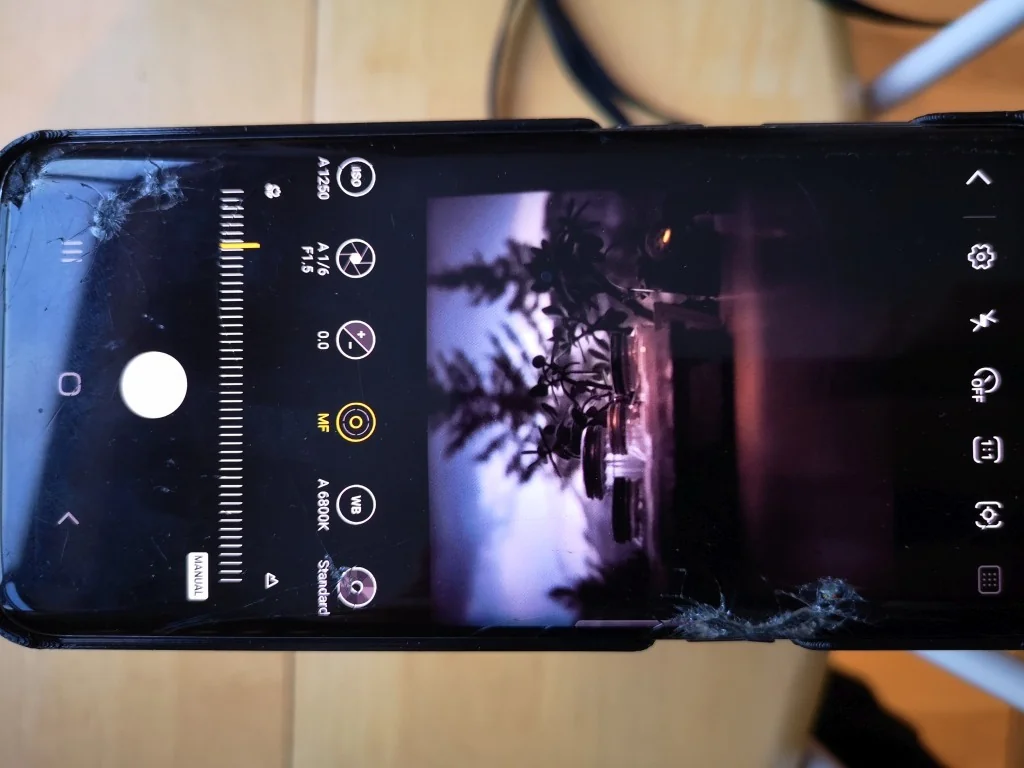
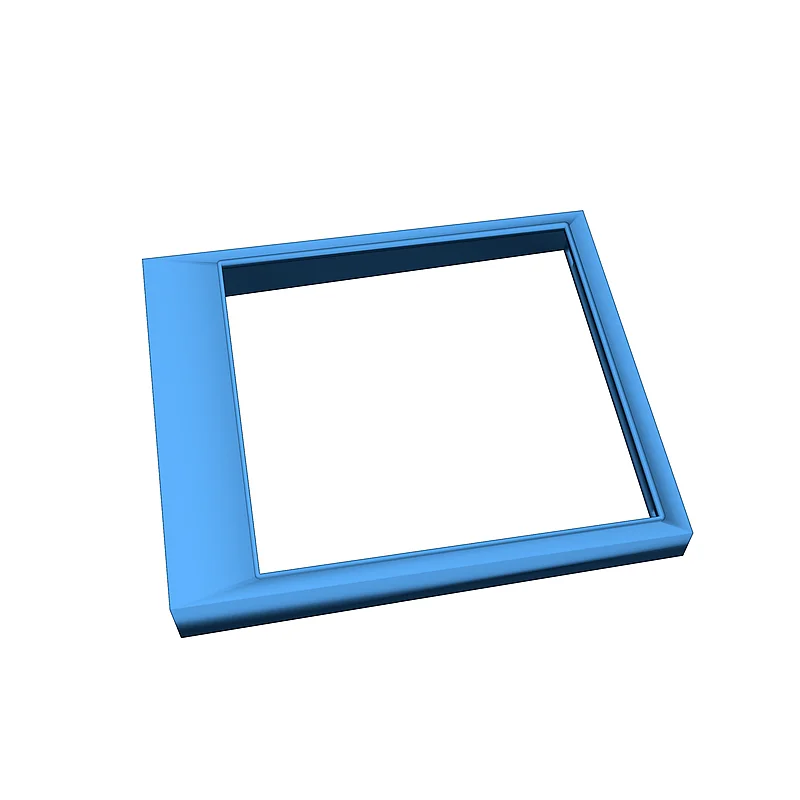

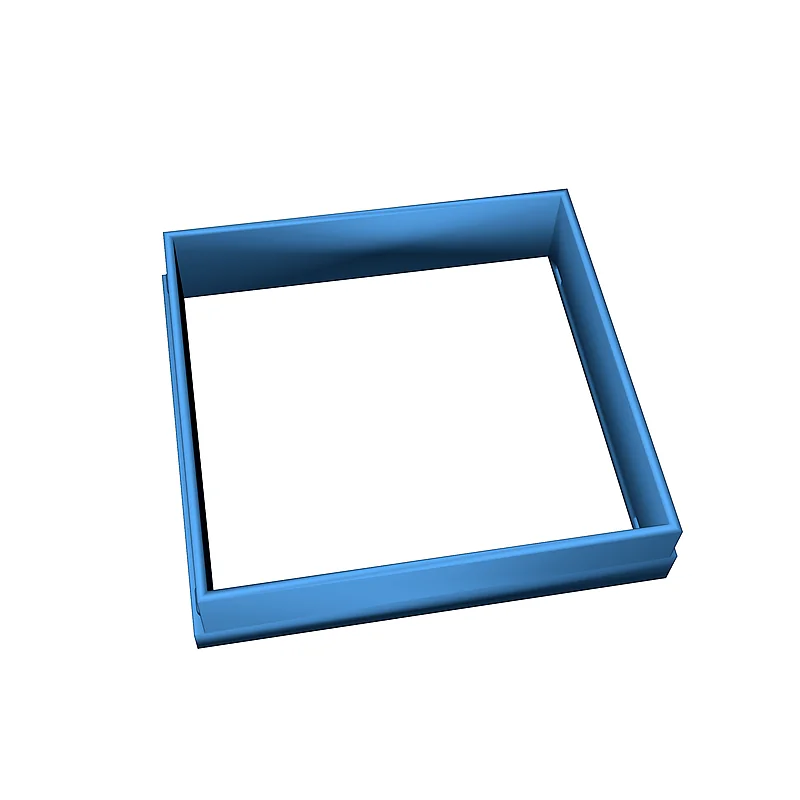
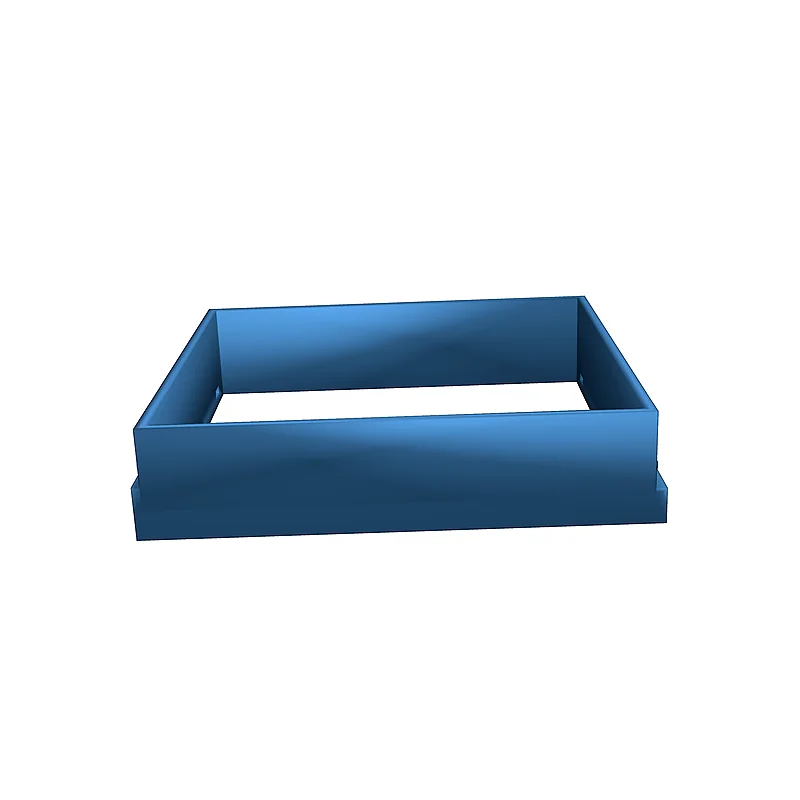
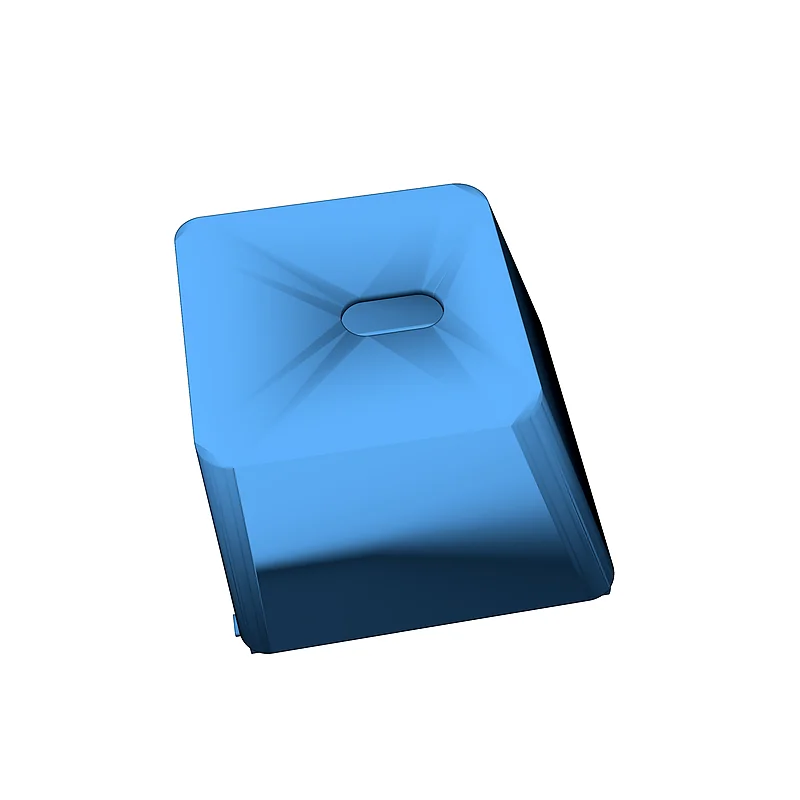
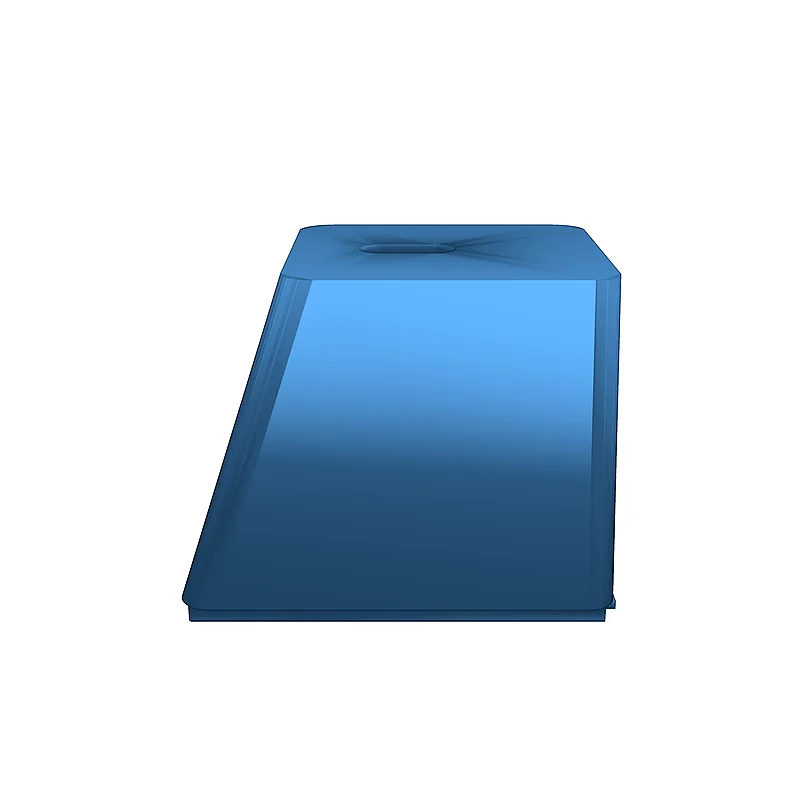
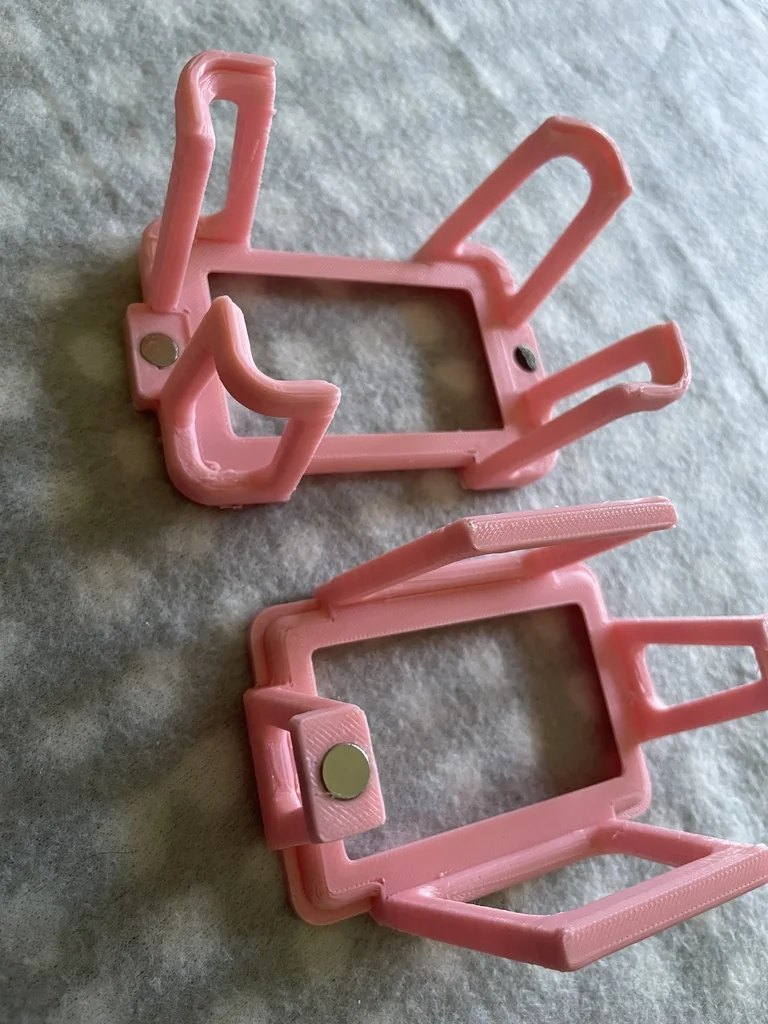
The SX-70 adapter allows you to use smartphones, such as the Samsung S9, for photography. Permanent modifications to the camera are required for installation.
Modification Process:
- Remove the film door and front cover.
- Take out the camera internals and flip the solenoid lever to keep the shutter open.
- Remove battery terminals and cut the bottom of the camera.
- Reassemble the camera with the adapter attached.
For optimal results, use a diffusion screen (like the Lee 400 filter) inside the cartridge. Attach an S9 case to the mount and connect it to the adapter, ensuring the camera is centered.
Set the S9 to Pro mode and take 1:1 photos. Switch the focus to manual mode for consistent focusing.
Category
Please login to post comments.
Information
- Author: admin
- Date: 12.03.2026
- Category: Gadgets & Electronics
- Views: 93
- Downloads: 71
- Likes: 0
- Images: 23
- Files: 3
Download ZIP
Model Author
![3D model Ender 3 [v2 neo] Filament Spool Holder Adapter STL](https://3dworkflow.fun/uploads/images/model_14491_preview.webp)
×
❮
![]() ❯
❯