3D Logo Model
admin | 30.11.2025
3D Preview
Loading 3D model...
LMB: Rotate | Scroll: Zoom | RMB: Pan
Gallery (3)

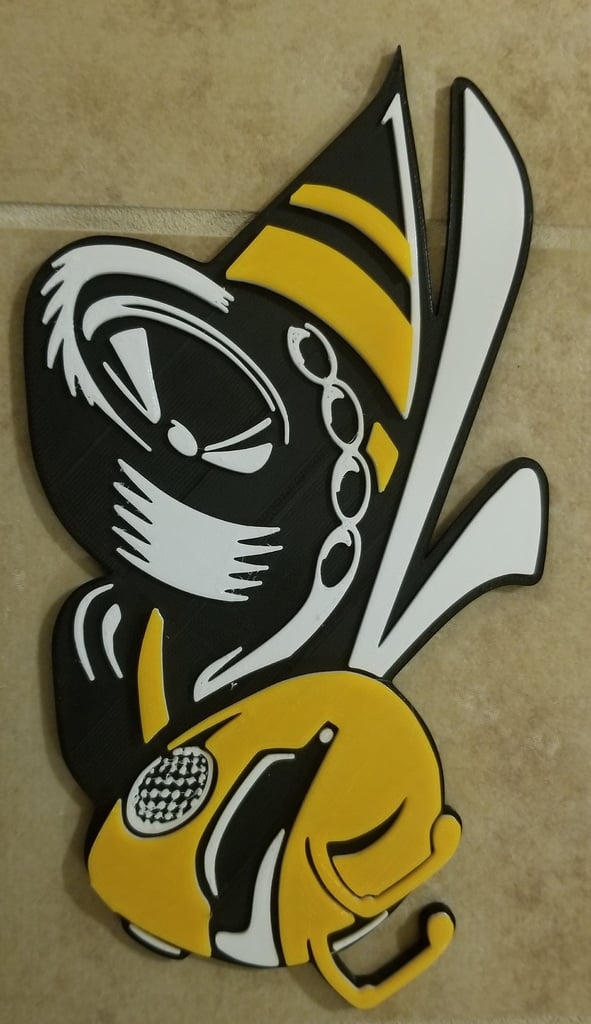
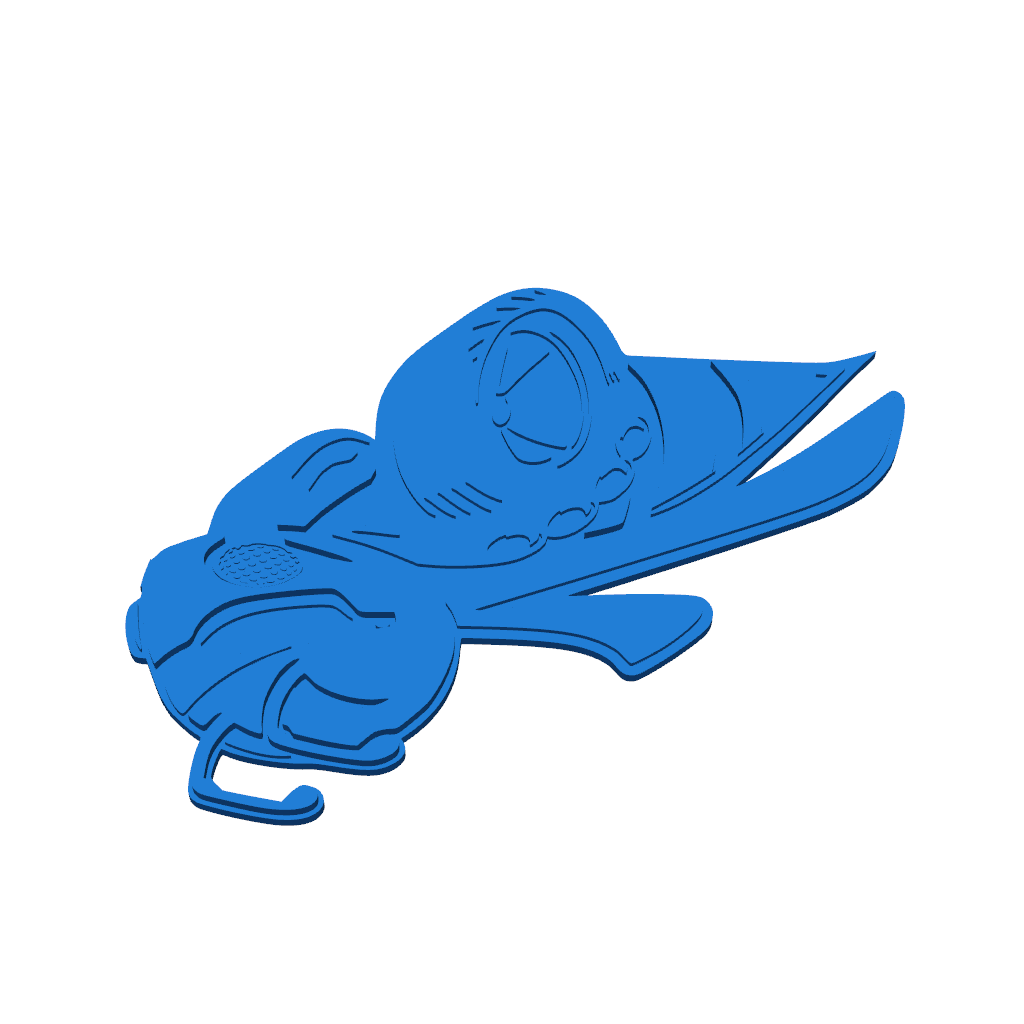
This project includes two models of the logo: one without the number 1320 and another with it. You can change the size of the logo by adjusting the scale on the silver part.
For multi-color printing, increase the layer height by 1mm for each color change. Add M600 to the G-code on the layers where you want to change colors.
Color order: 1st layer - black, 2nd layer - white, 3rd layer - yellow.
Category
Please login to post comments.
Information
- Author: admin
- Date: 30.11.2025
- Category: Art & Design
- Views: 112
- Downloads: 64
- Likes: 0
- Images: 3
- Files: 2
Download ZIP
Model Author
Similar models
×
❮
![]() ❯
❯