Instructions for Two-Color Printing
admin | 03.12.2025
3D Preview
Loading 3D model...
LMB: Rotate | Scroll: Zoom | RMB: Pan
Gallery (1)
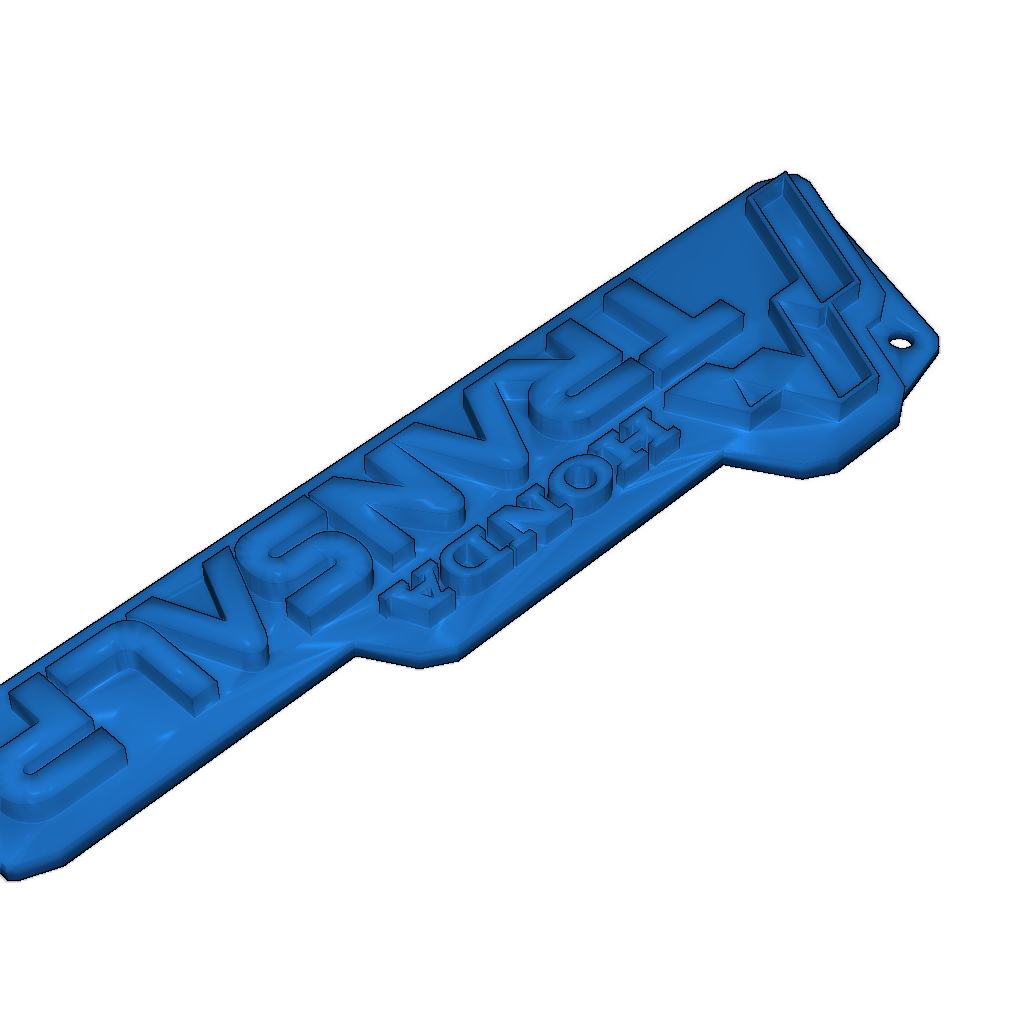
To enable two-color printing, you need to activate the "Post Processing Scripts" in Cura.
- Go to Extensions -> Post Processing -> Modify G-Code -> Pause at Height -> Layer XY
- The print pauses at the specified layer number. Change the filament.
- Press OK.
Programs used: Inkscape, Fusion 360, Cura. The Honda logo is the property of Honda.
-
Honda_Transalp_Keychain_v1.stlDownload
Please login to post comments.
Information
- Author: admin
- Date: 03.12.2025
- Category: Fashion & Accessories
- Views: 105
- Downloads: 44
- Likes: 0
- Images: 1
- Files: 1
Download ZIP
Model Author
Similar models


×
❮
![]() ❯
❯