Instructions for Printing Parts for RC Jeep
admin | 03.12.2025
3D Preview
Loading 3D model...
LMB: Rotate | Scroll: Zoom | RMB: Pan
Gallery (10)


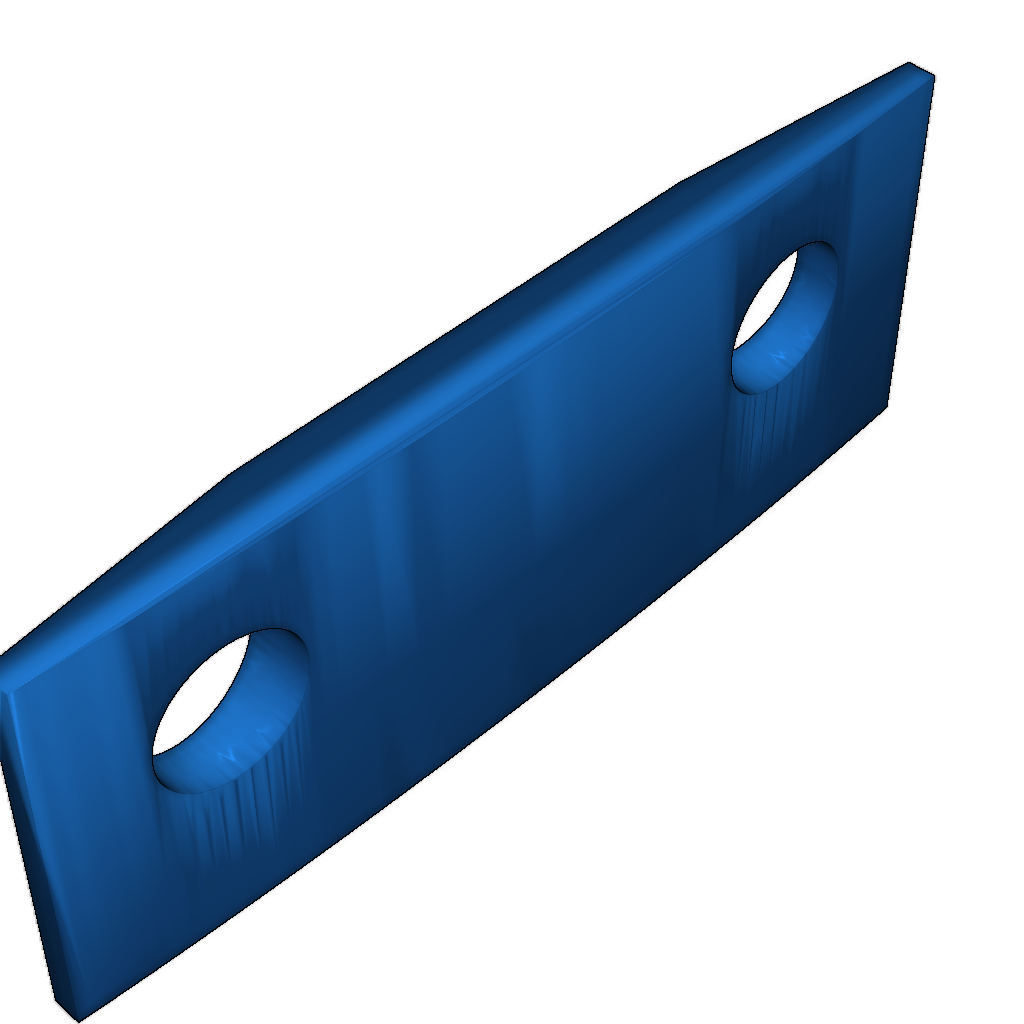
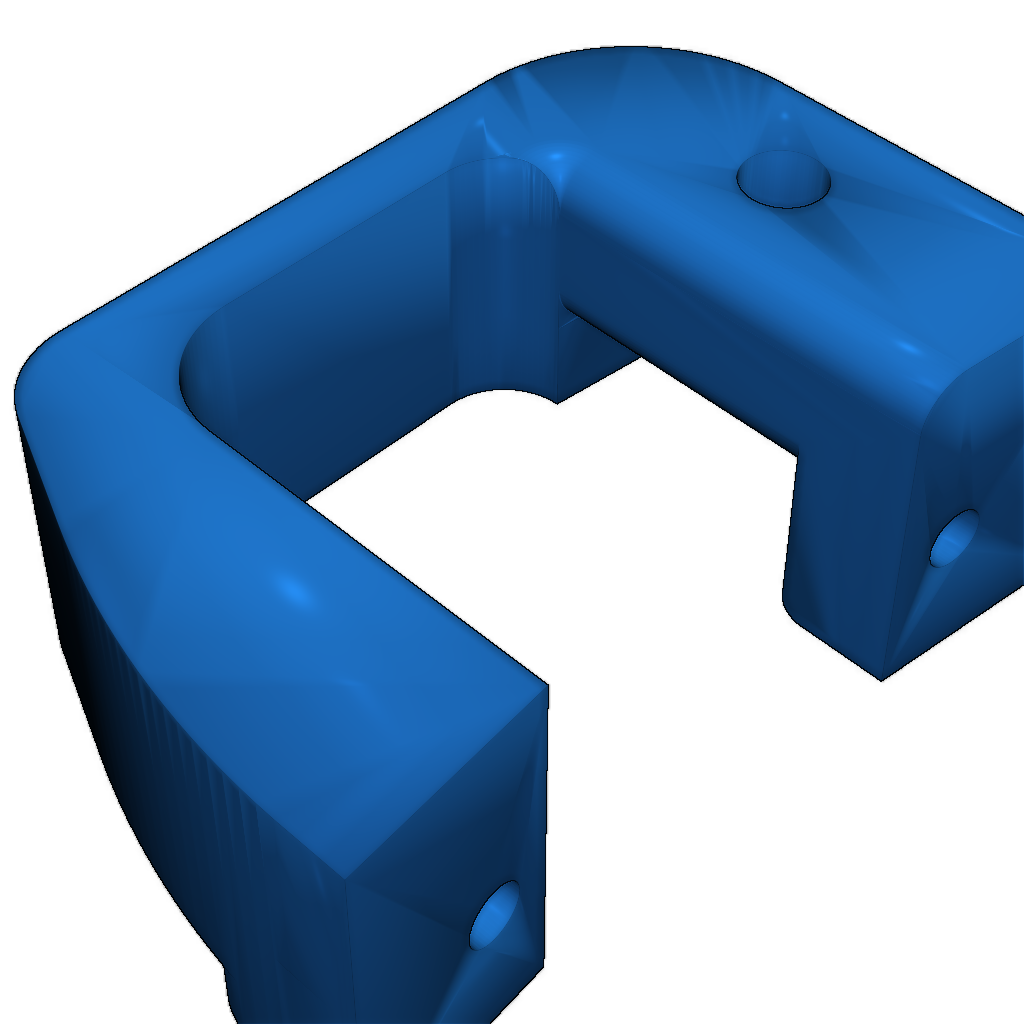
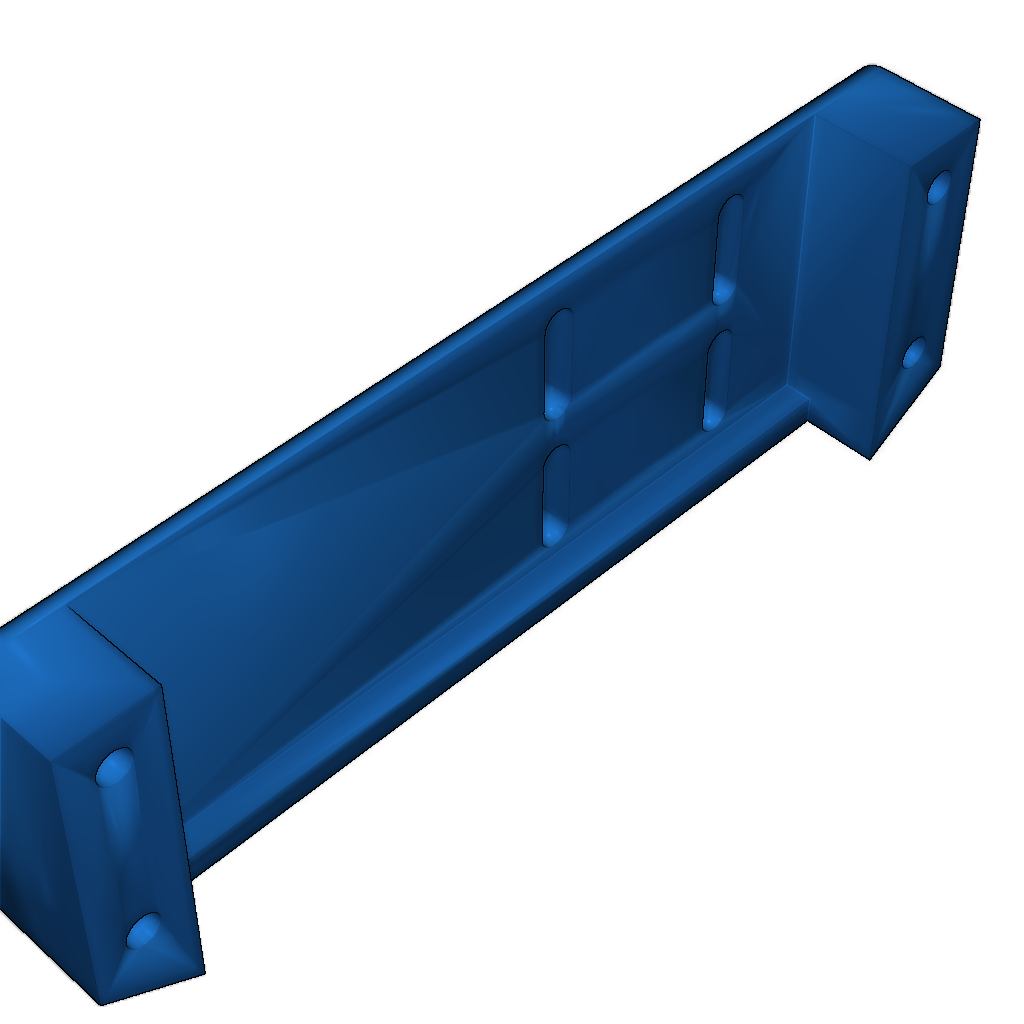
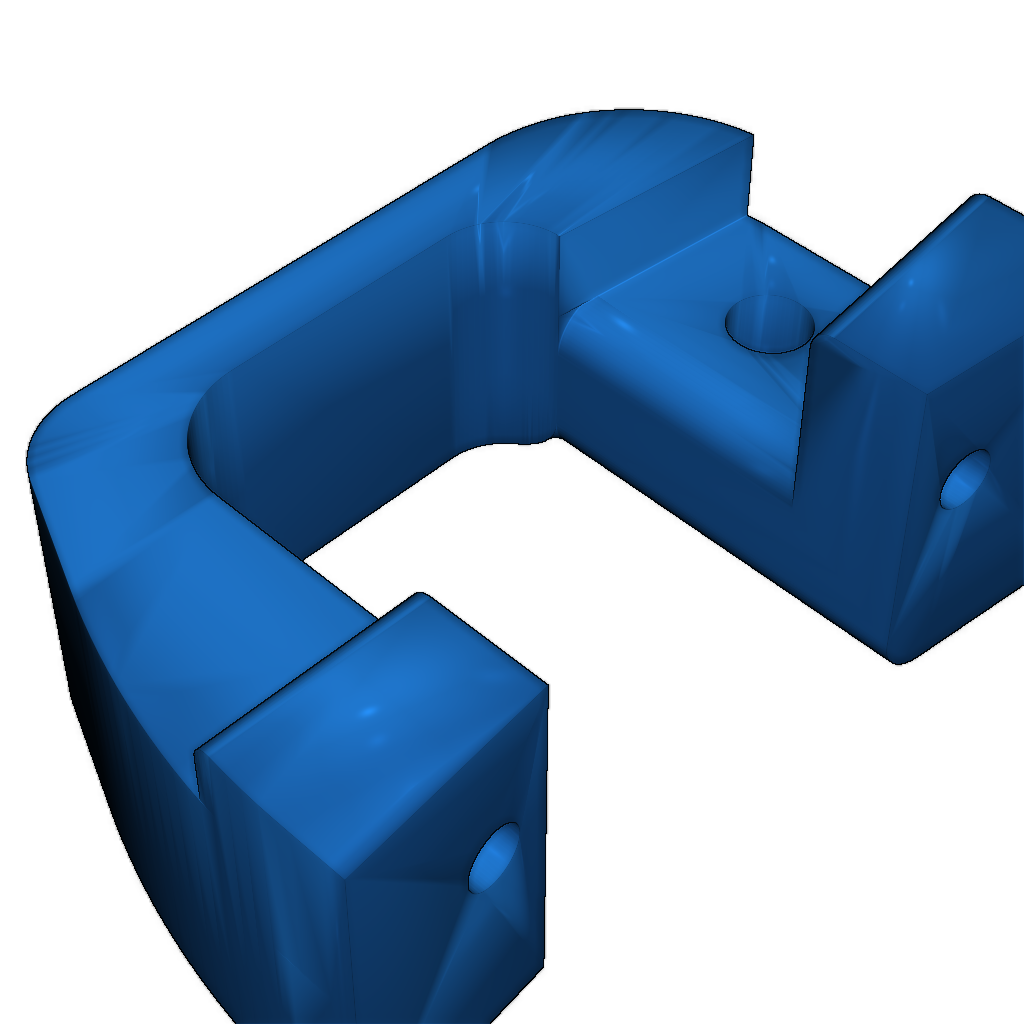
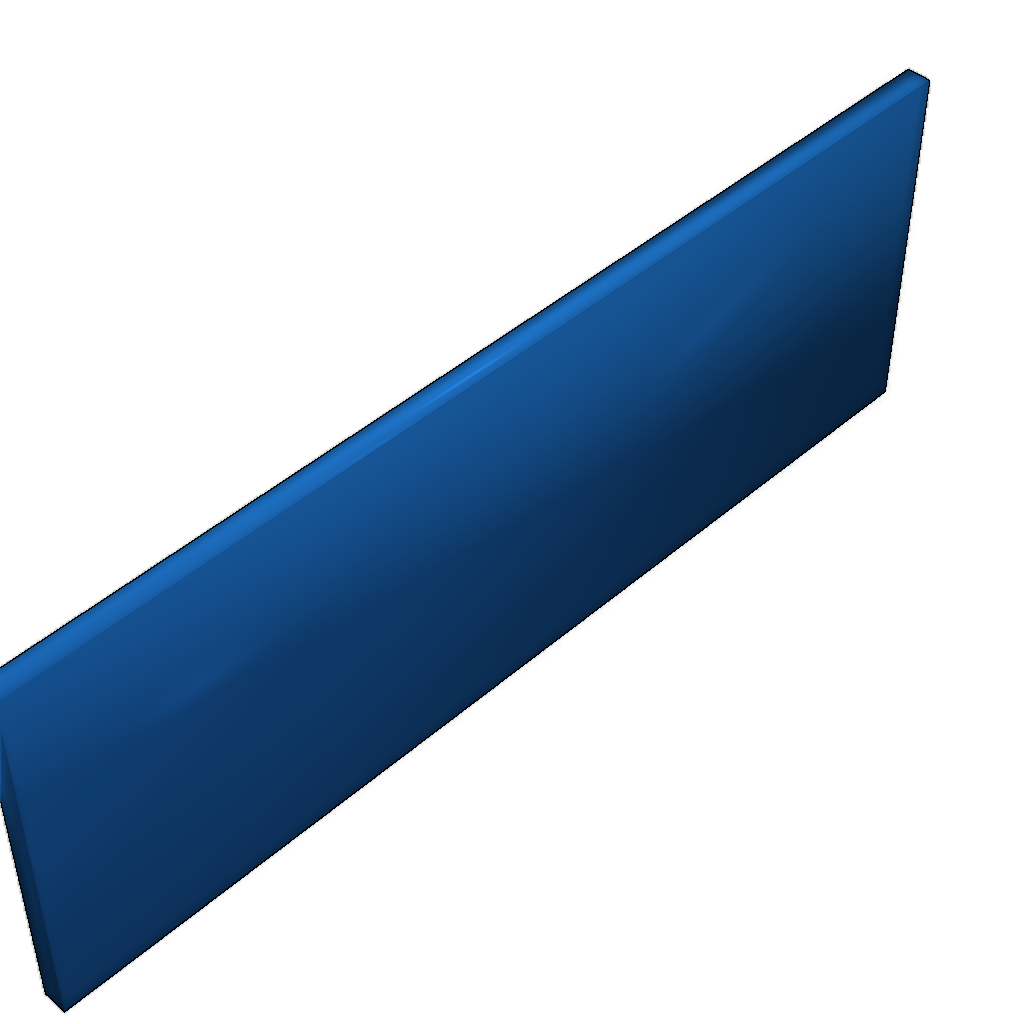

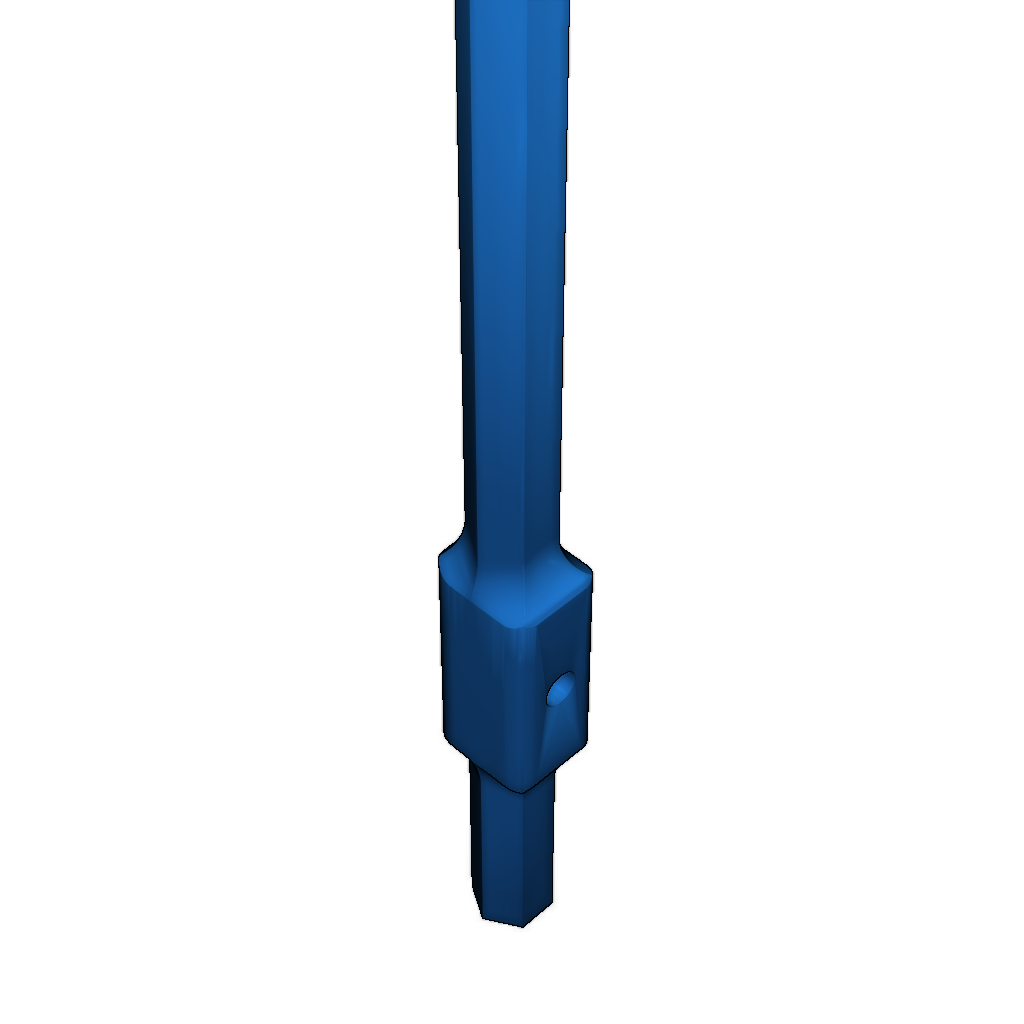
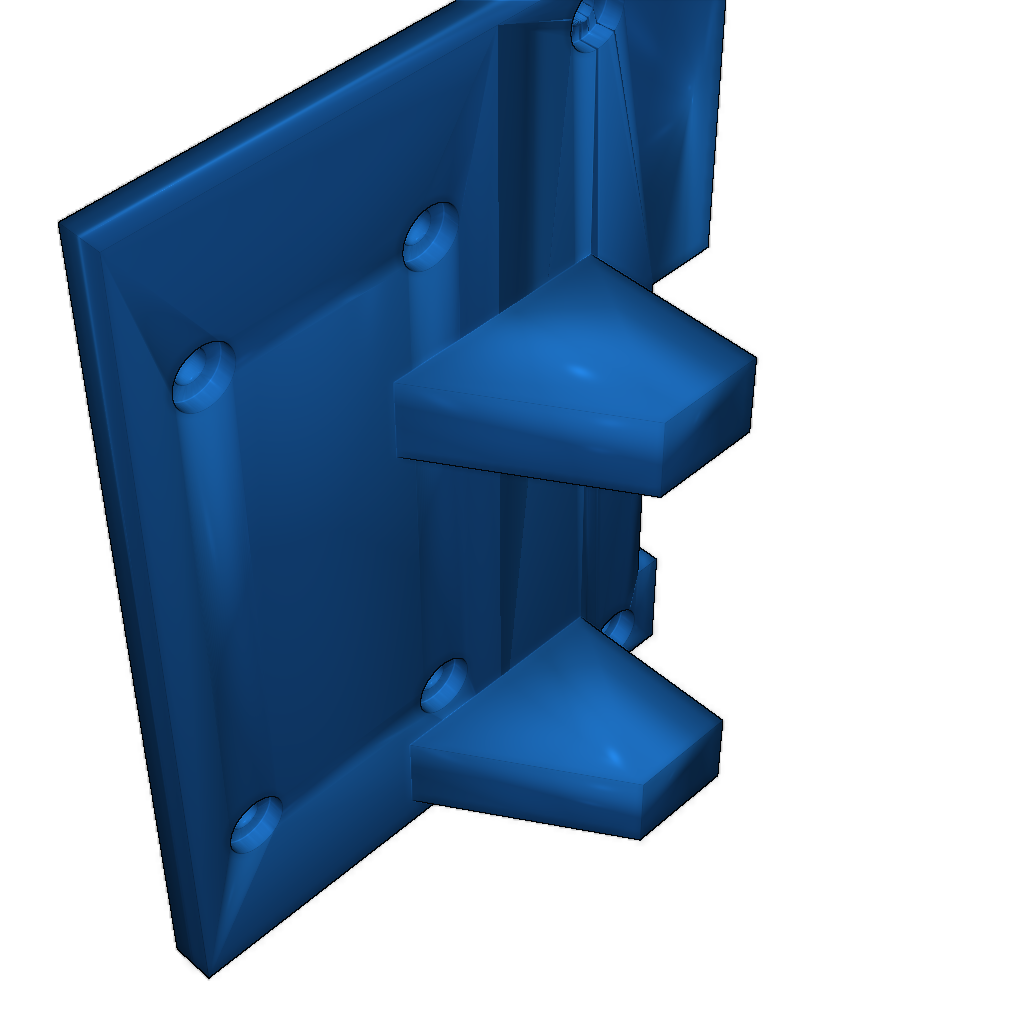
This guide contains instructions for printing parts for a 1/10 scale RC Jeep model.
Step 1: Download all necessary parts from the following link: Ossum listing.
- Apply a scale of 133% (1.33) in Cura settings.
- Recommended to print with 10% infill and one piece unless stated otherwise.
Required files for printing:
- bumpers:
- bumper_front.stl
- bumper_rear.stl
- Dashboard:
- dashboard_et_al.stl
- Fenders:
- fender_left.stl
- fender_right.stl
- Floor and other parts:
- front_floor_and_tub.stl
- grill.stl
- handle_side.stl (2x)
- headlamp.stl (2x, transparent).
- hitch.stl
- hood.stl
- And others:
- leaf_thin.stl (4x, 50% infill)
- rail_front_left.stl (100% infill)
- rail_front_right.stl (100% infill)
- rail_rear_left.stl (100% infill)
- rail_rear_right.stl (100% infill)
- rear_floor
- rear_handle.stl (2x)
- seat_frame_left.stl (2x)
- seat_frame_right.stl (2x)
- servo_and_Shock_supports.stl (cut the middle bridge)
- shackle_a.stl (4x)
- shackle_b.stl (4x)
- suspension_bracket.stl (4x)
- tailgate.stl
- tub_wall_rear_left.stl
- tub_wall_rear_right.stl
- windscreen_frame.stl
- windscreen_insert.stl
Step 2: Download and print additional parts for compatibility with 1/10 scale parts:
- HG_Axle_Clamp_A.stl (2x, 100% infill)
- HG_Axle_Clamp_B.stl (2x, 100% infill)
- Clamp_Spacer_1mm_A.stl (2x, 100% infill)
- Clamp_Spacer_1mm_B.stl (2x, 100% infill)
- Engine_mount_V2.stl (50% infill)
- Engine_Bay_Servo_Mount_V2.stl (50% infill)
- Steering_rack.stl (100% infill)
- Engine_bay_cover.stl (2x, cut bridge and cover hole)
- Steering_rack_Spacer_3mm & 5mm.stl (optional)
Step 3: For the wheels, download them from this link: Wheels/Rim.
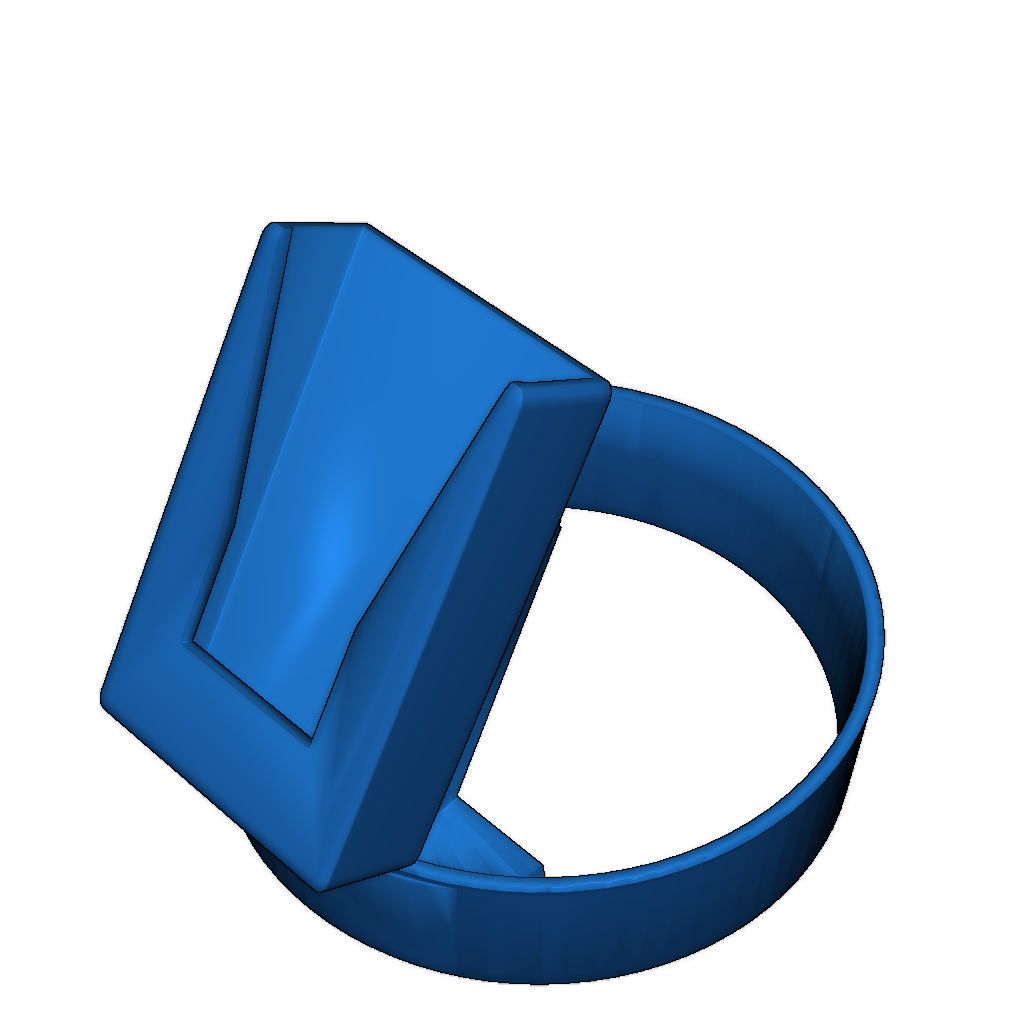
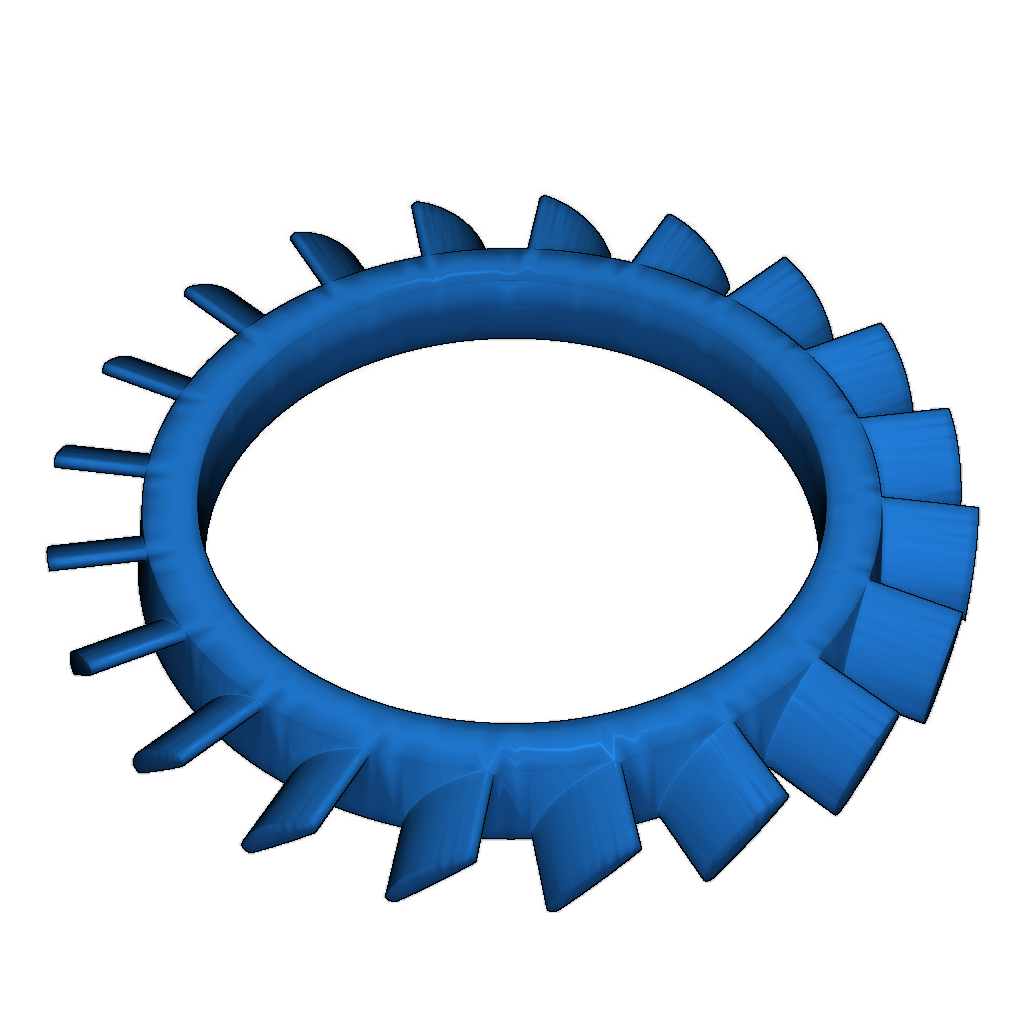
Also, print the Ring for using aftermarket tires.
Step 4: Links to buy parts:
- HG Axle Rear (affordable)
- HG Axle Front (affordable)
-
Steering_Rack_Spacer_5mm.stlDownload
-
Steering_Rack_Spacer_3mm.stlDownload
-
Clamp_Spacer_1mm_B.stlDownload
-
HG_Axle_Clamp_A.stlDownload
-
Engine_mount_V2.stlDownload
-
HG_Axle_Clamp_B.stlDownload
-
Engine_bay_cover.stlDownload
-
Clamp_Spacer_1mm_A.stlDownload
-
Steering_rack.stlDownload
-
Engine_Bay_Servo_Mount_V2.stlDownload
Please login to post comments.
Information
- Author: admin
- Date: 03.12.2025
- Category: Auto & Moto
- Views: 125
- Downloads: 221
- Likes: 0
- Images: 10
- Files: 10
Download ZIP
Model Author
Similar models

×
❮
![]() ❯
❯