Print the Lenses in Transparent Filament
admin | 03.12.2025
3D Preview
Loading 3D model...
LMB: Rotate | Scroll: Zoom | RMB: Pan
Gallery (2)
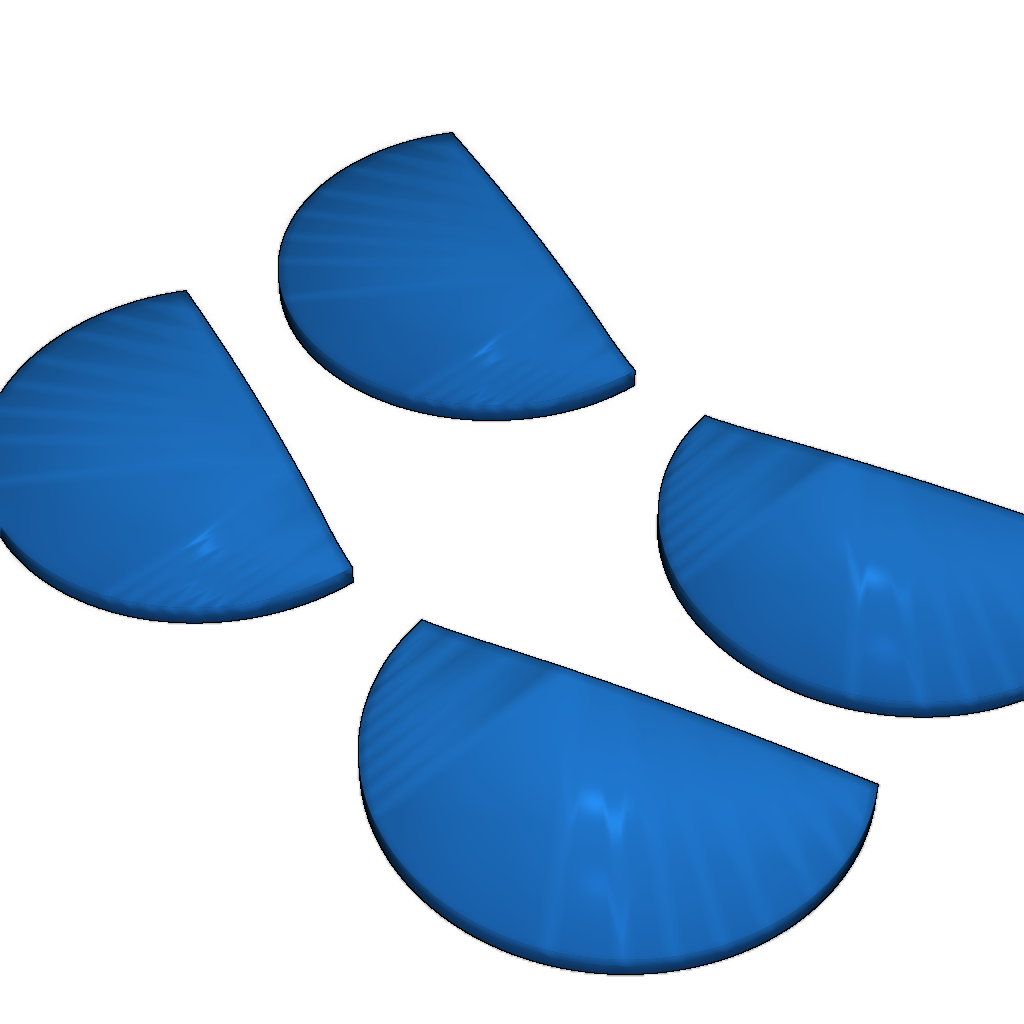
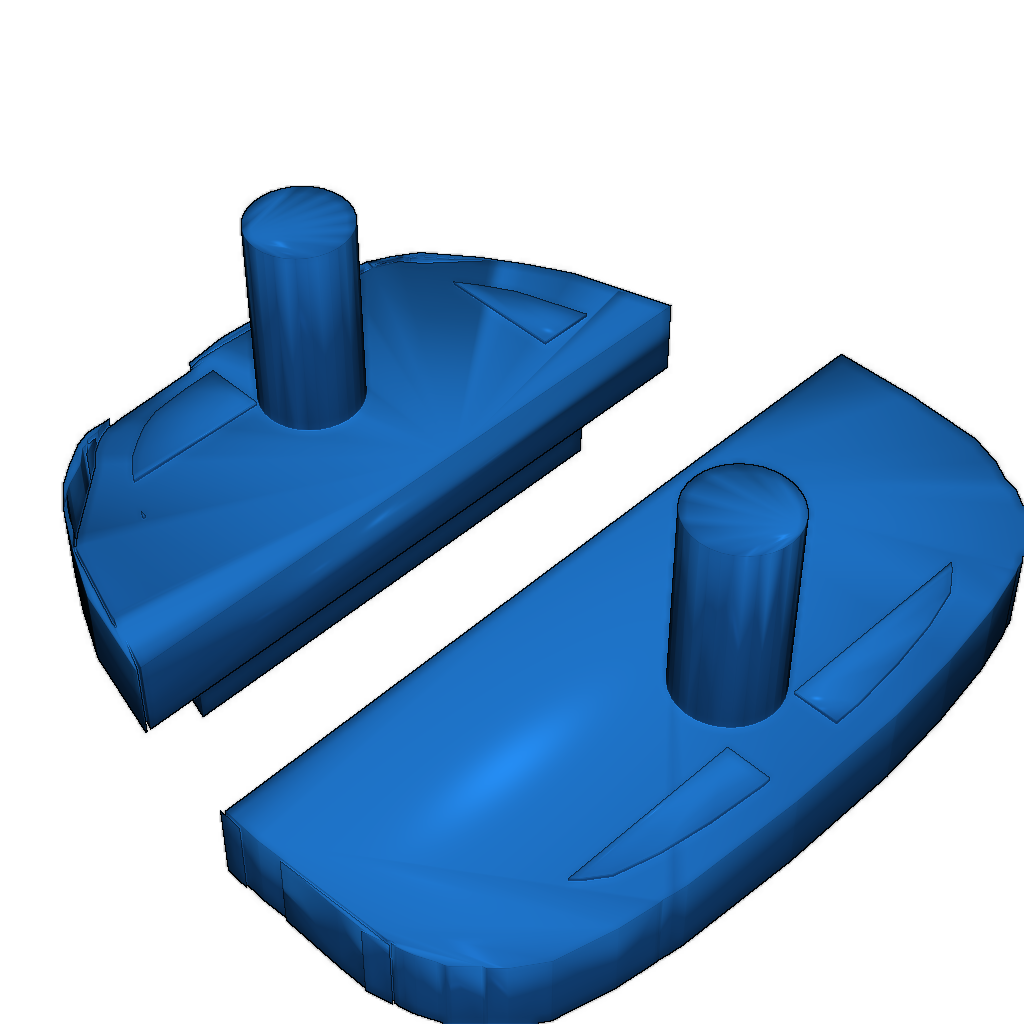
To print the lenses, use transparent filament. Print settings:
- Extrusion temperature: 210-230°C
- Print speed: 50-70 mm/s
- Cooling: 100% for better clarity
Instructions:
- Ensure the platform is well-calibrated.
- Use adhesive for better bed adhesion.
Please login to post comments.
Information
- Author: admin
- Date: 03.12.2025
- Category: Auto & Moto
- Views: 111
- Downloads: 61
- Likes: 0
- Images: 2
- Files: 2
Download ZIP
Model Author
Similar models


×
❮
![]() ❯
❯