LED Sign
admin | 04.12.2025
3D Preview
Loading 3D model...
LMB: Rotate | Scroll: Zoom | RMB: Pan
Gallery (4)
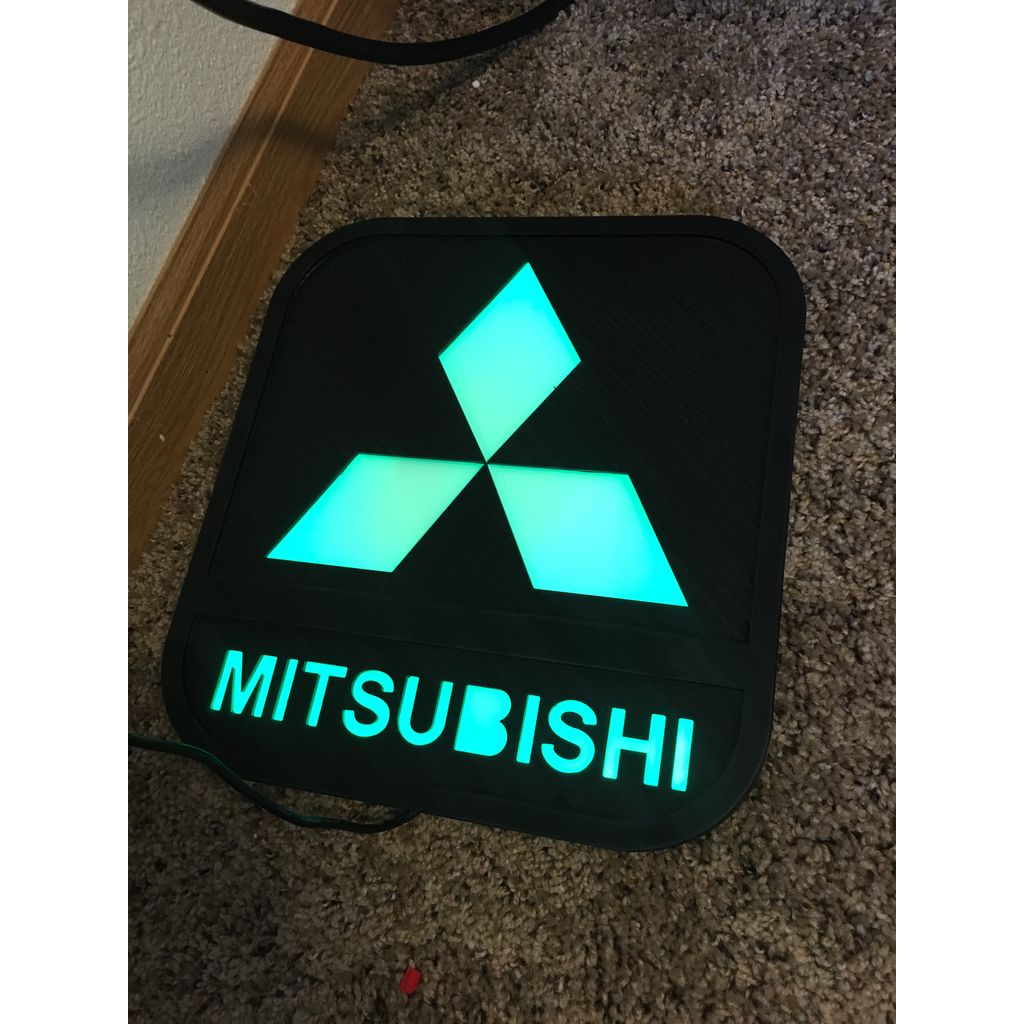
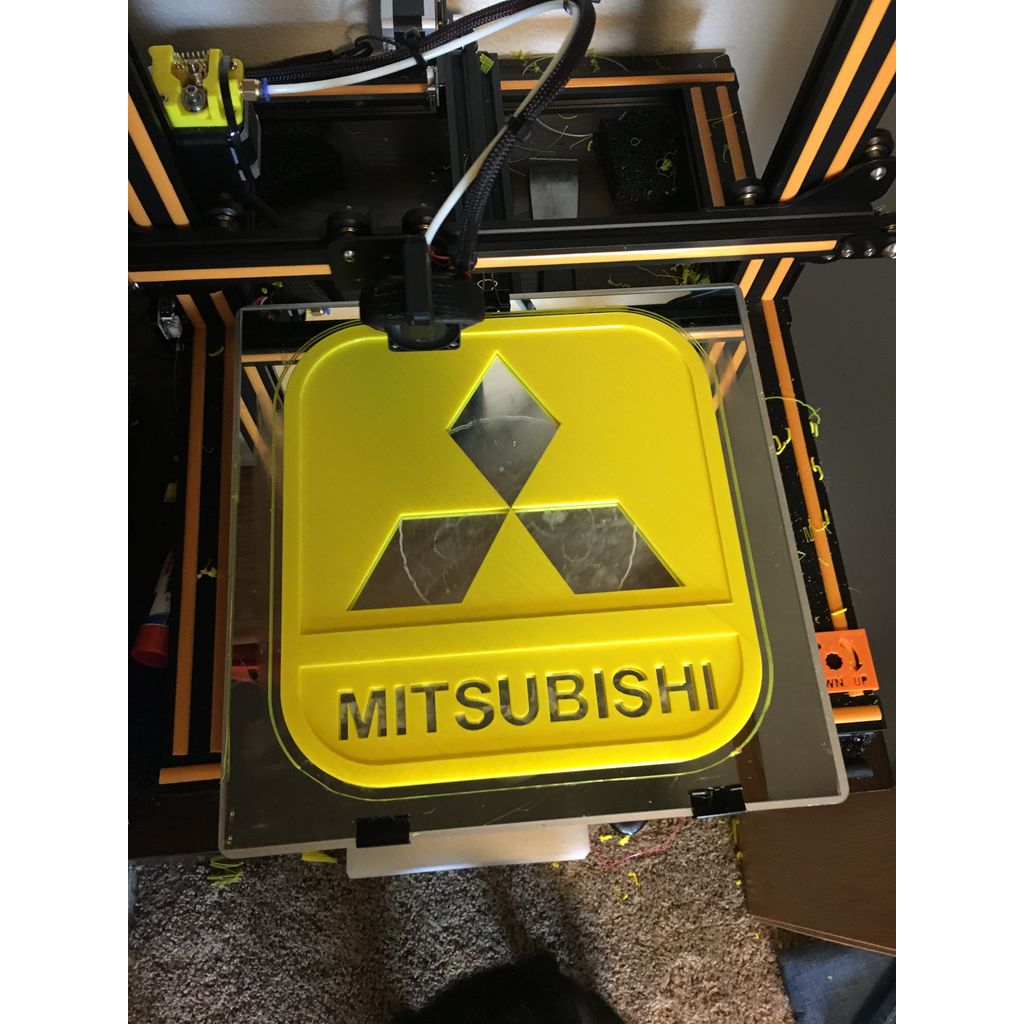

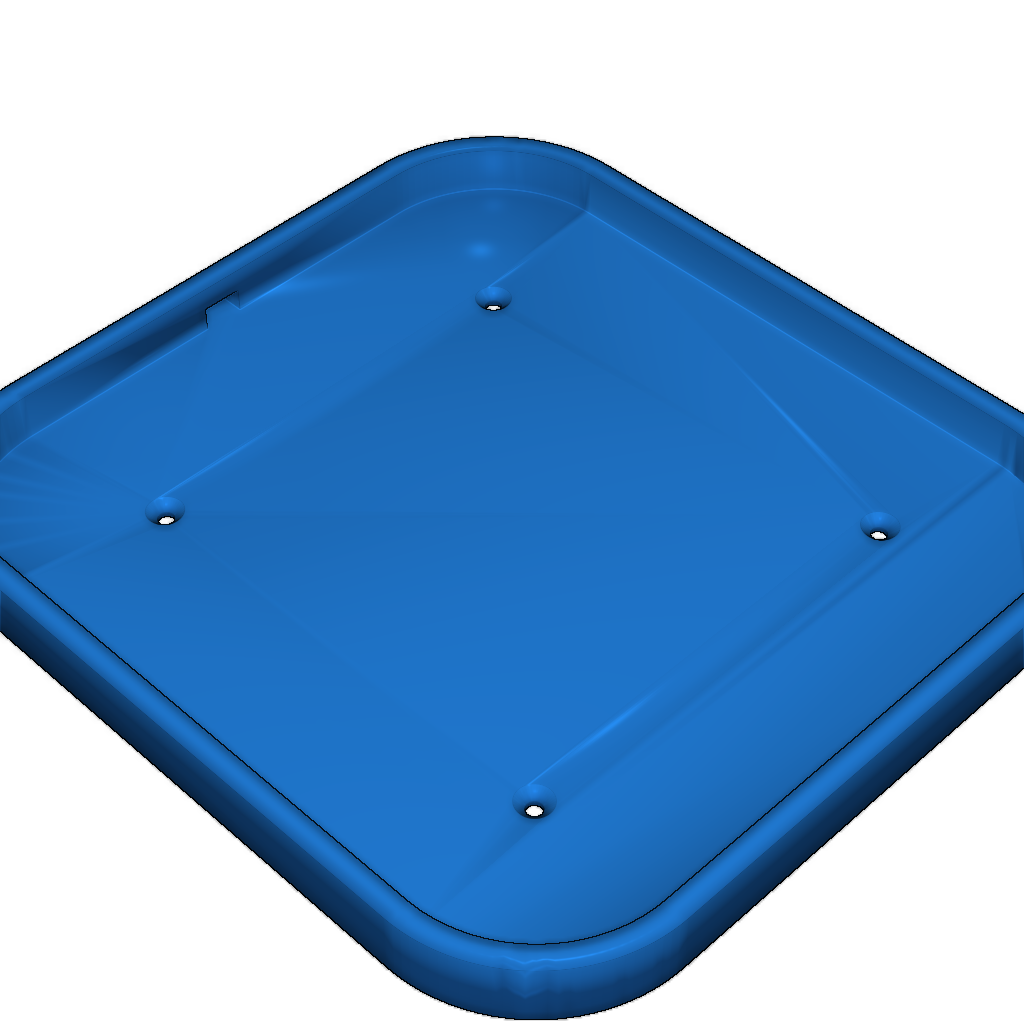
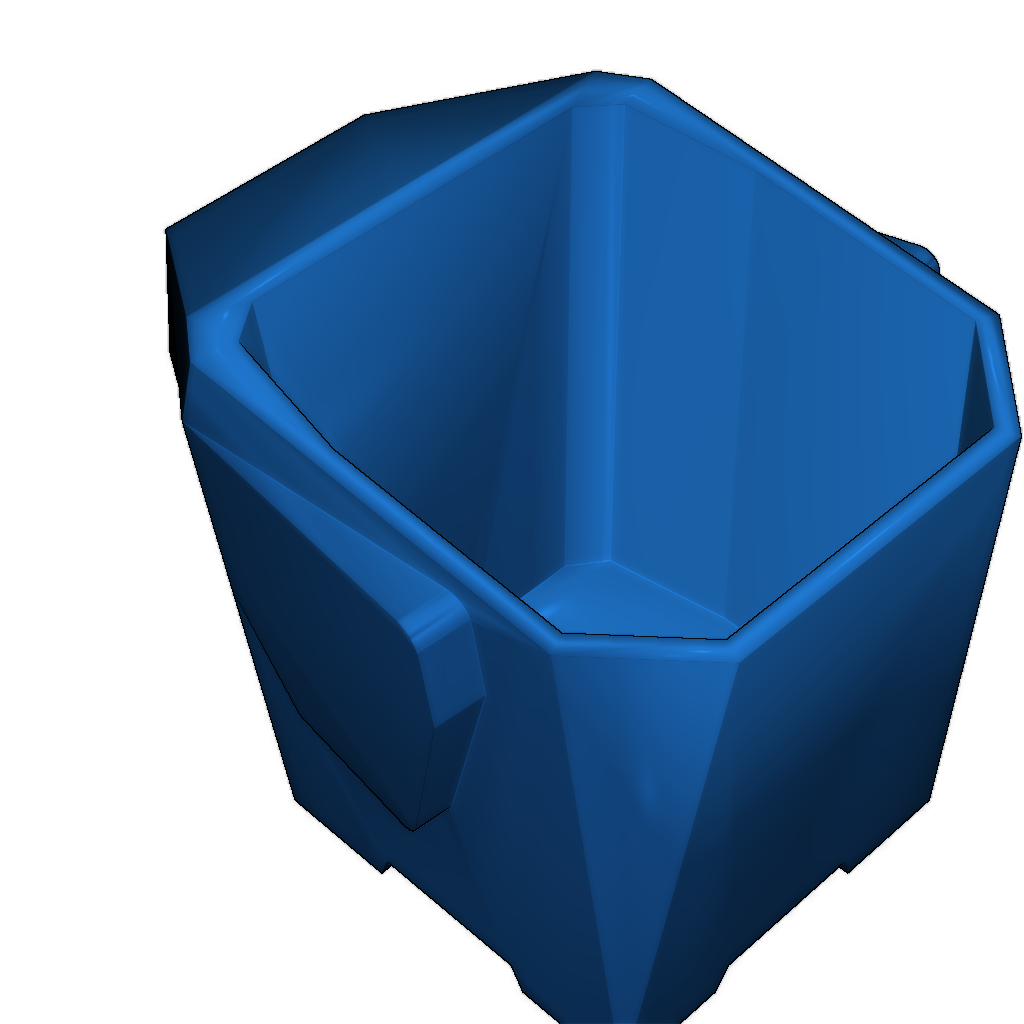
This is a LED sign designed in Inventor Pro. To create it, use a piece of foamboard or plastic with frosting spray and glue it to the back of the front plate. Line the inside with aluminum tape and install LED string lights.
Instructions:
- Use foamboard or plastic.
- Apply frosting spray to the back of the front plate.
- Glue the frosted surface to the back of the front plate.
- Line the inside with aluminum tape.
- Install the LED string lights inside the structure.
Category
Please login to post comments.
Information
- Author: admin
- Date: 04.12.2025
- Category: Other
- Views: 128
- Downloads: 66
- Likes: 0
- Images: 4
- Files: 2
Download ZIP
Model Author
Similar models




×
❮
![]() ❯
❯