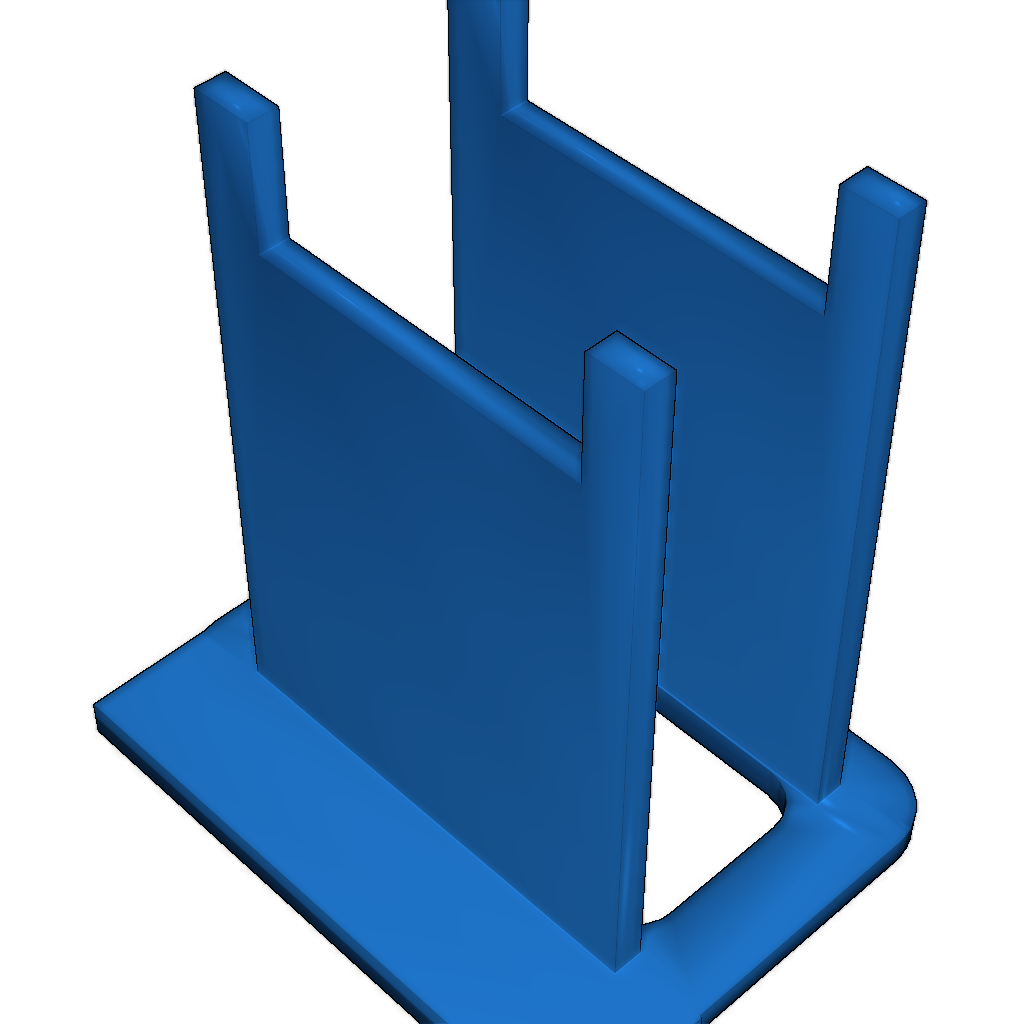
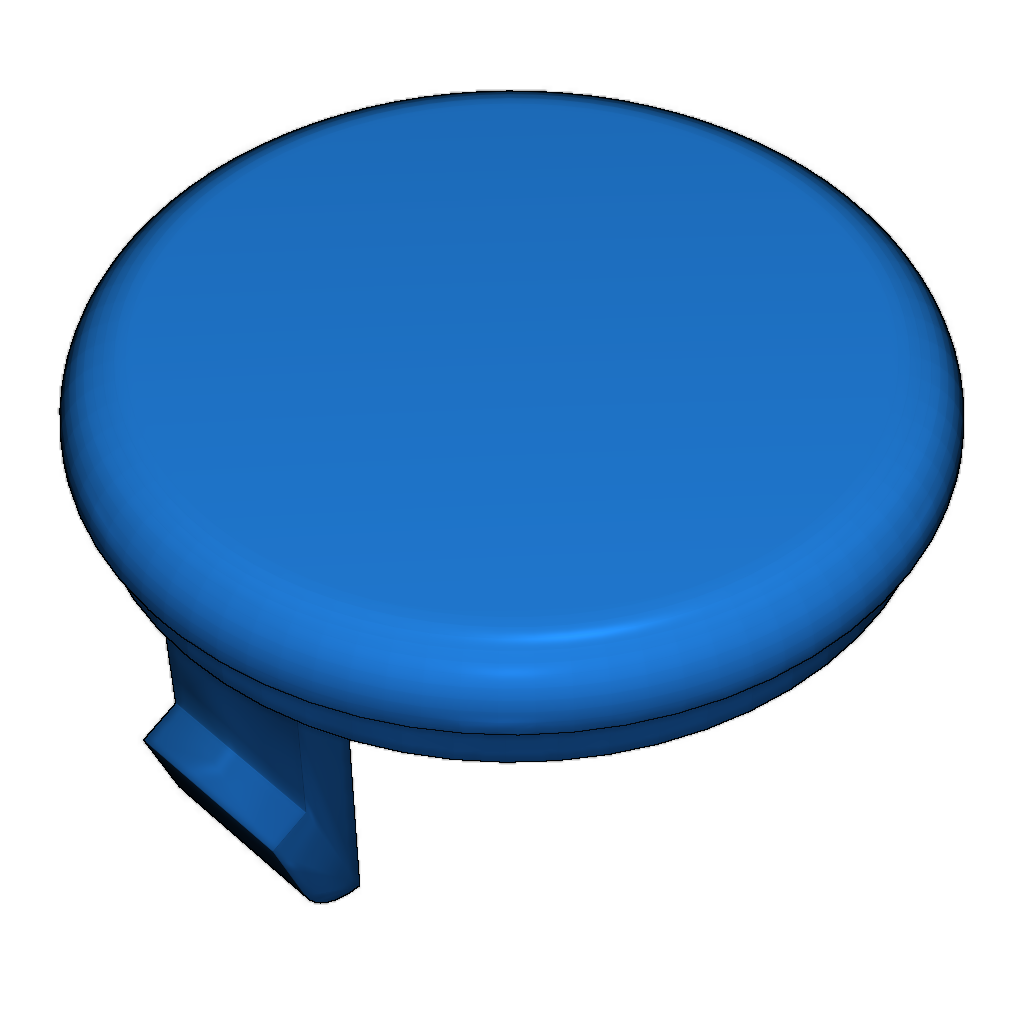
Mitsubishi Pajero Parts
admin | 04.12.2025
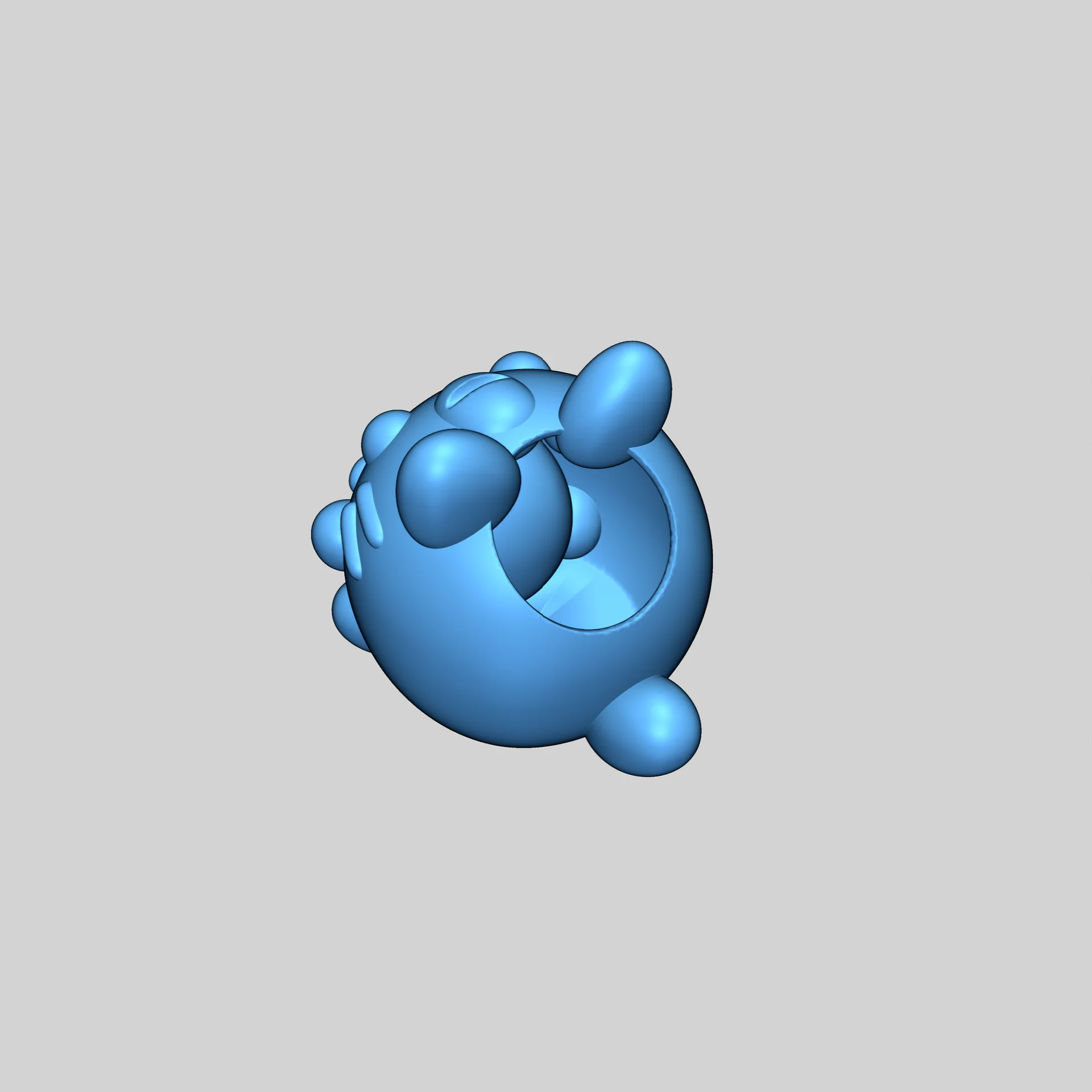
3D Preview
Loading 3D model...
LMB: Rotate | Scroll: Zoom | RMB: Pan
Gallery (3)

Print Settings:
- Ensure your 3D printer is properly calibrated.
- Use recommended temperature settings for the material.
- Adjust print speed based on the complexity of the model.
Instructions:
- Download the model.
- Import the file into slicing software.
- Prepare the model for printing and start the process.
Category
Please login to post comments.
Information
- Author: admin
- Date: 04.12.2025
- Category: Other
- Views: 135
- Downloads: 88
- Likes: 0
- Images: 3
- Files: 3
Download ZIP
Model Author
Similar models

×
❮
![]() ❯
❯