Desk Organizer Model
admin | 04.12.2025
3D Preview
Loading 3D model...
Gallery (8)
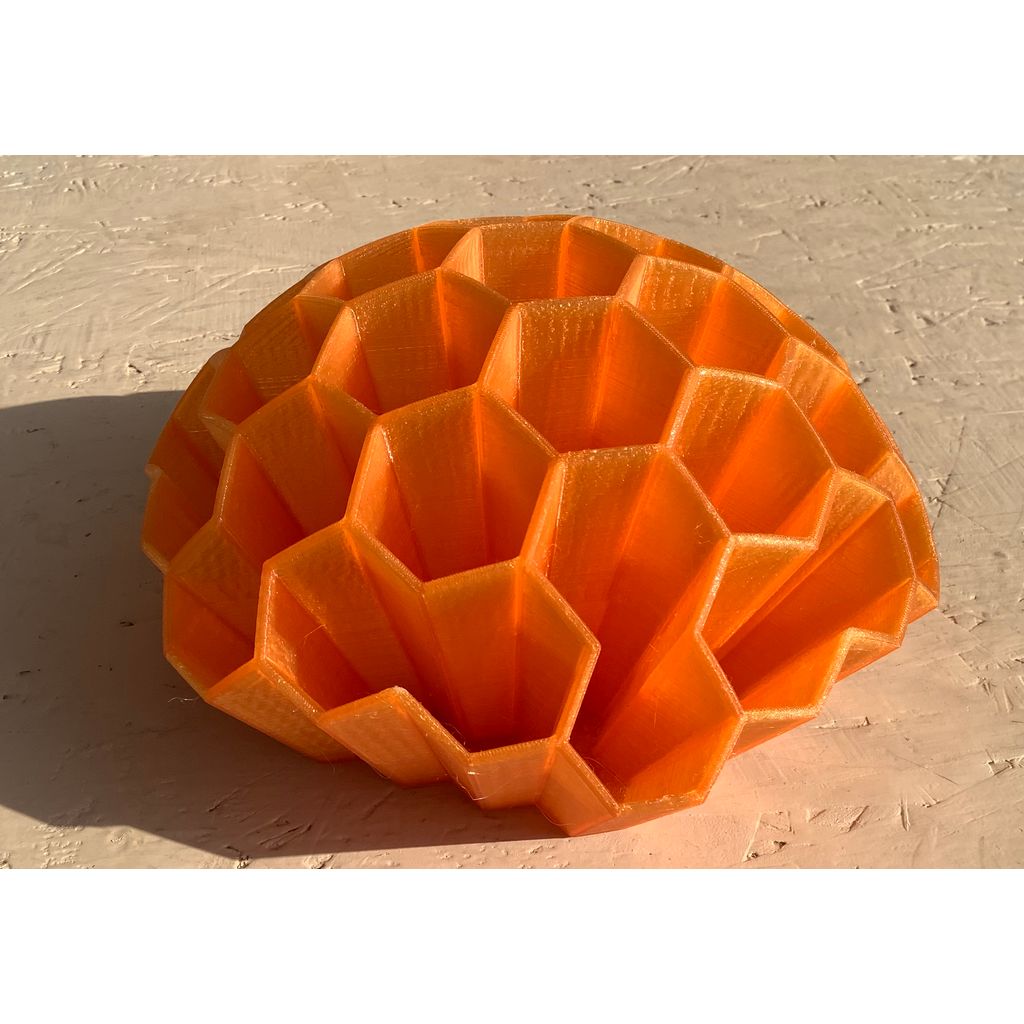
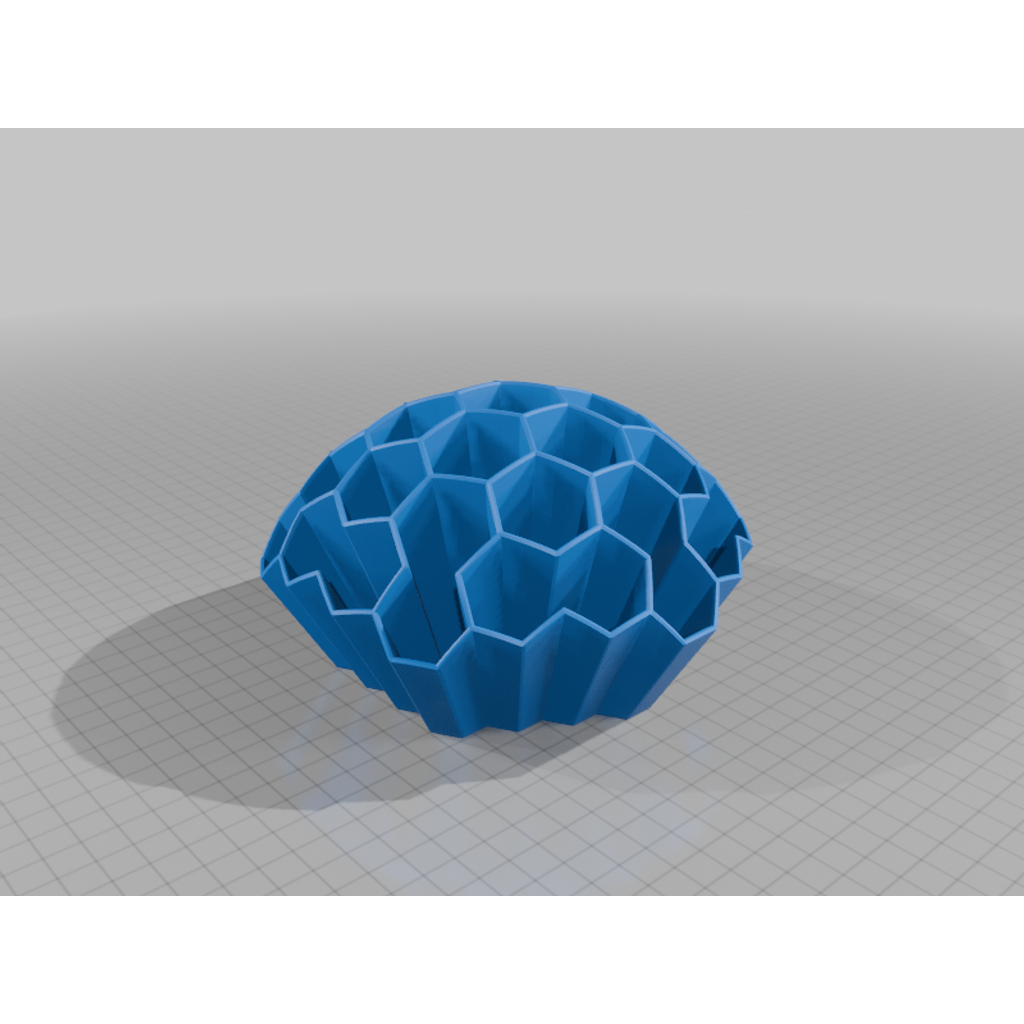
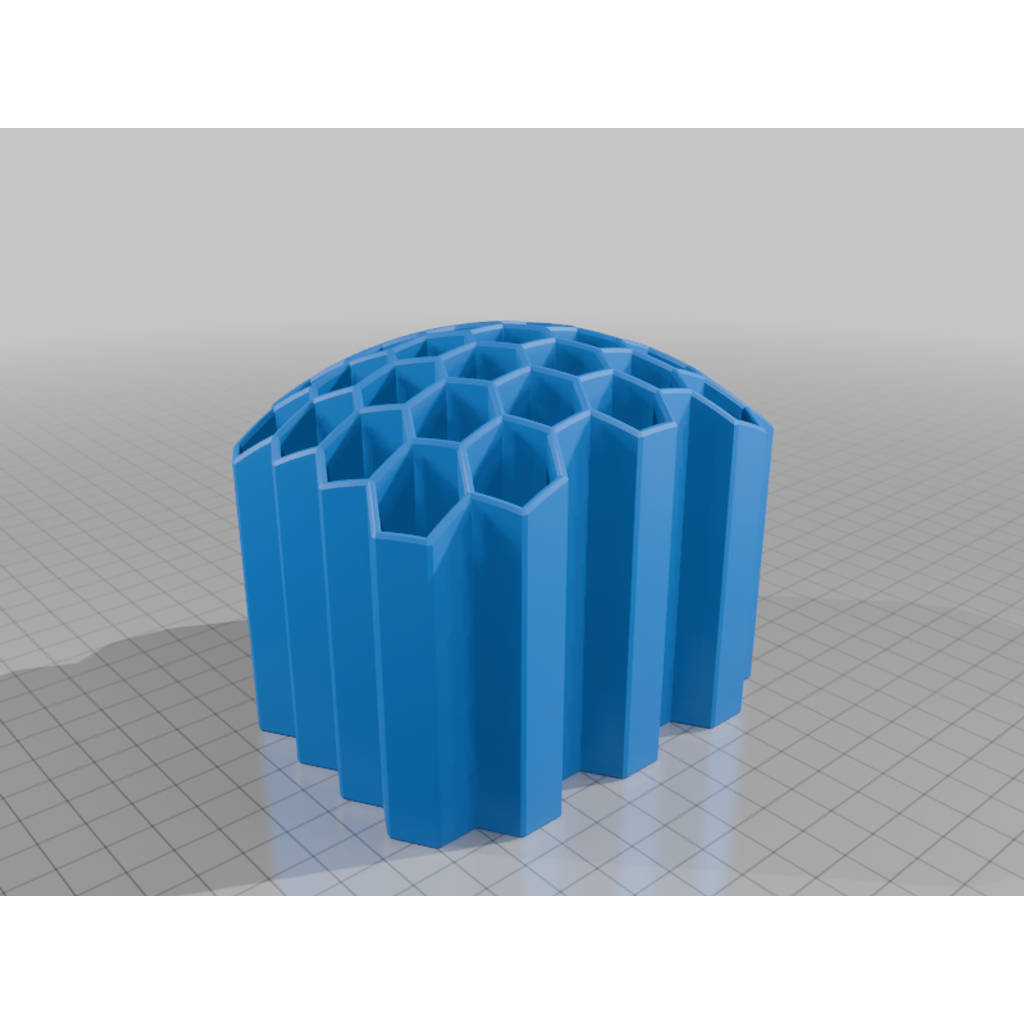
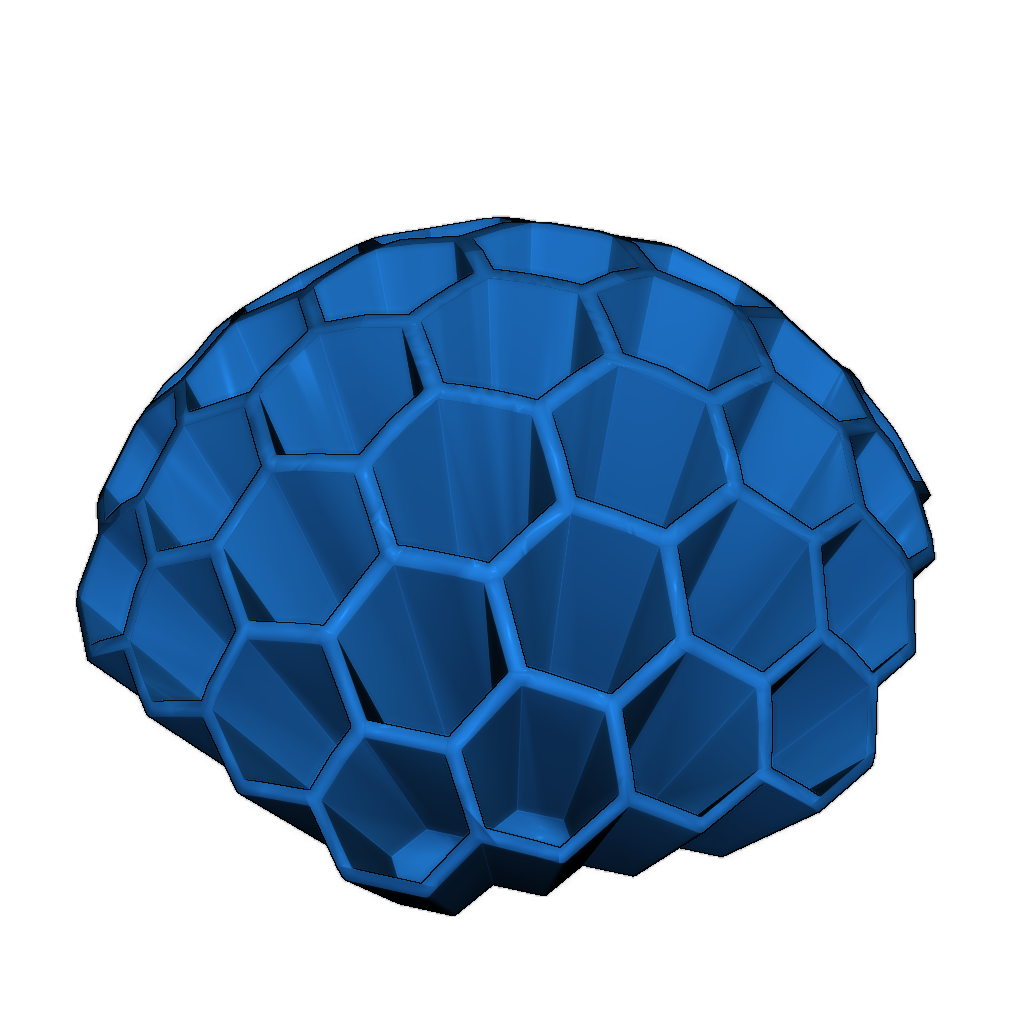
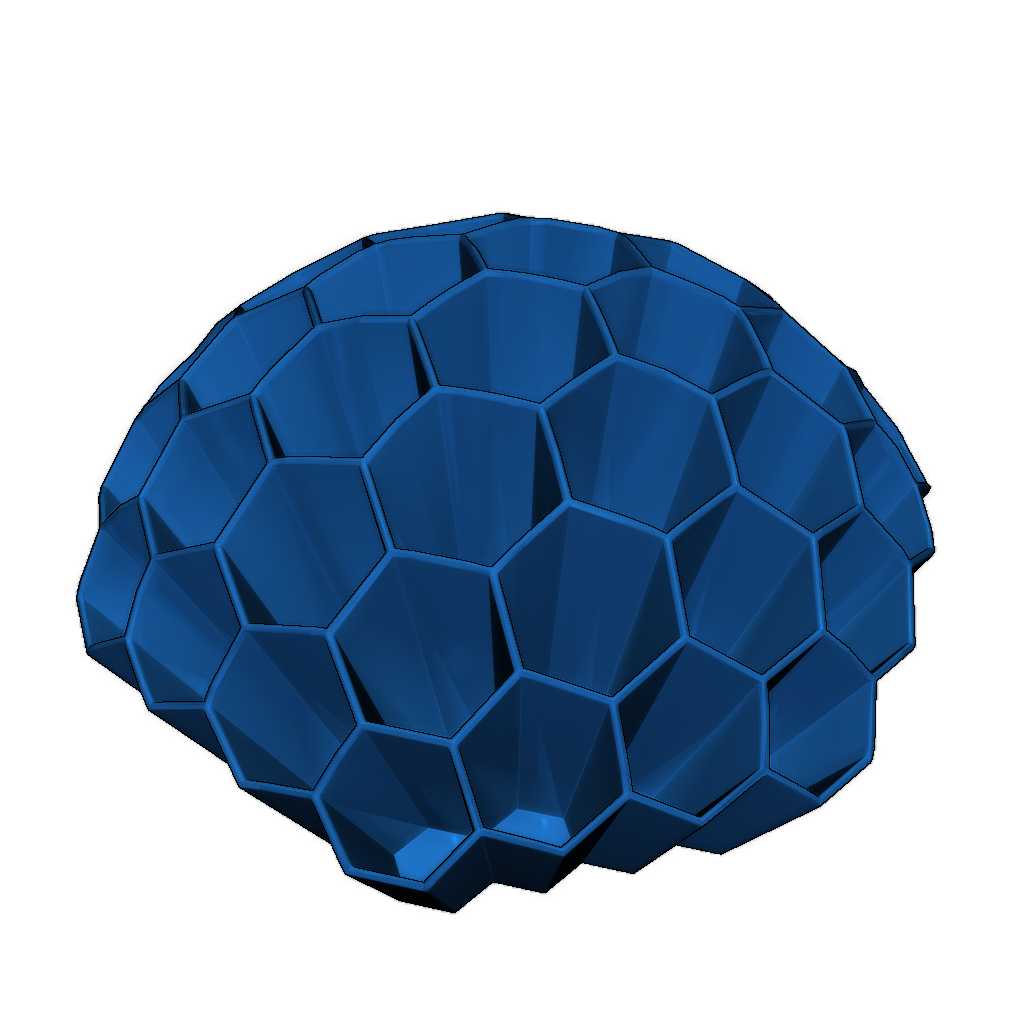
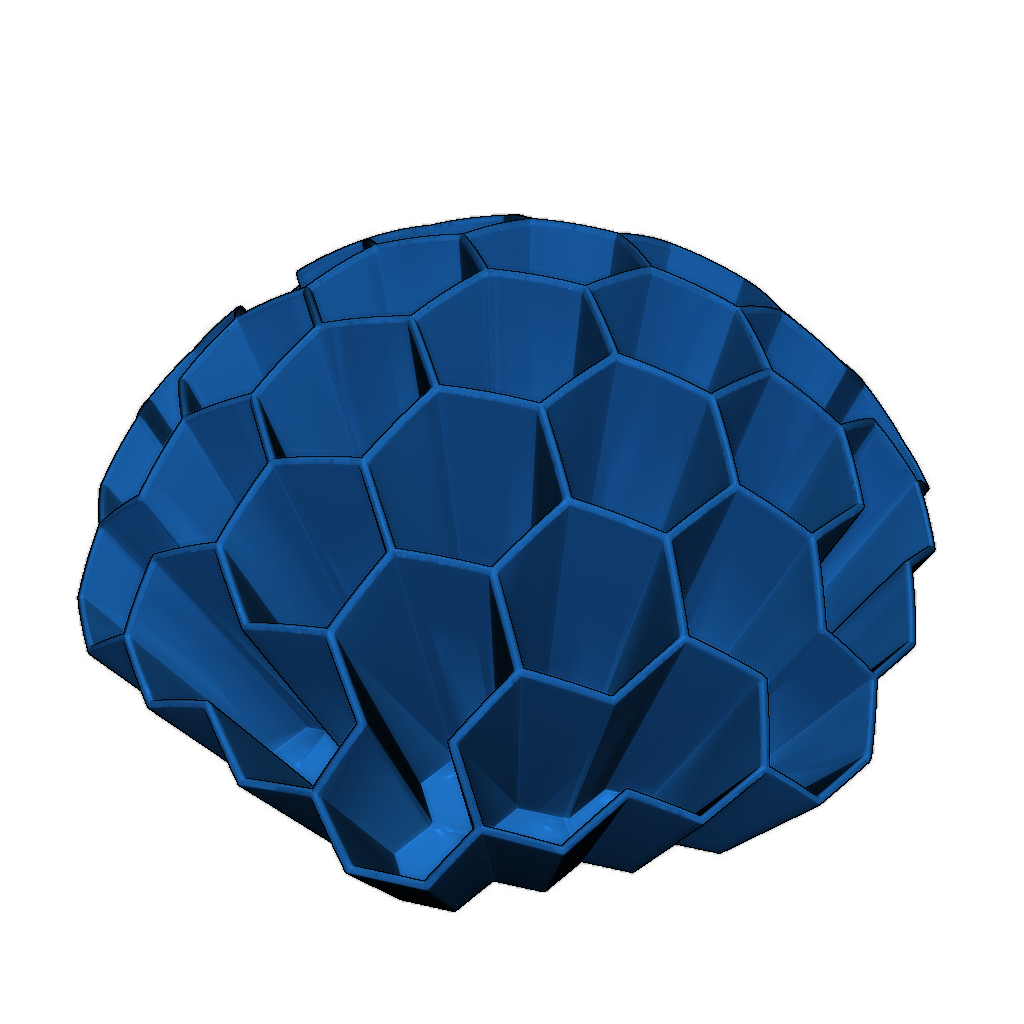
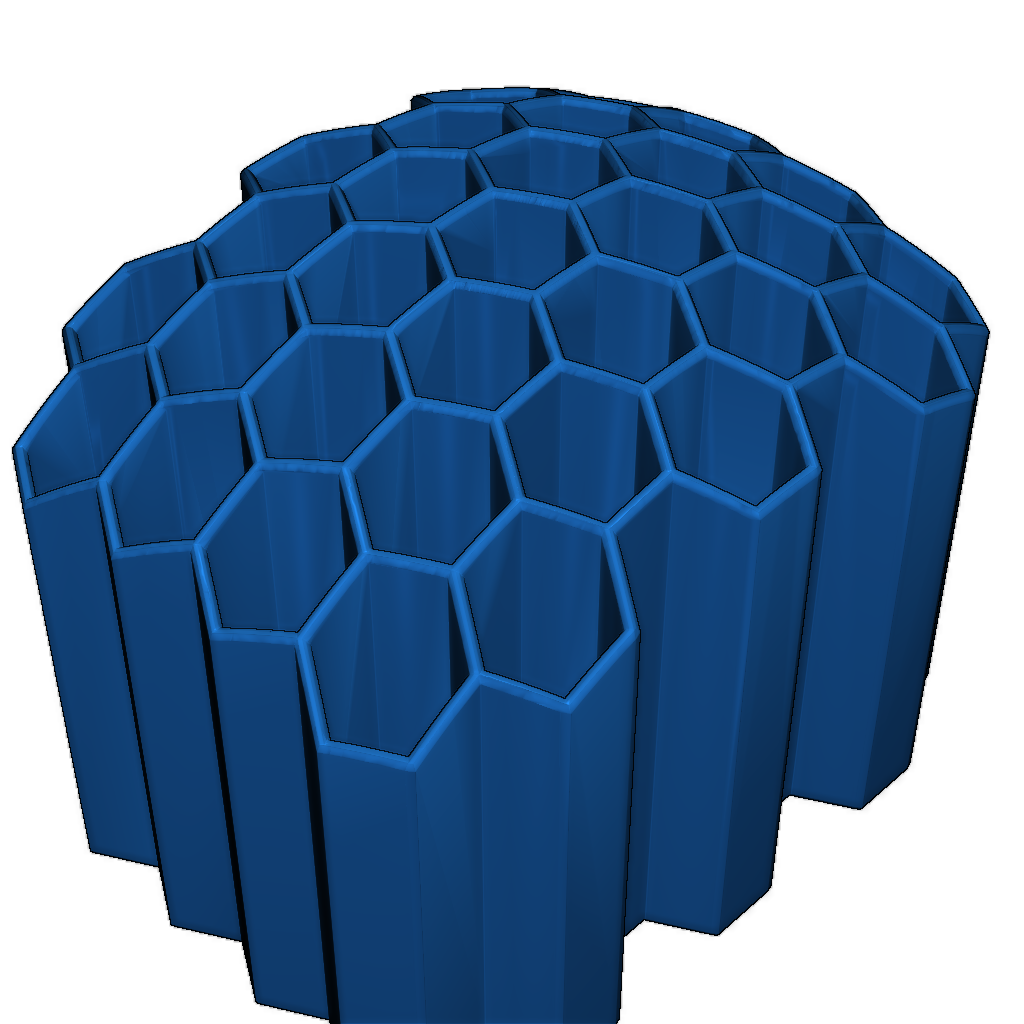
This is a complete remake of the original desk organizer concept.
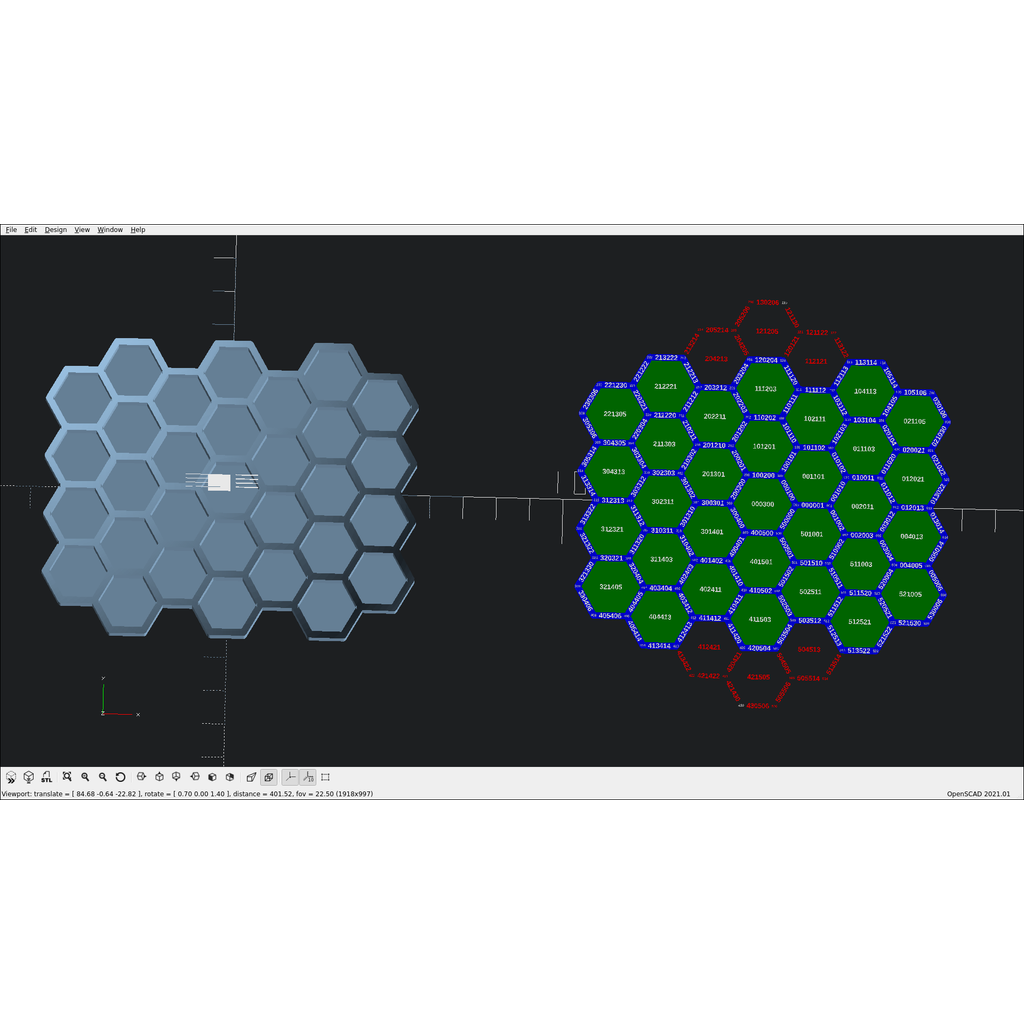
To remove individual walls and "floor tiles" in OpenSCAD Customizer, follow these instructions:
- Look at the organizer projection located to the right of the model.
- Select walls and tiles for removal.
- Add their labels (separated by spaces) to the "items to remove" textbox in the customizer.
When choosing customization parameters, it is recommended to keep the "rounded edges" option unchecked to speed up both preview and rendering of the model. However, once you have found the right parameters, it is better to enable "rounded edges" for a model free of sharp edges while maintaining consistent wall thickness.
Reducing the "min arc angle" parameter will also slow down the generation process but will make the model less fragmented.
Please login to post comments.
Information
- Author: admin
- Date: 04.12.2025
- Category: Household
- Views: 130
- Downloads: 131
- Likes: 0
- Images: 8
- Files: 6
Download ZIP