3D Model with Switch
admin | 04.12.2025
3D Preview
Loading 3D model...
LMB: Rotate | Scroll: Zoom | RMB: Pan
Gallery (18)
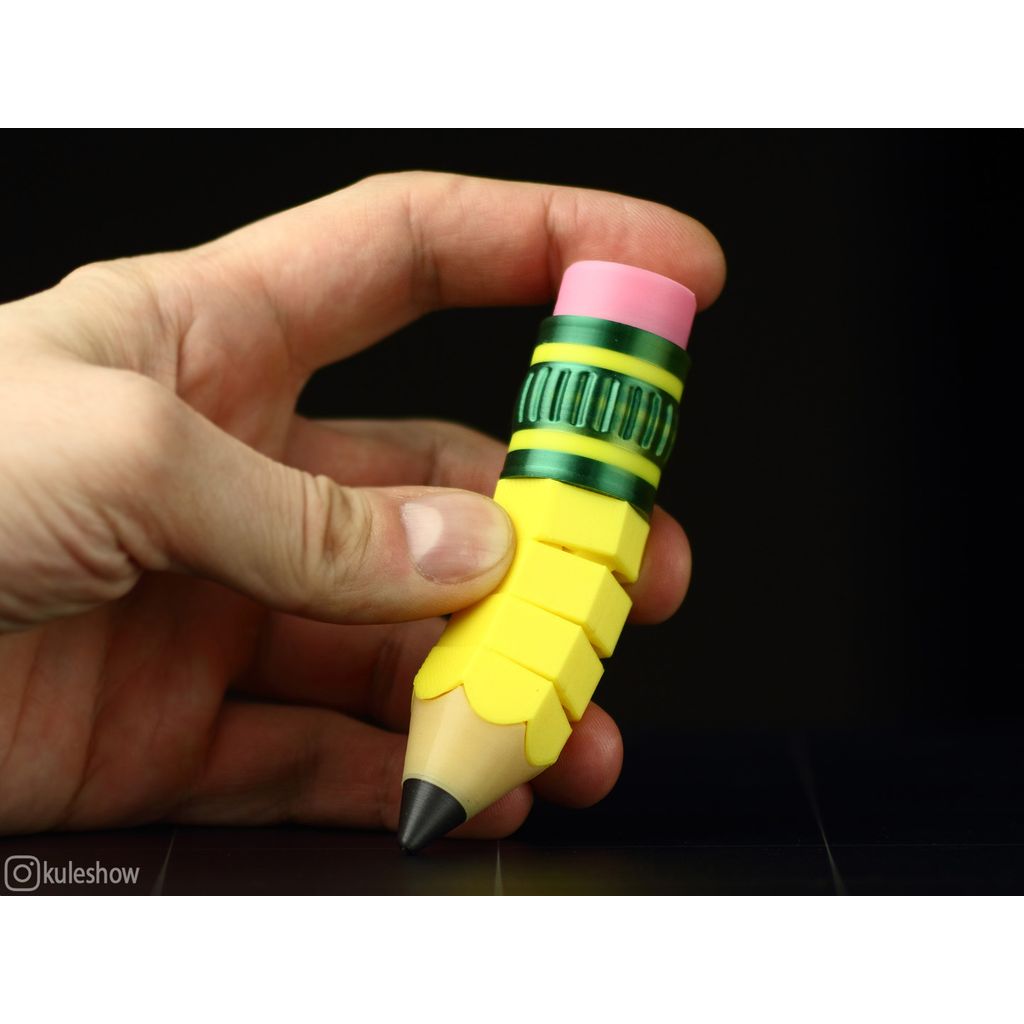
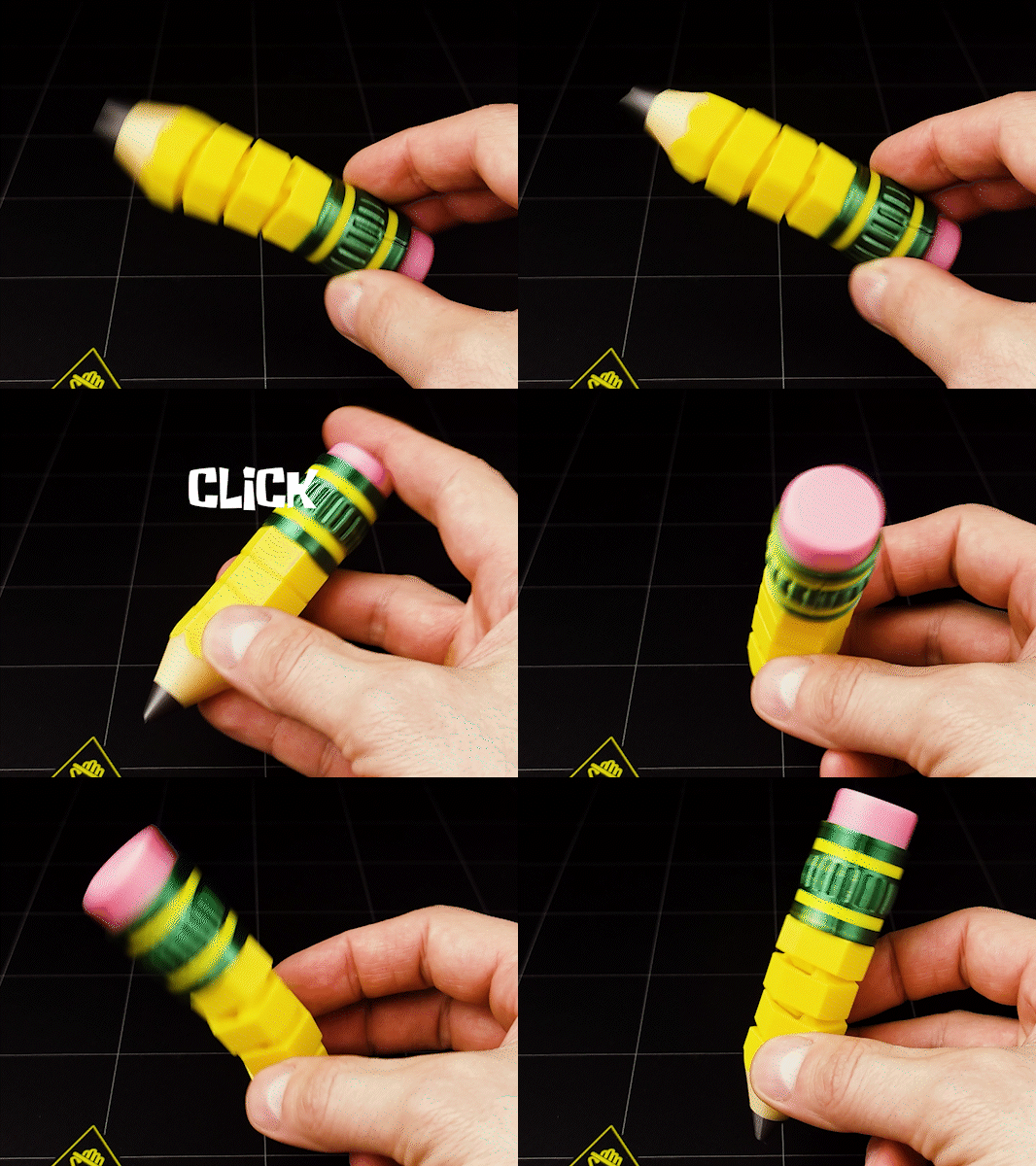
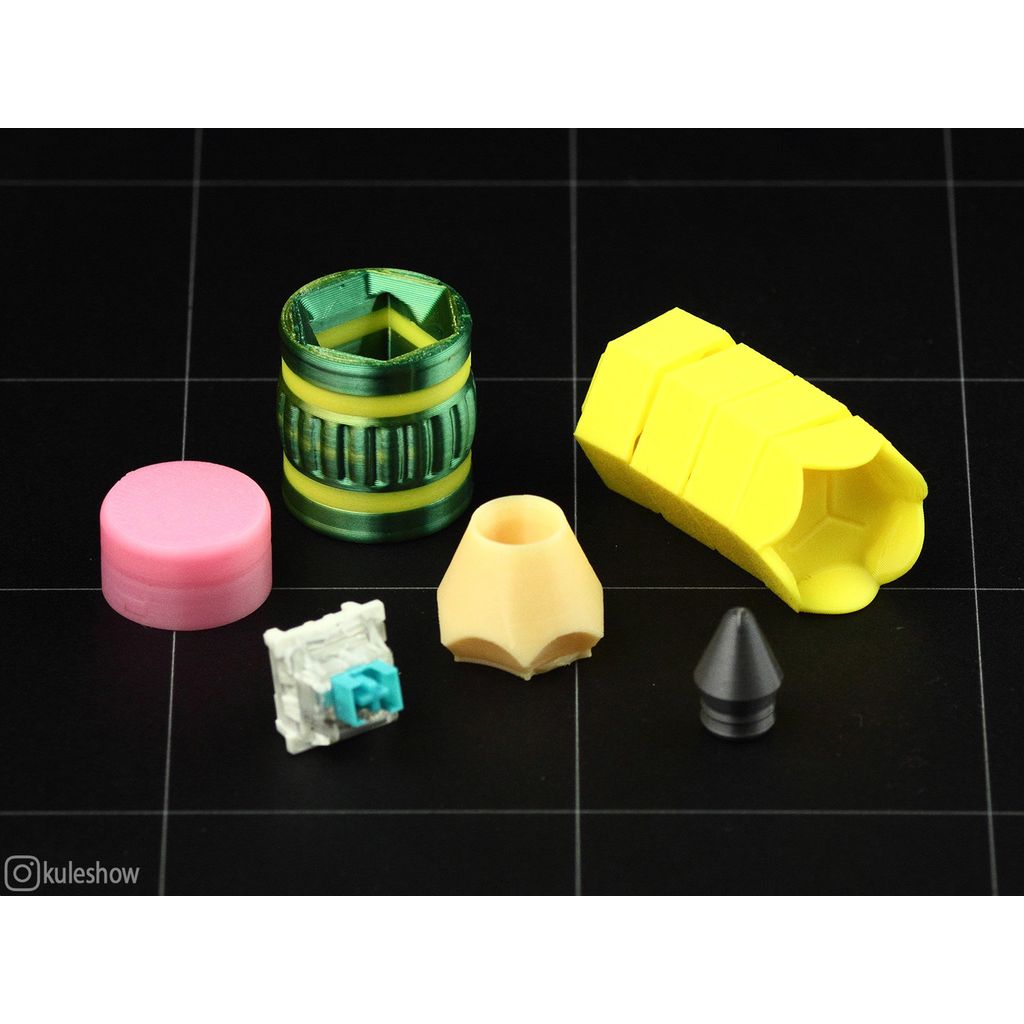
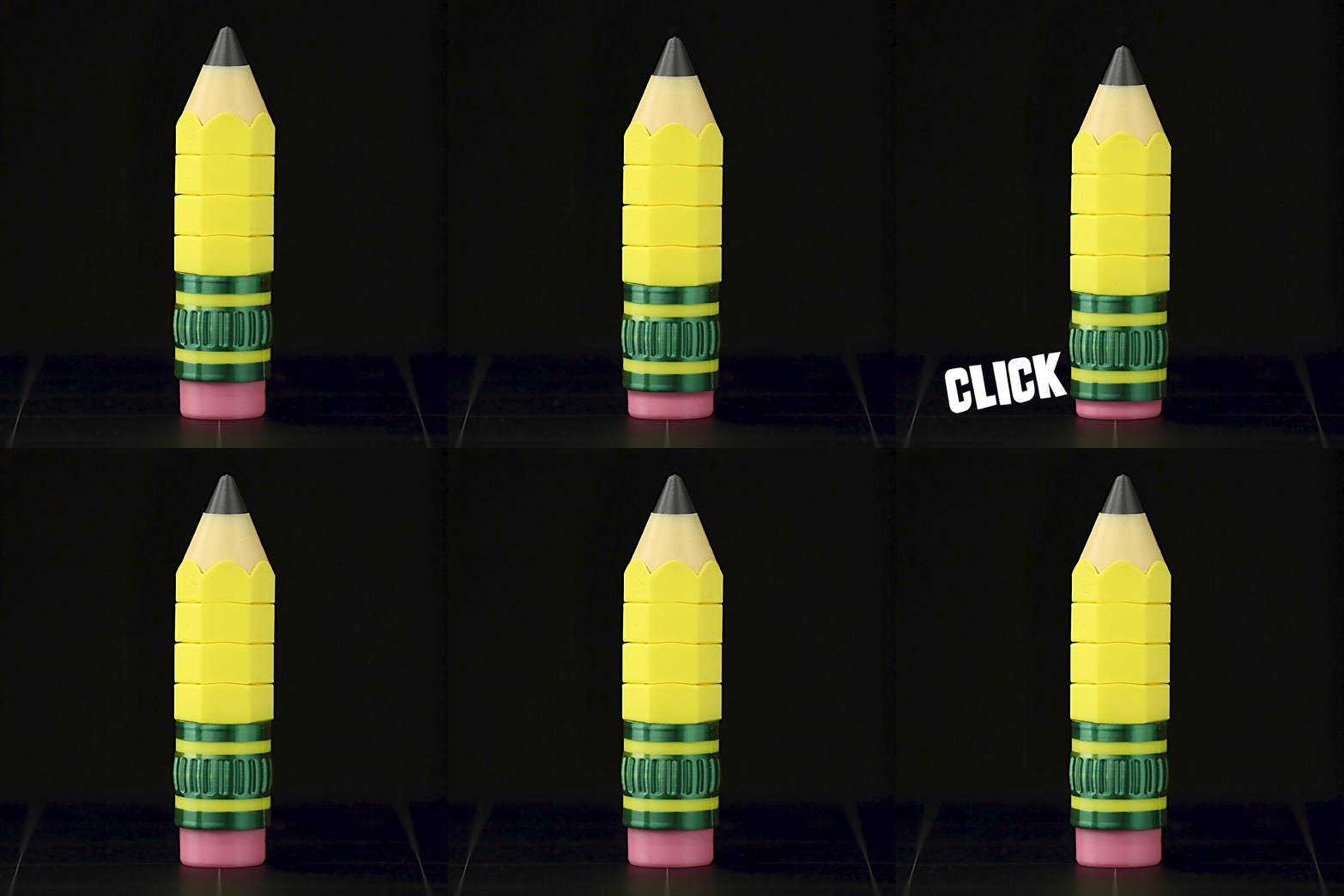
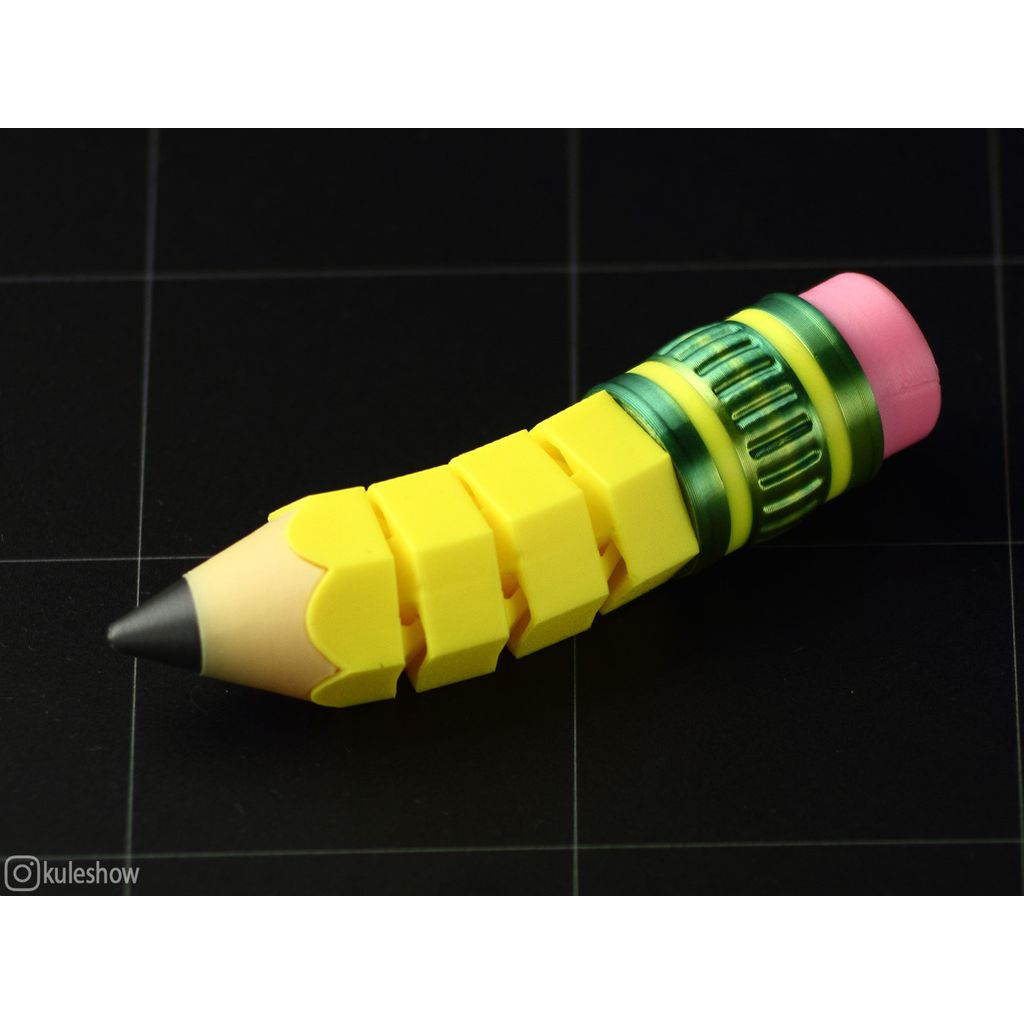
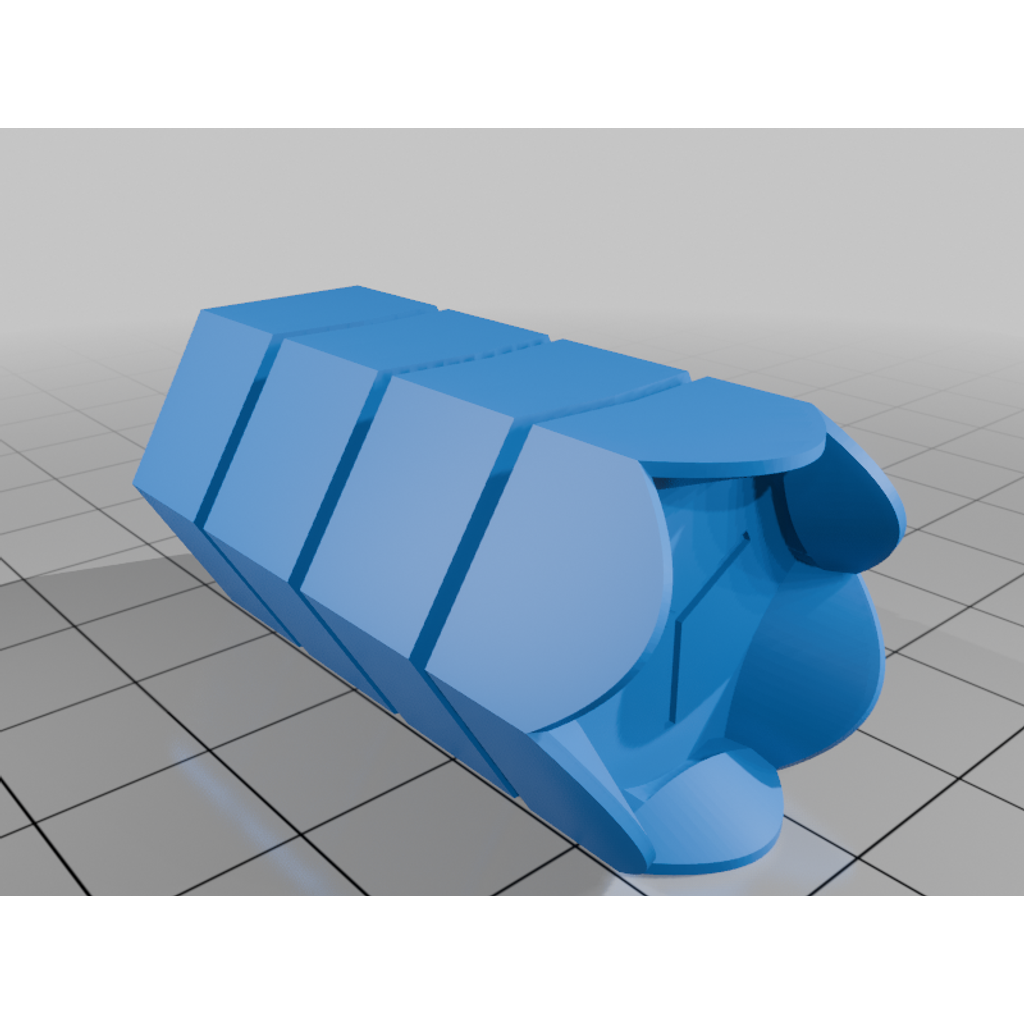
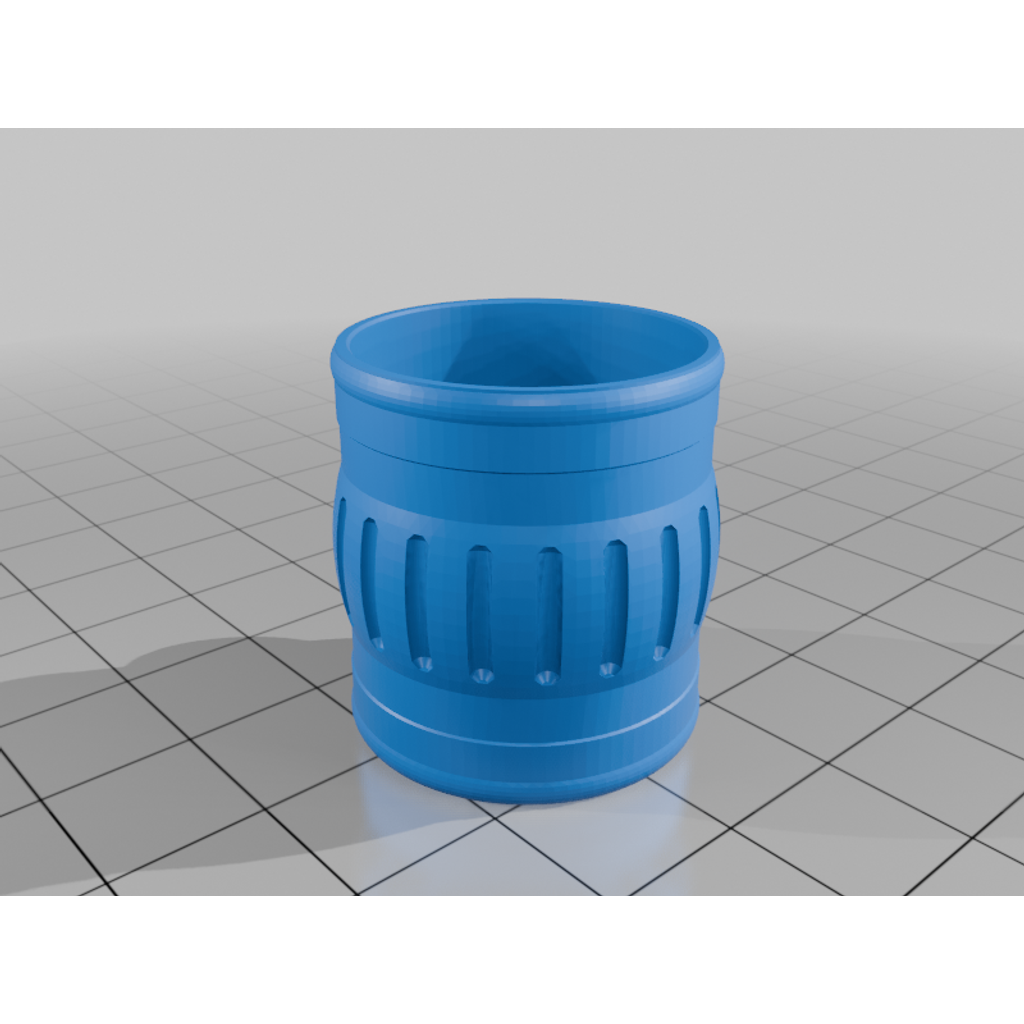
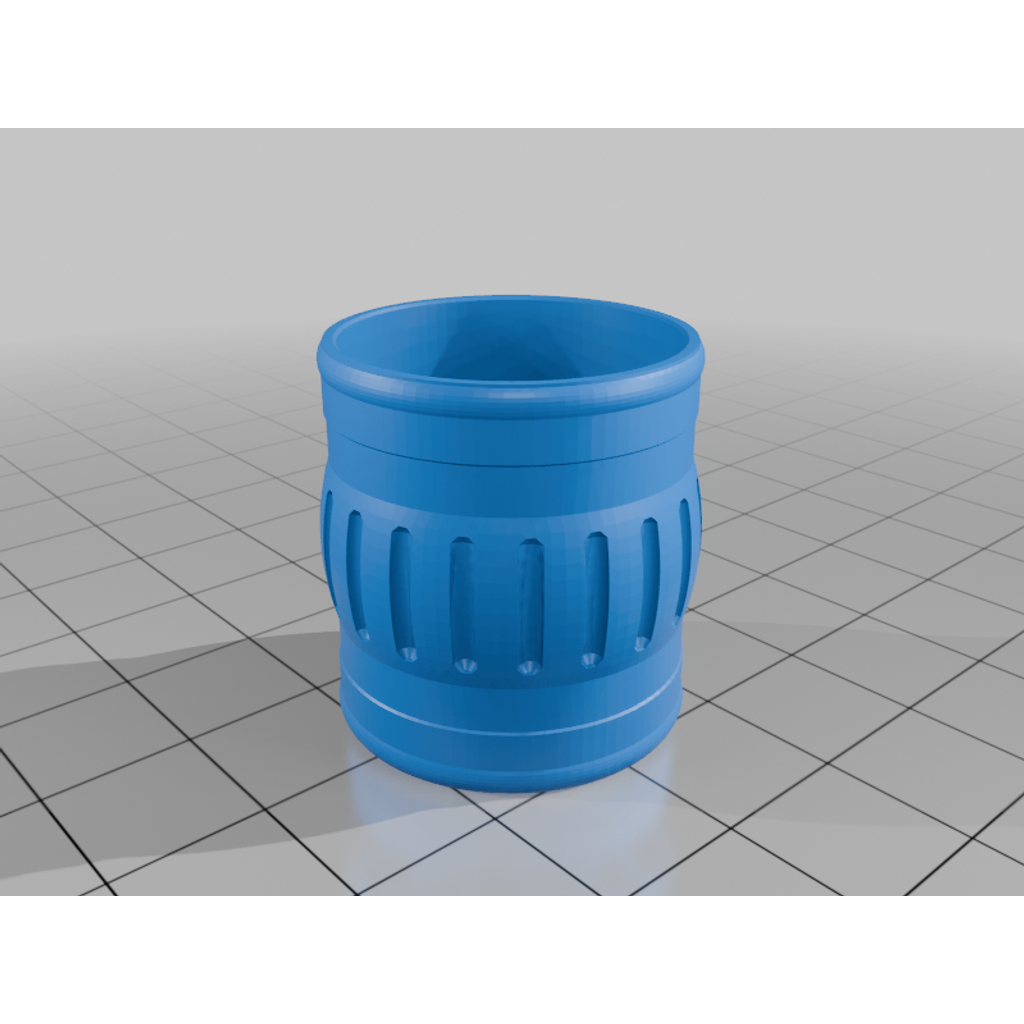
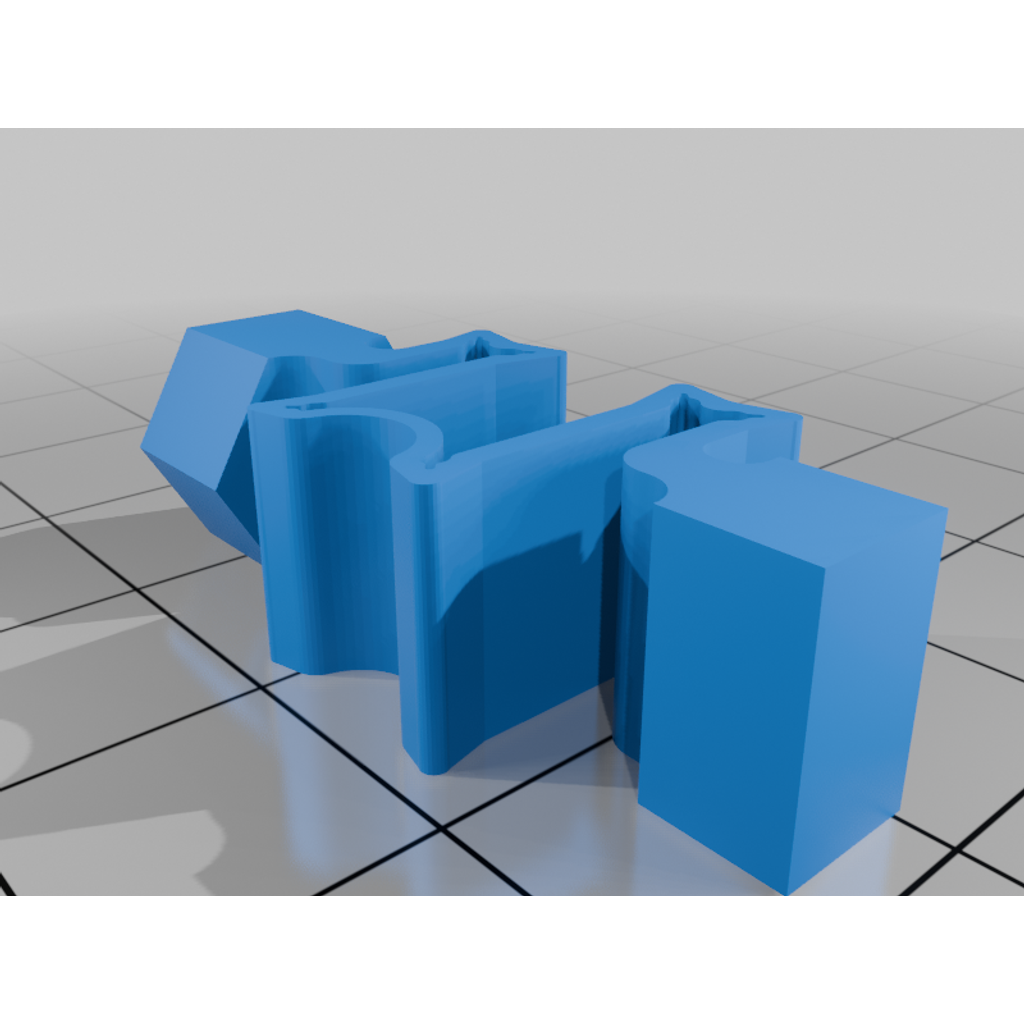
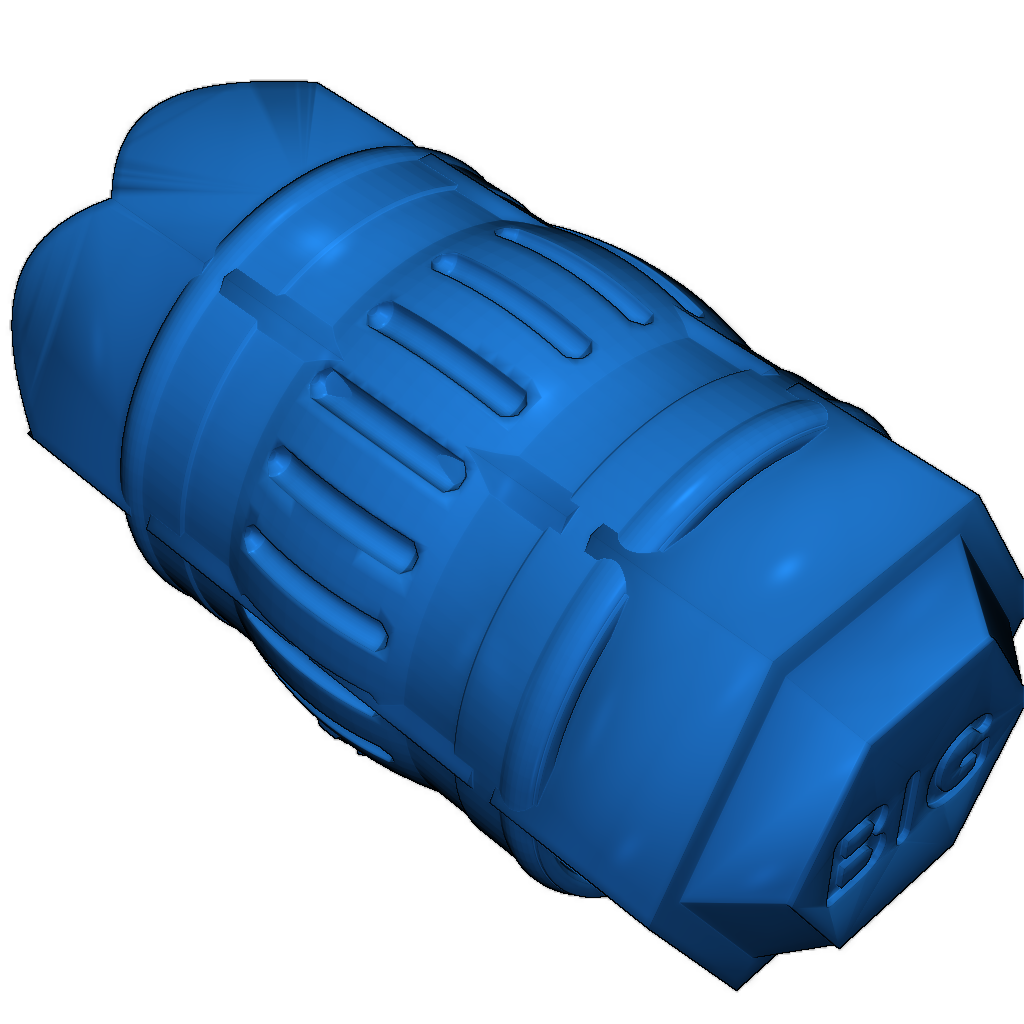
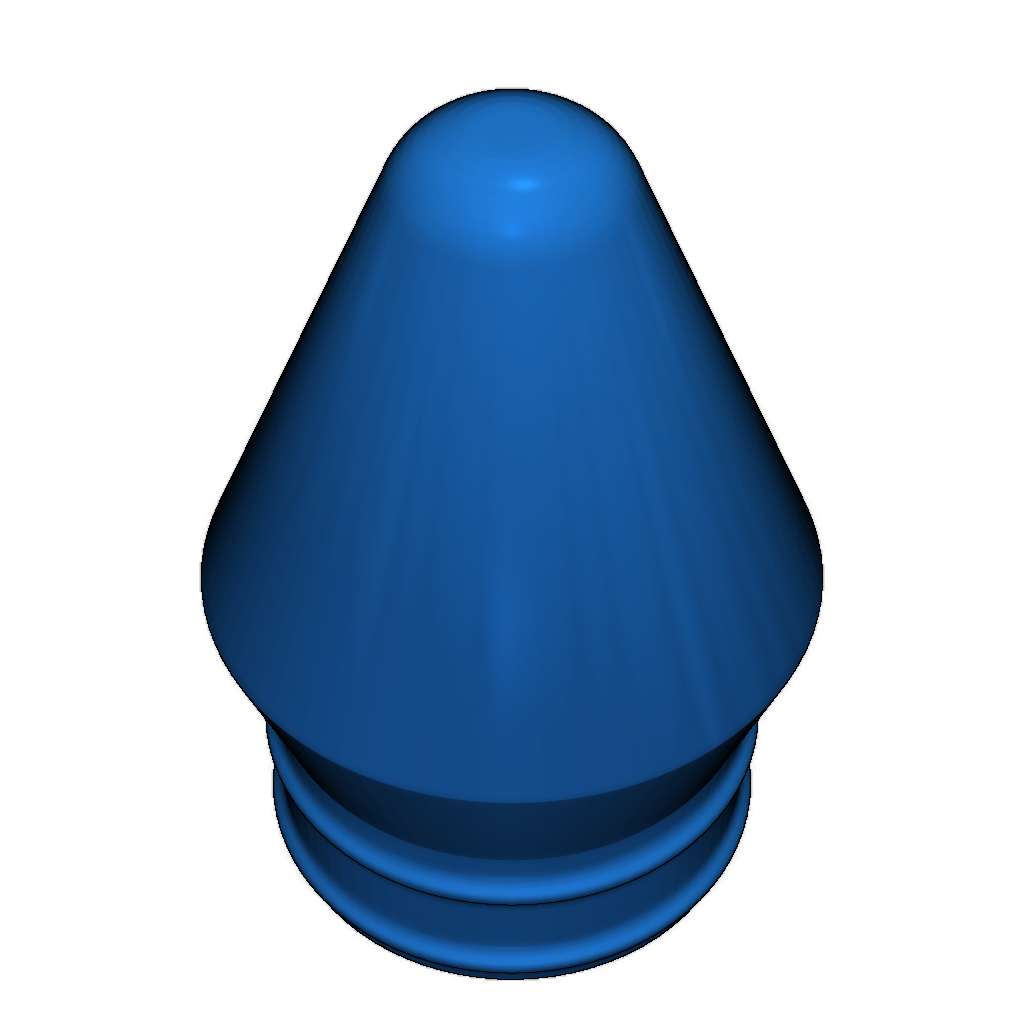
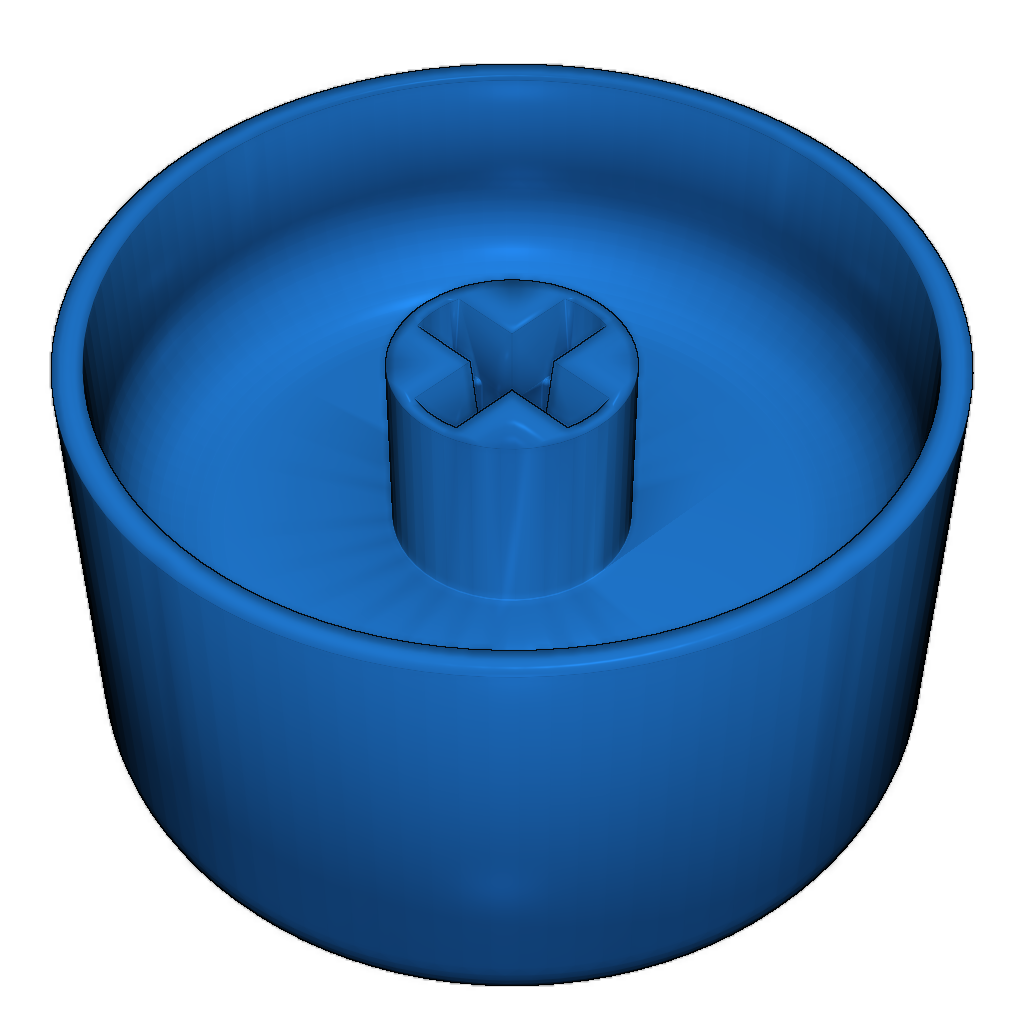
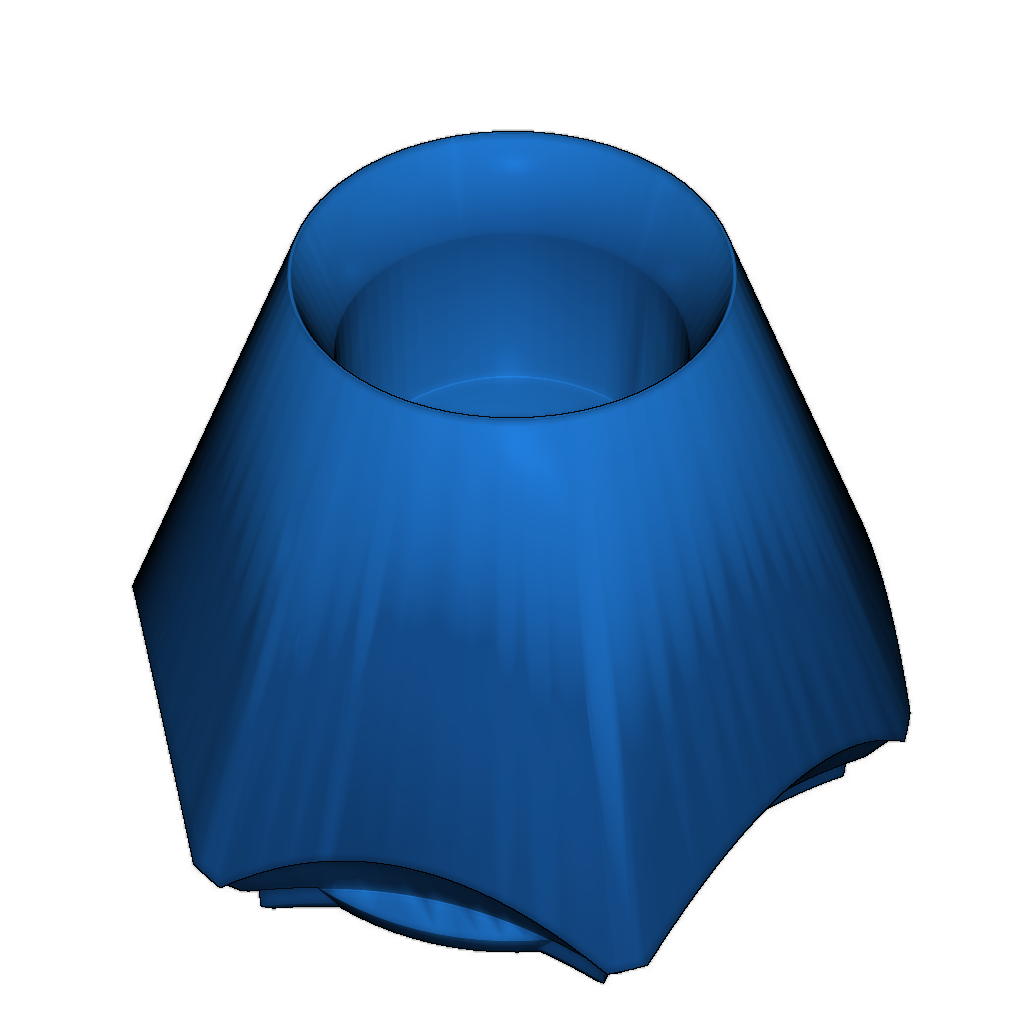
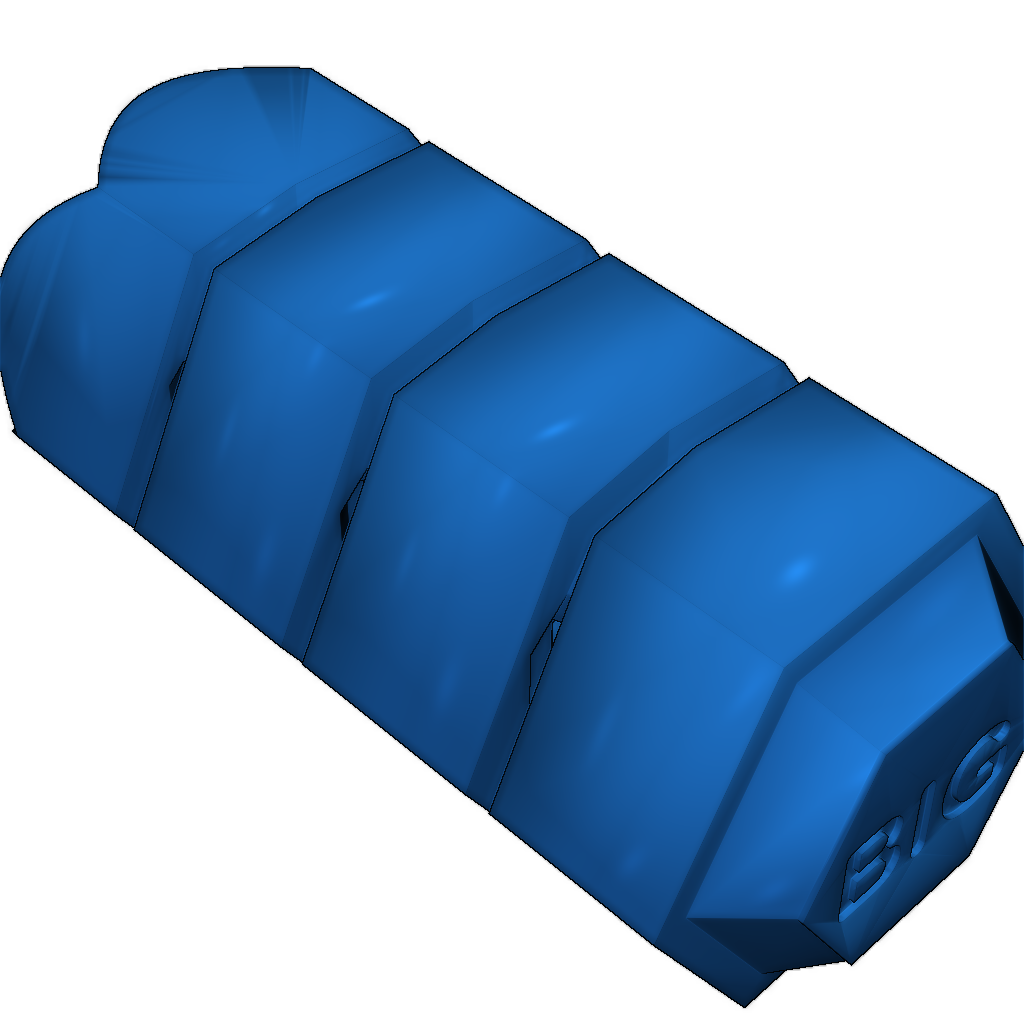
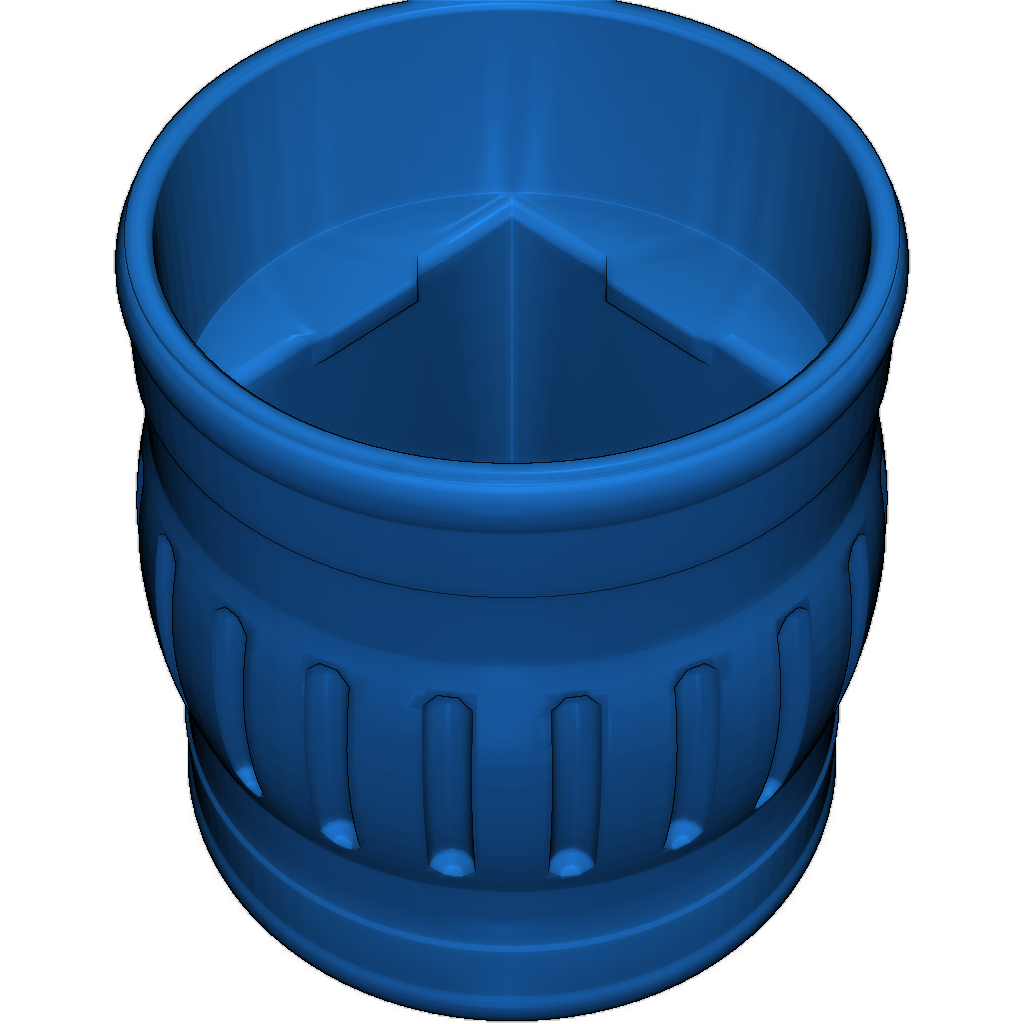
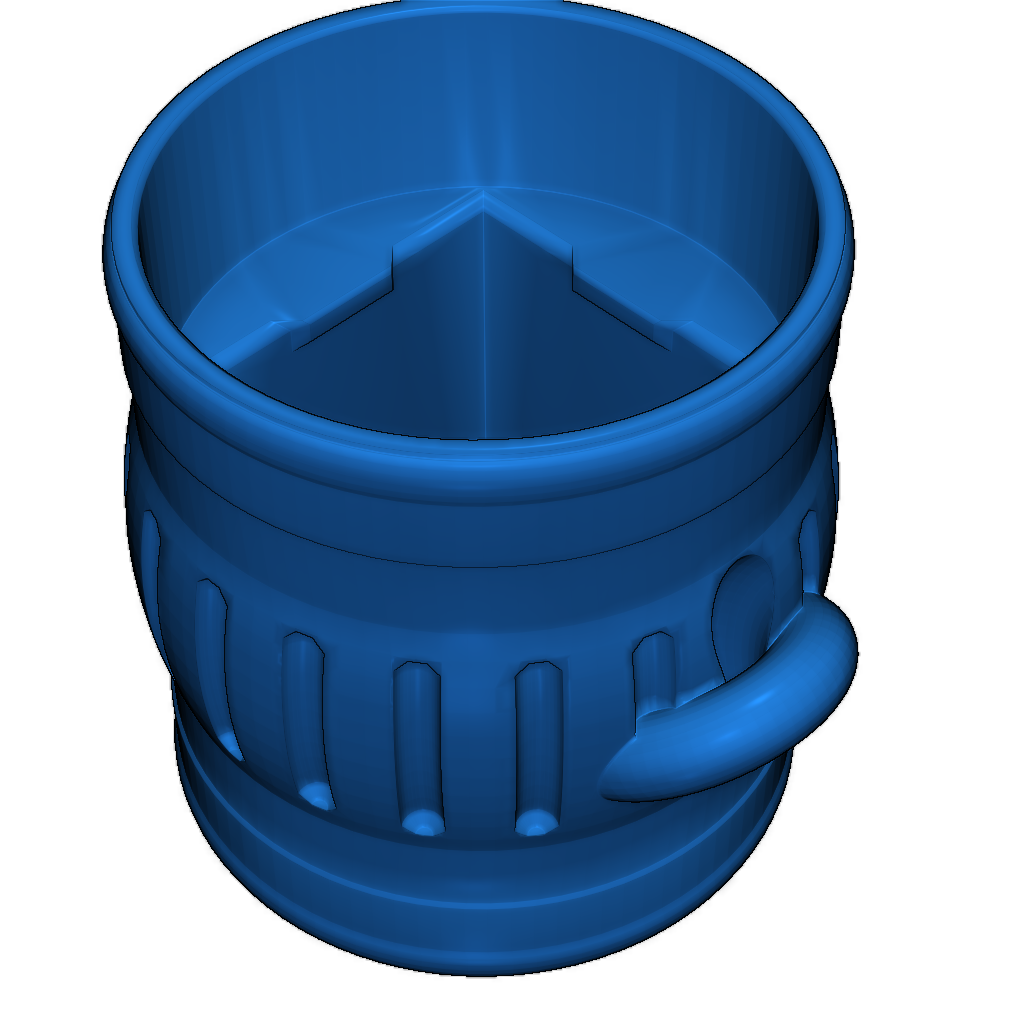
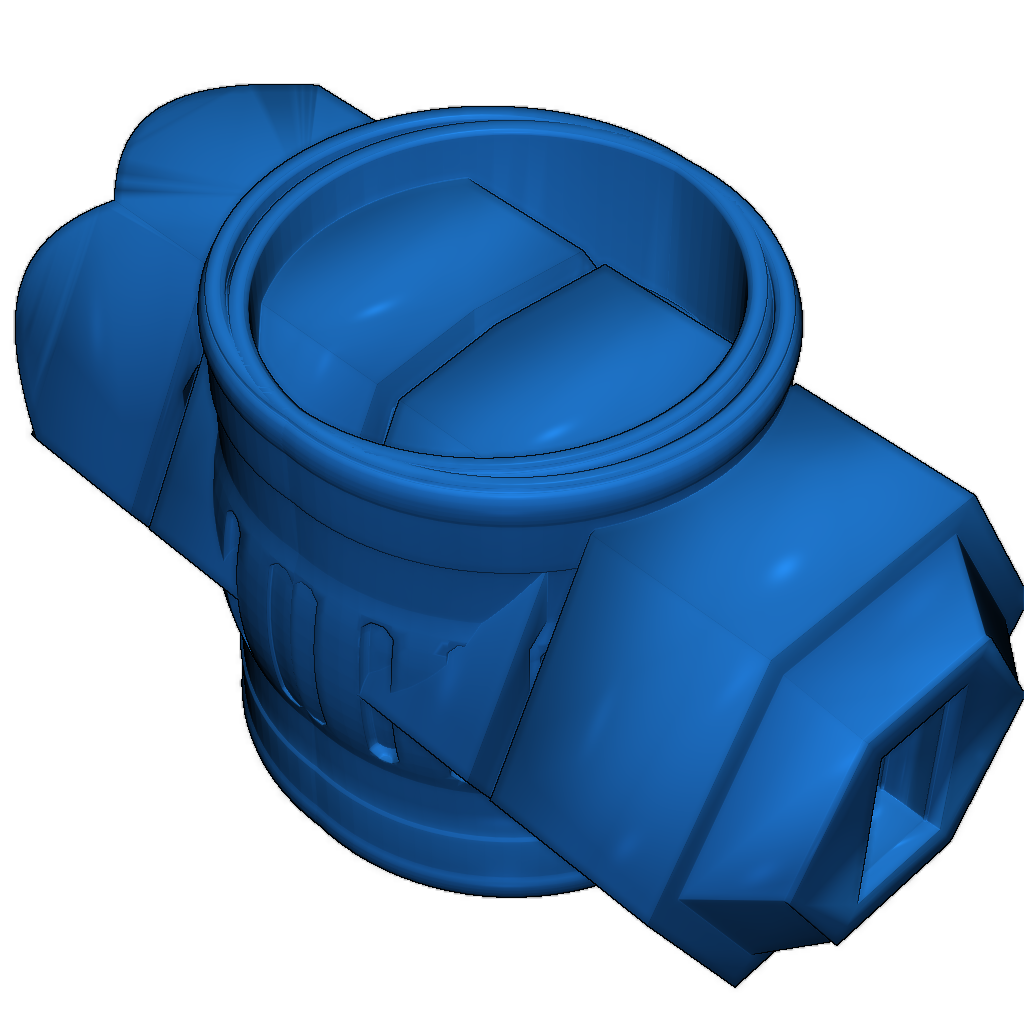
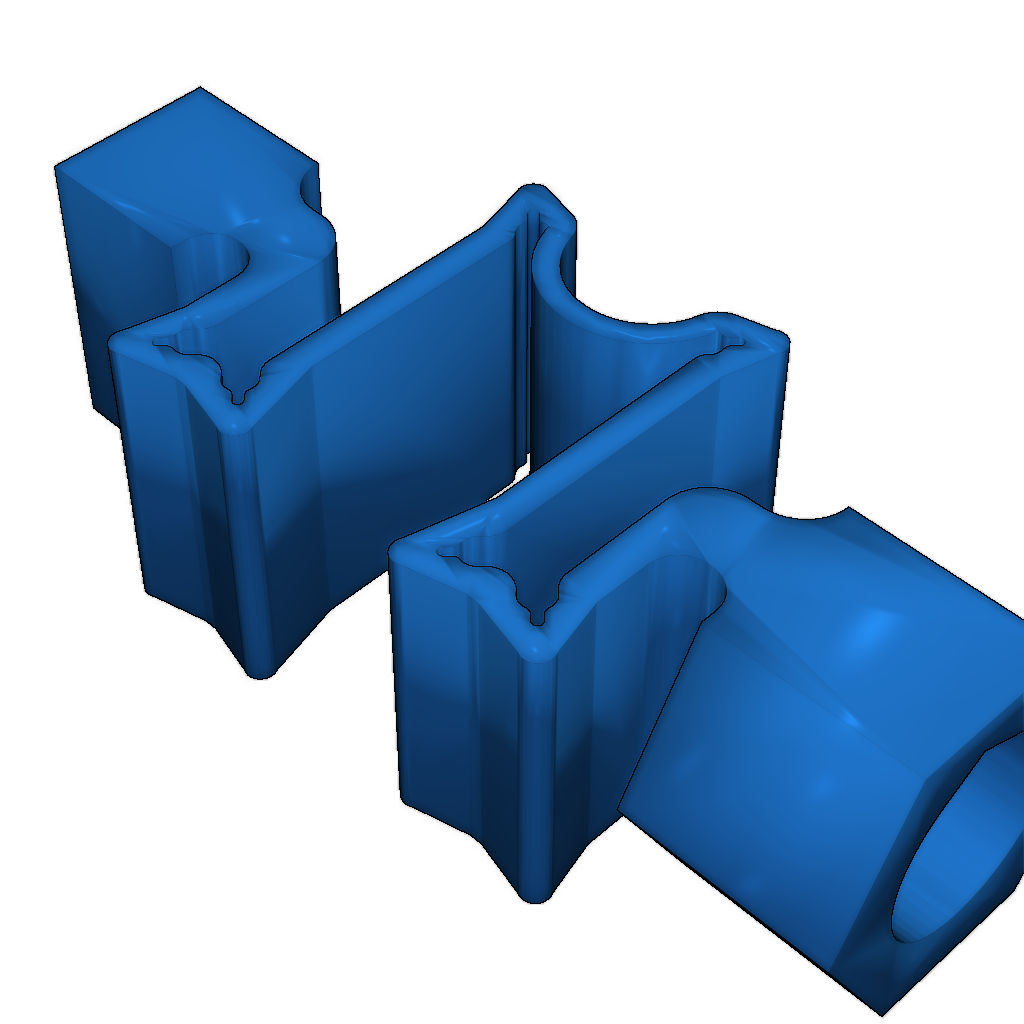
Use the Y mark on wood.stl and pencil.stl as a guide.
As a mechanical switch, use an Outemu blue switch (a clone of Cherry MX).
alu.stl must be glued to pencil.stl. I also added a version with a spring if you don't have a switch.
Position alu(ver2.1).stl correctly relative to Pencil(clear2)wm.stl, otherwise the spring will not be able to position itself correctly inside.
alu(ver3)ring.stl is a version with a ring if you want to hang it on a backpack.
© Personal use only.
Printing settings and instructions.
Category
Please login to post comments.
Information
- Author: admin
- Date: 04.12.2025
- Category: Art & Design
- Views: 149
- Downloads: 261
- Likes: 0
- Images: 18
- Files: 9
Download ZIP
Model Author
Similar models
Recently viewed
×
❮
![]() ❯
❯