Printing Settings and Instructions for Flexi Octopus
admin | 05.12.2025
3D Preview
Loading 3D model...
LMB: Rotate | Scroll: Zoom | RMB: Pan
Gallery (4)
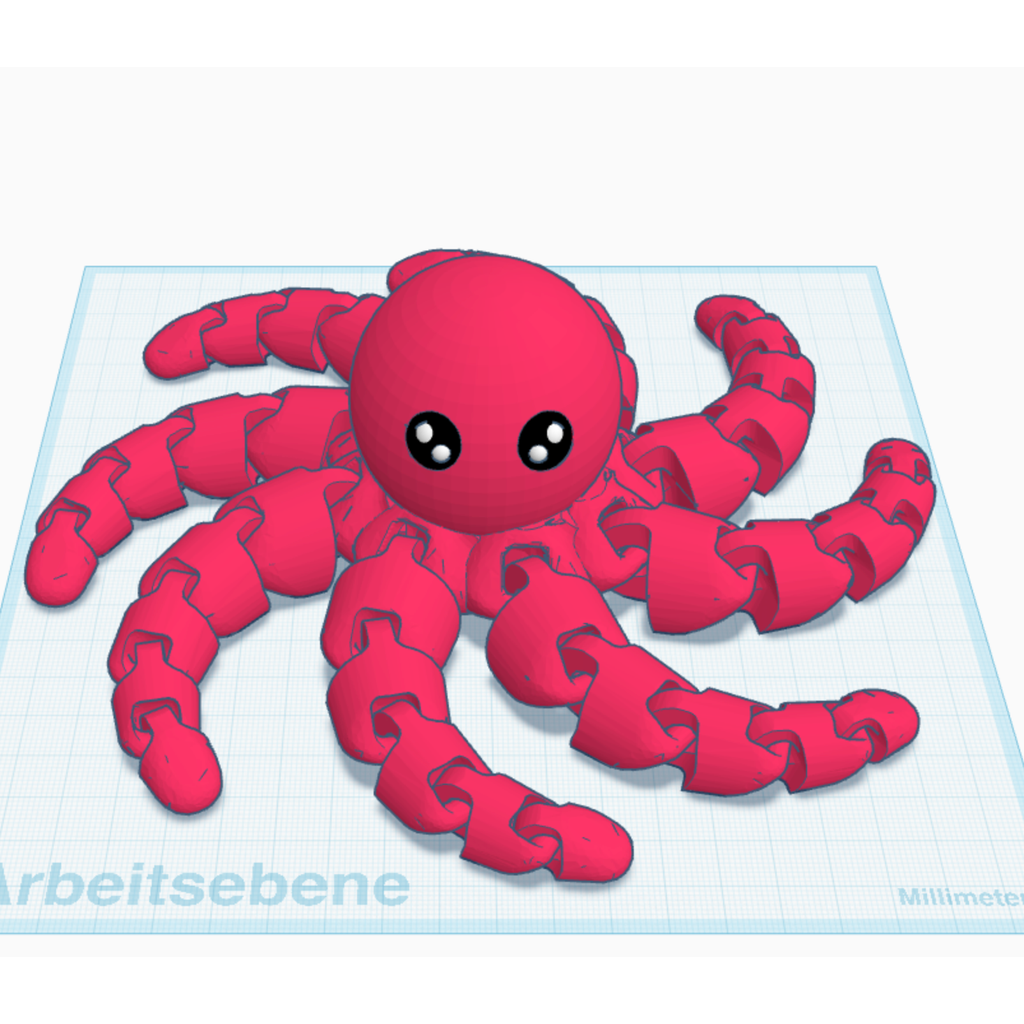
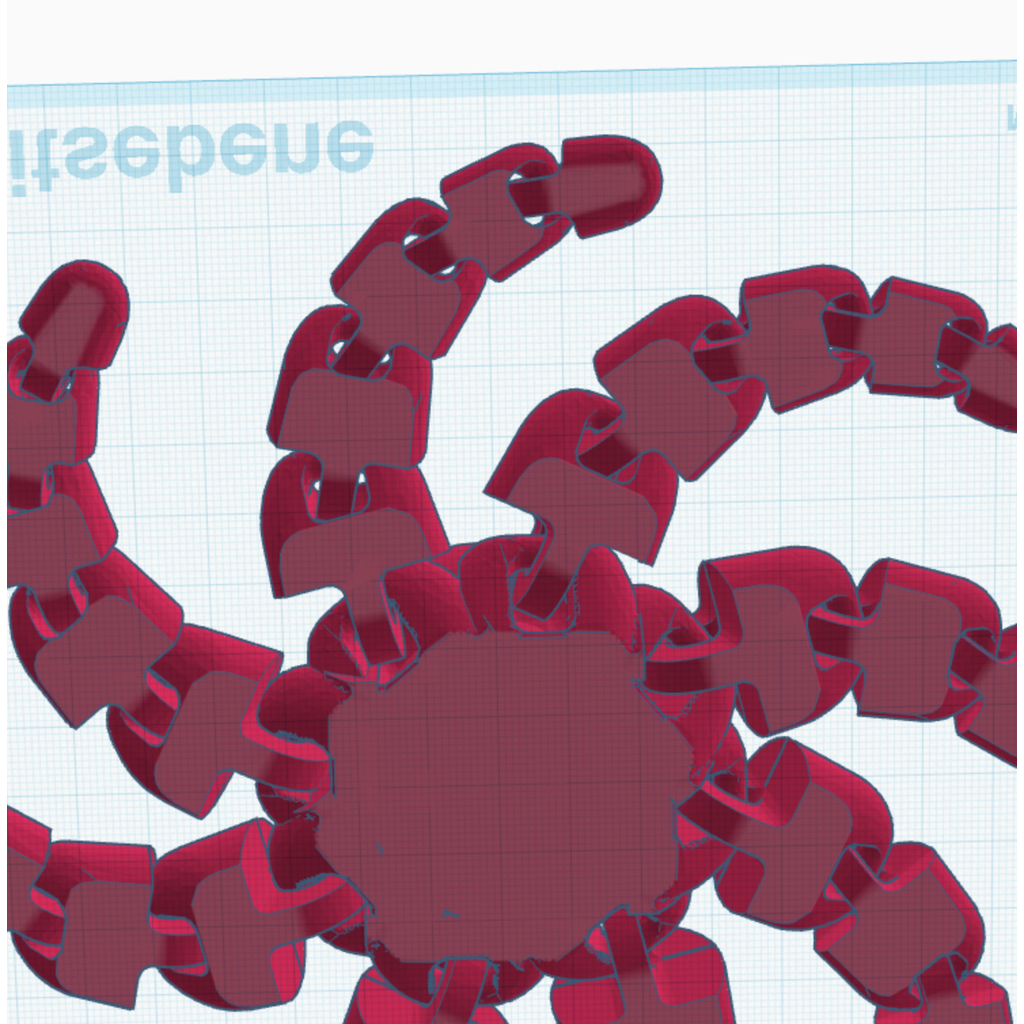
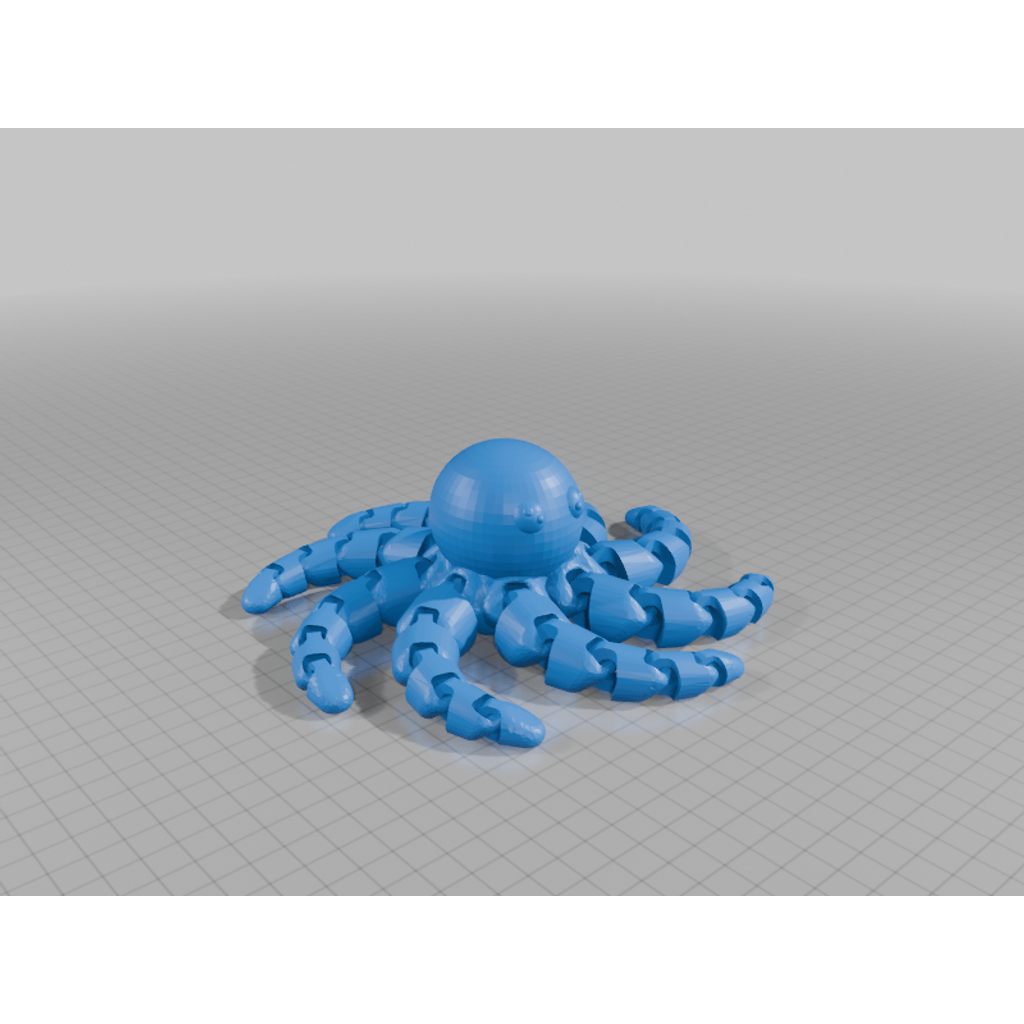

Printing settings for the Flexi Octopus model:
- Printing temperature: 210-230°C
- Print speed: 30-50 mm/s
- Infill settings: 100% if high strength is required
Instructions:
- Use glue or a brim for better adhesion to the build plate.
- Print using PLA or PETG for the best results.
Category
-
Flexi_ocktopus-2.stlDownload
Please login to post comments.
Information
- Author: admin
- Date: 05.12.2025
- Category: Other
- Views: 96
- Downloads: 45
- Likes: 0
- Images: 4
- Files: 1
Download ZIP
Model Author
Similar models
×
❮
![]() ❯
❯