Ornate Eagle
admin | 05.12.2025
3D Preview
Loading 3D model...
LMB: Rotate | Scroll: Zoom | RMB: Pan
Gallery (5)
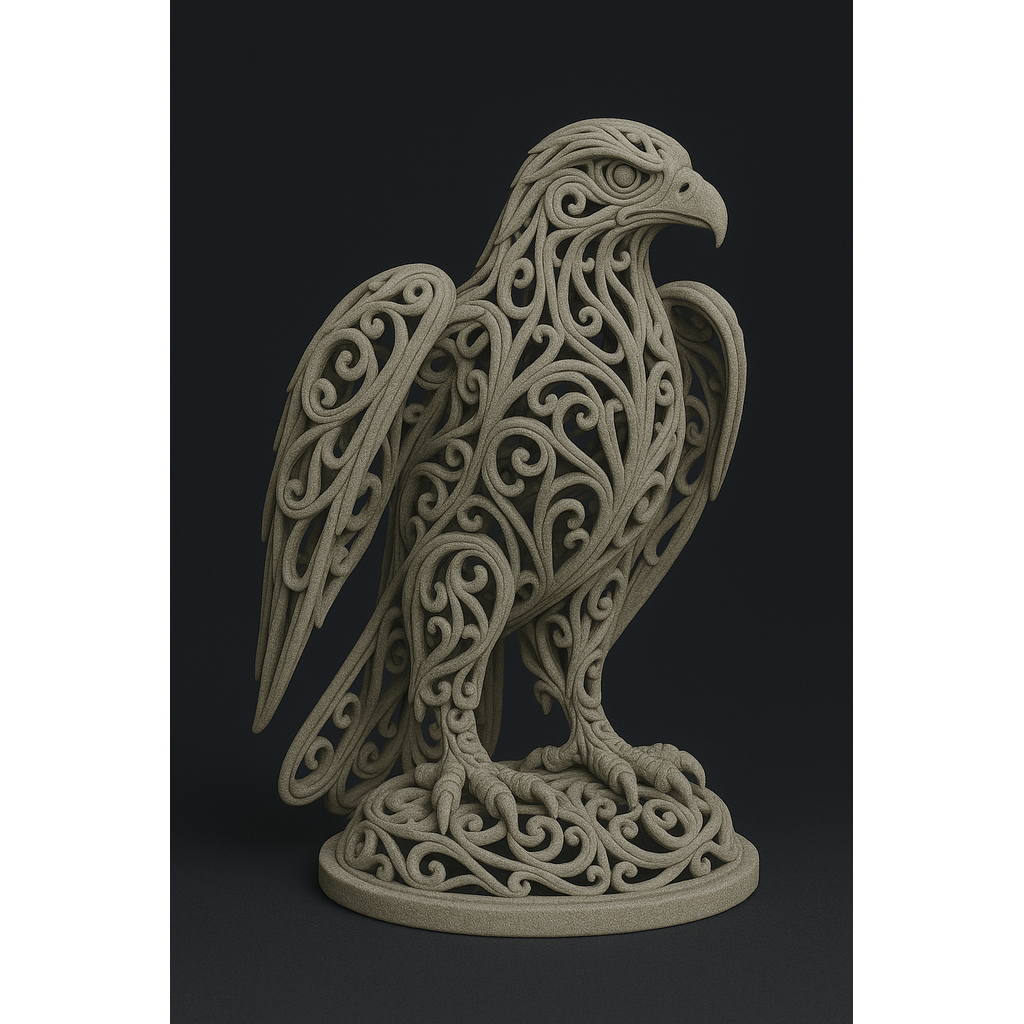
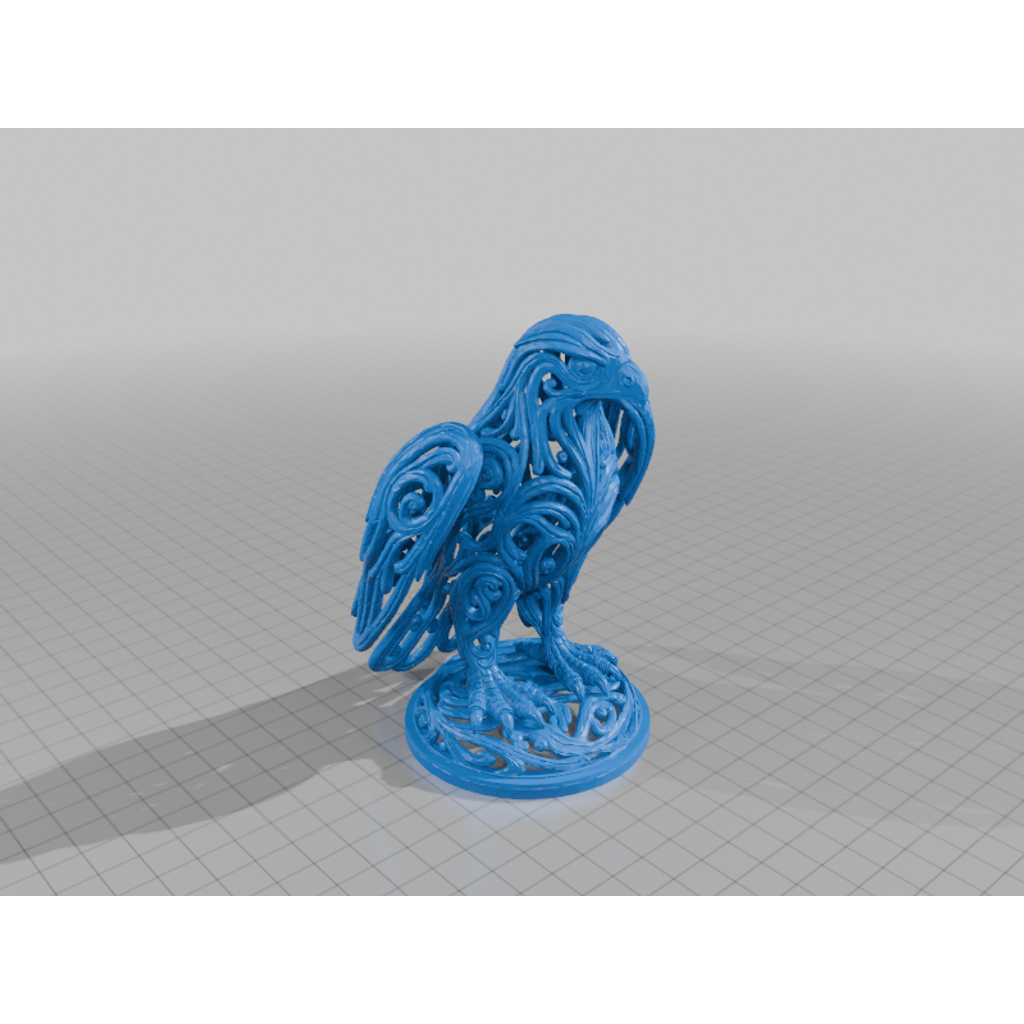
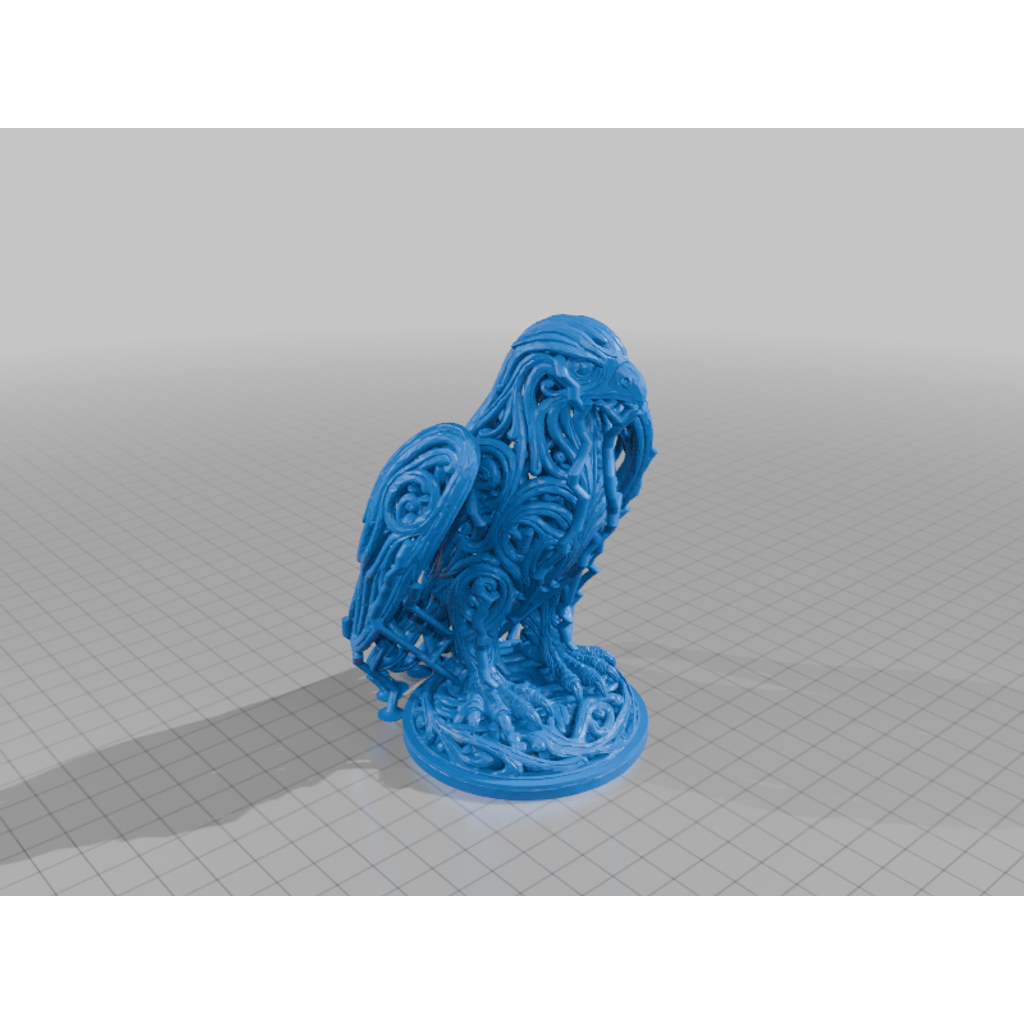
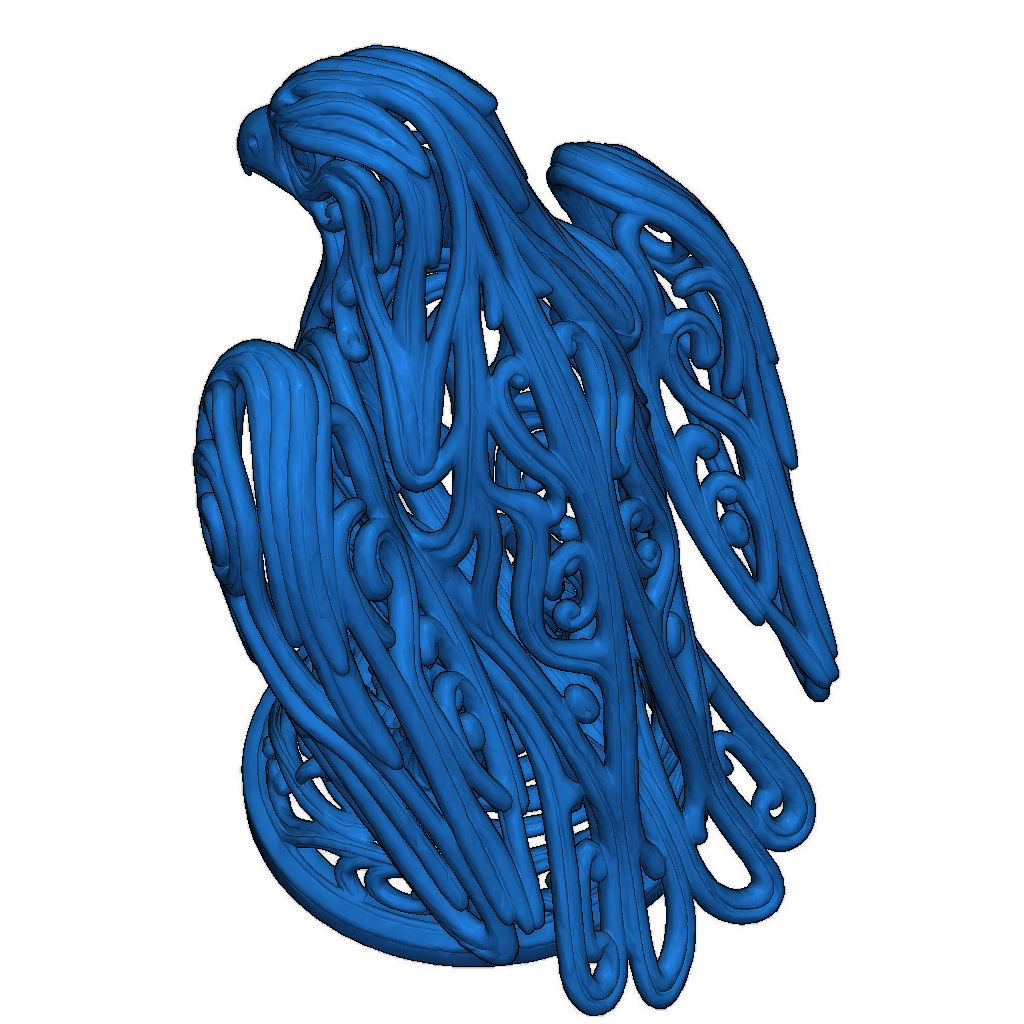
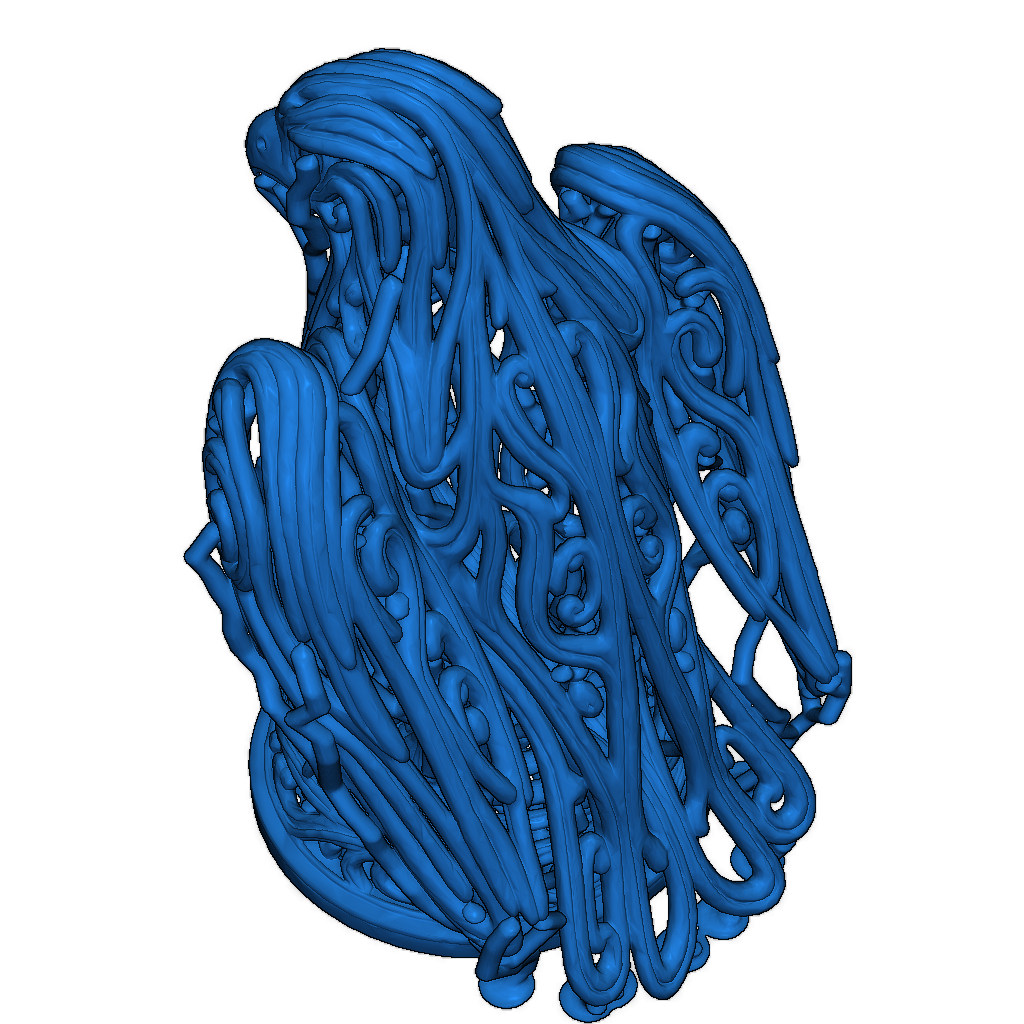
I created an ornate eagle image using AI and converted it into an STL format.
Printing Settings:
- Nozzle Temperature: 200°C
- Bed Temperature: 60°C
- Print Speed: 50 mm/s
- Infill: 20%
Instructions:
- Ensure you have enough filament before printing.
- Set up your 3D printer according to the parameters above.
- Start the print and monitor the process.
Please login to post comments.
Information
- Author: admin
- Date: 05.12.2025
- Category: Other
- Views: 122
- Downloads: 82
- Likes: 0
- Images: 5
- Files: 2
Download ZIP
Model Author
Similar models
Recently viewed
×
❮
![]() ❯
❯