Rugged Box, Parameteric/Customizable, No Hardware
admin | 05.12.2025
Gallery (4)
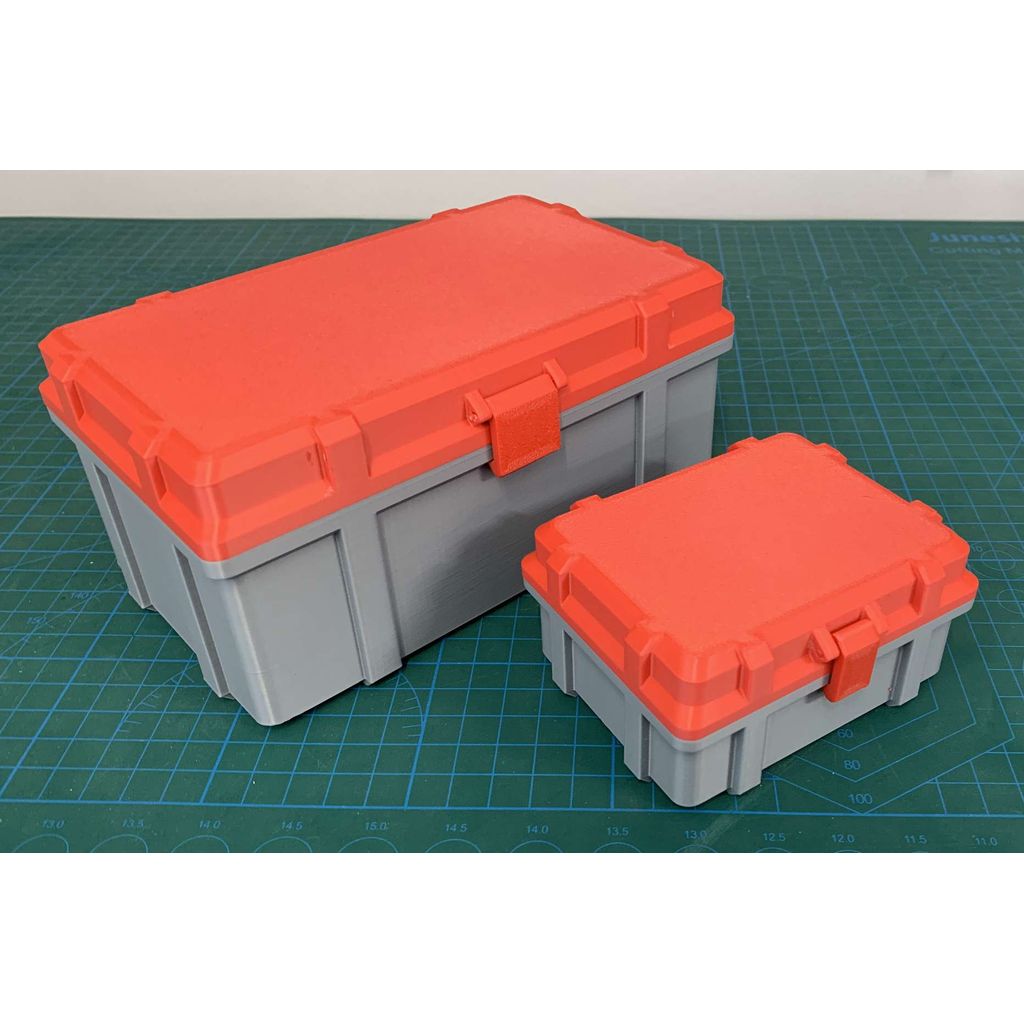
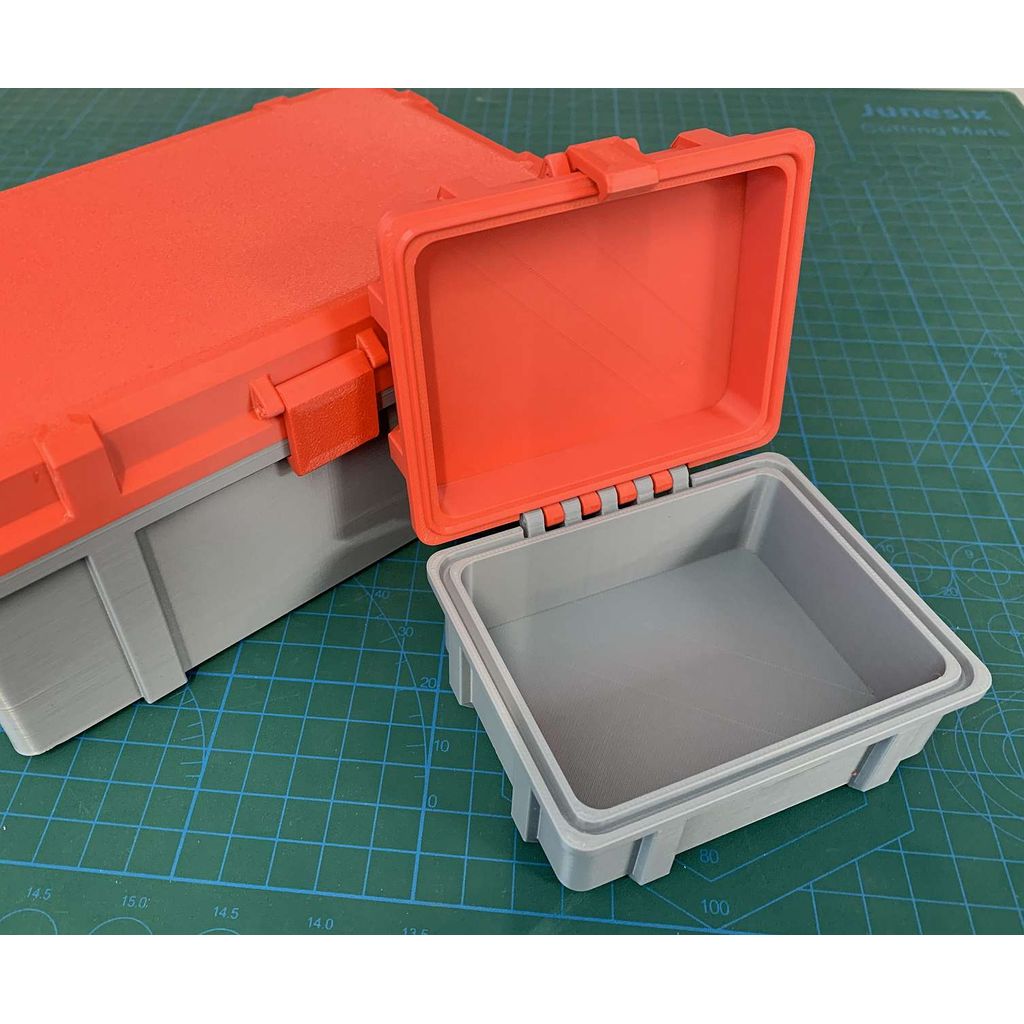
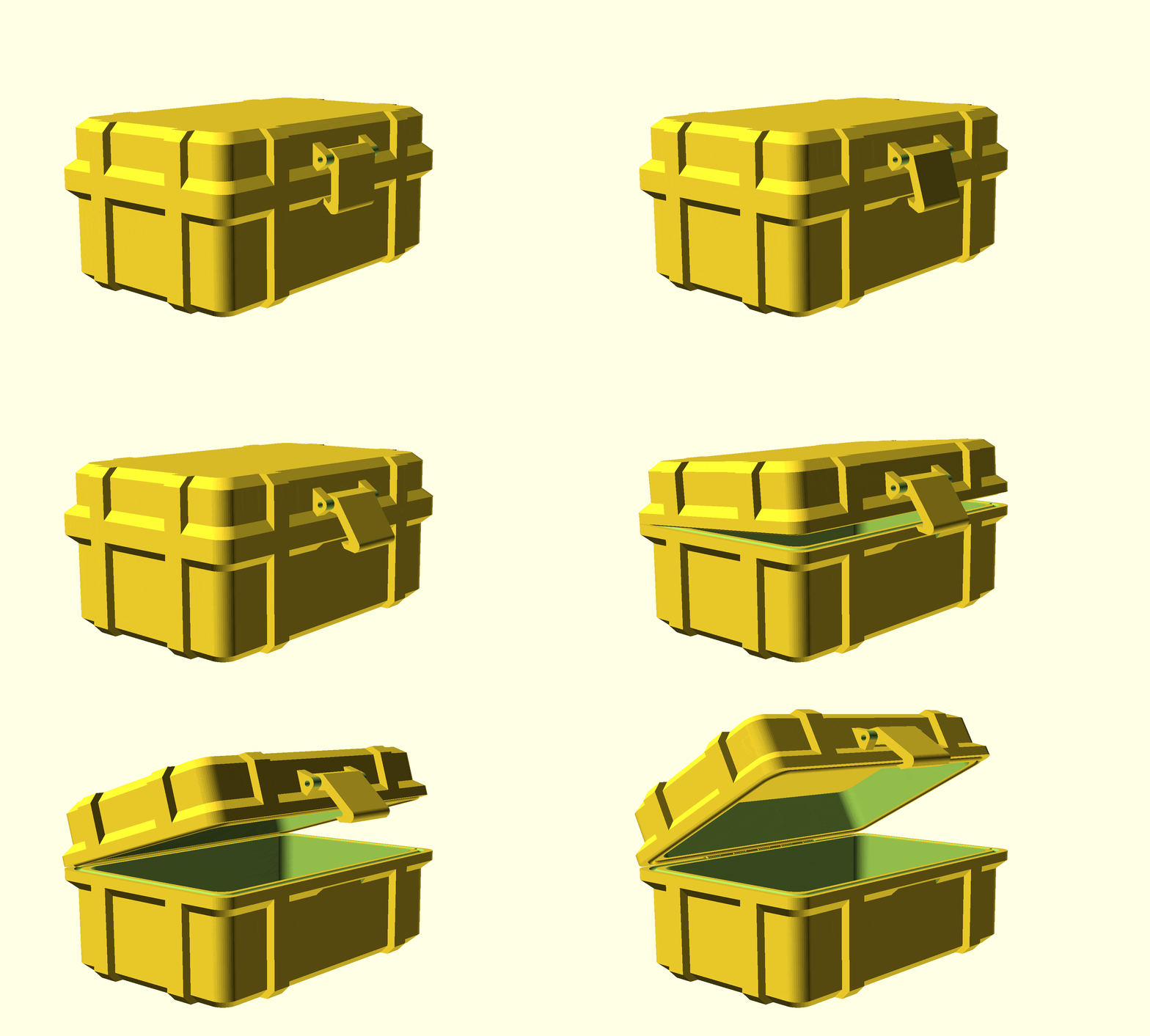
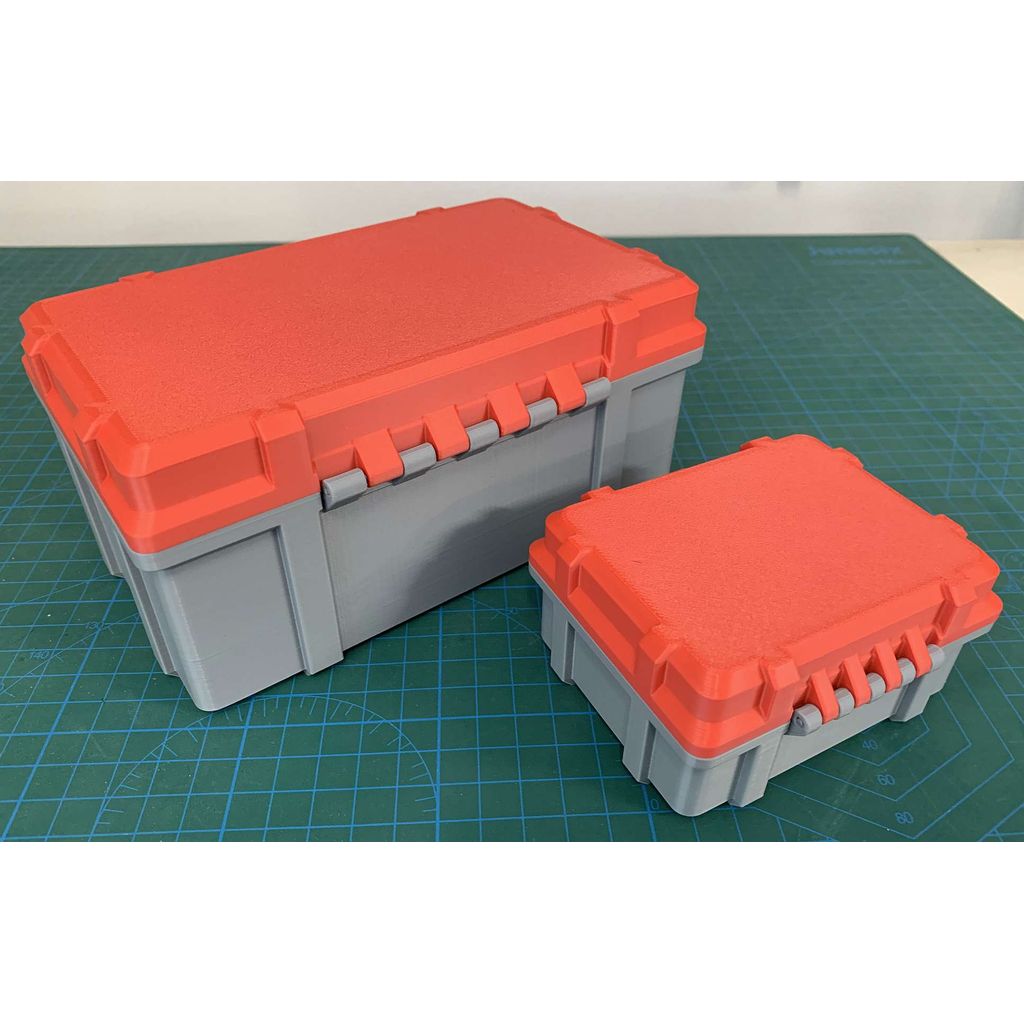
Rugged customizable box with free moving hinges and a firm latch. Scales well. No hardware required, just use filament through the hinges and latch. I put a small drop of CA glue on the ends of the hinge and latch filaments to prevent any movement. NOTE: The Customizer here at Thingiverse does not support the BOSL2 libraries for OpenSCAD, whereas some other sites do. To customize from Thingiverse, you have to firstly open this model in OpenSCAD (with the BOSL2 libraries installed). Then use the Customizer in OpenSCAD i.e adjust the parameters displayed in the right-side window. You may need OpenSCAD to be in full-screen mode for the parameters to show, and ensure "Hide Customizer" is un-checked in the Window menu. I printed with PLA+, no supports, 15% infill. I recommend printing the latch laying down on its front face. My goal here was not to provide .STL files. These do not scale properly. For example, when you "scale" an STL in your slicer, it will scale all dimensions equally in the chosen axes (x,y,z or all). This is not what you want, because then the hinges and latch won't work as designed. The goal here was to provide a box with working hinges and latch that can scale to various sizes (within reason of course, everything has some limitations). The latch and hinges will auto-widen with the box length (the side-to-side or x dimension). The latch arm-length will auto-adjust to the height of the ribs around the box lid junction. The width and locations of the box ribs will auto-adjust to the box width (the front-to-back or y dimension) and length (the x dimension). Changing the lid or box height (the z dimension) will not affect the latch and hinge positioning, and more.. Updates: Added 3 checkboxes into the parameters; Render_Box, Render_Lid, Render_Latch so you can select individual parts for rendering and exporting to print. Start with them all checked, then set the parameters for the size you want the finished box, then use these checkboxes to turn on/off each part to render, export to STL for printing. Made Lid_Height parameter visible. I use OpenSCAD 2021.01 with BOSL2 libraries installed, on both MacOS (15.6.1) and Windows 10 and 11. There have been some reported issues with the parameters window not showing in OpenSCAD when it is not in full-screen mode. Настройки печати и инструкции
Category
Tags
-
Chamfered_Box_v2.scadDownload
Please login to post comments.
Information
- Author: admin
- Date: 05.12.2025
- Category: Household
- Views: 120
- Downloads: 50
- Likes: 0
- Images: 4
- Files: 1
Download ZIP
Model Author
Similar models



×
❮
![]() ❯
❯