Bridge Testing
admin | 05.12.2025
3D Preview
Loading 3D model...
LMB: Rotate | Scroll: Zoom | RMB: Pan
Gallery (1)
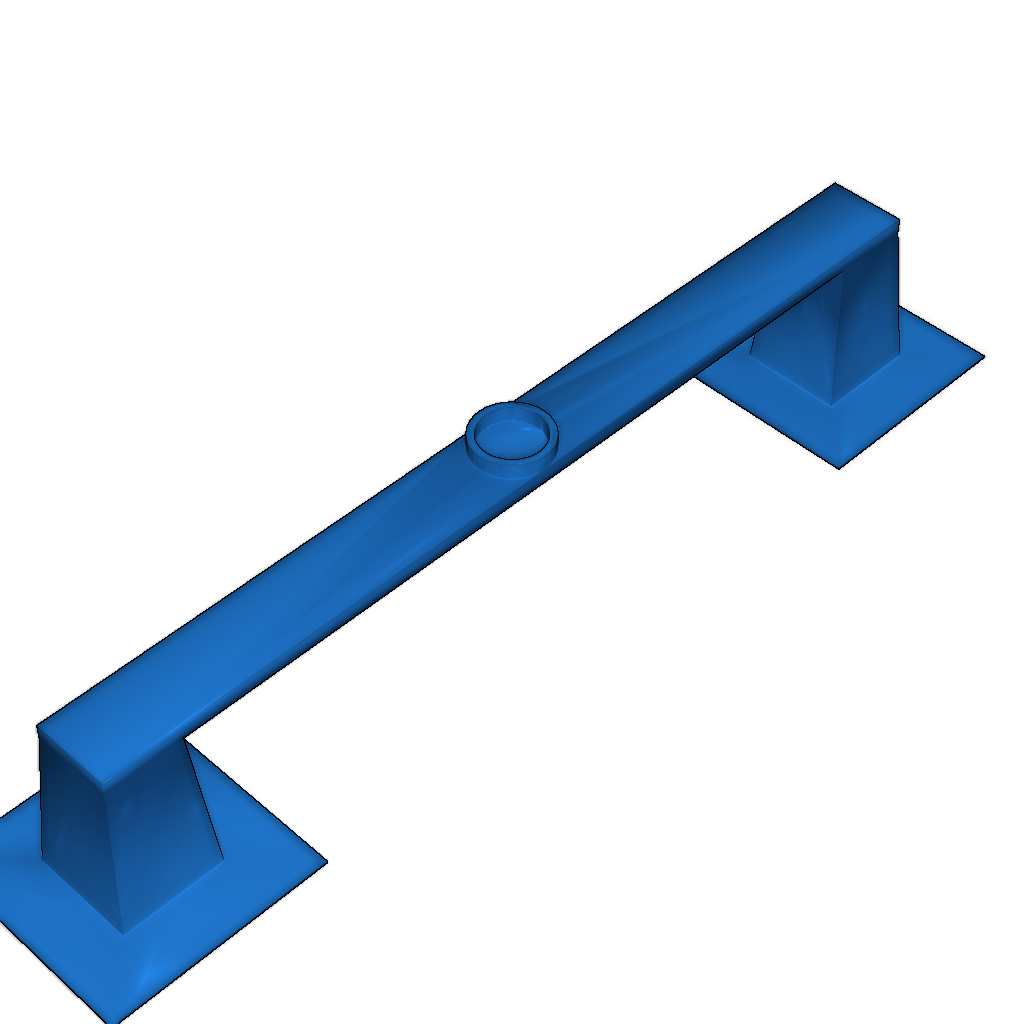
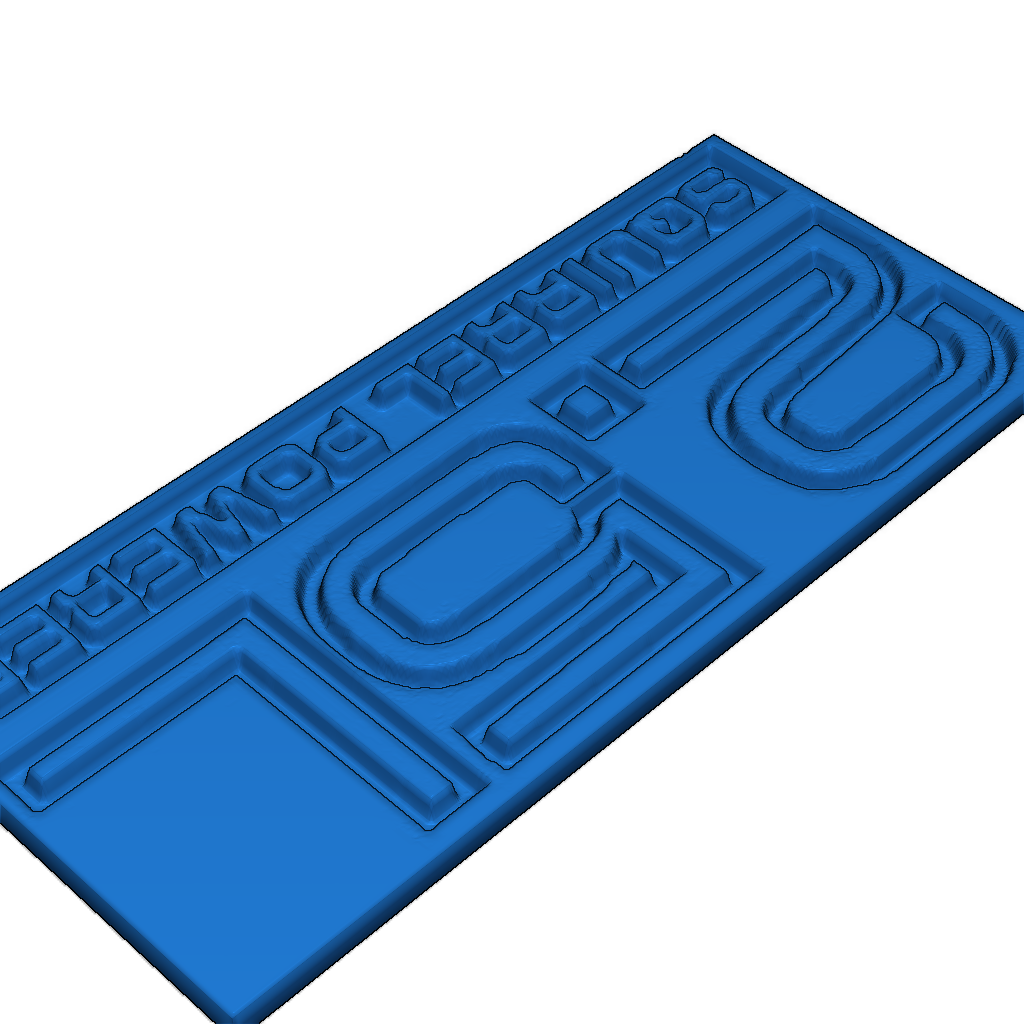
Check how the circle on the bridge comes out! Struts are hollow to speed up printing. My test showed that bridges should be printed slowly.
Printing Settings and Instructions:
- 1) Print
- 2) Observe the bridge
- 3) Adjust bridge settings
- 4) Go to 1 unless great
- 5) Observe the circle quality
- 6) Fine-tune bridge settings
- 7) Go to 1 unless excellent
- 8) ???
- 9) Profit!
Please login to post comments.
Information
- Author: admin
- Date: 05.12.2025
- Category: 3D Printing
- Views: 140
- Downloads: 68
- Likes: 0
- Images: 1
- Files: 2
Download ZIP
Model Author
Similar models

Recently viewed
×
❮
![]() ❯
❯