Cute Octopus Says Hello
admin | 05.12.2025
3D Preview
Loading 3D model...
LMB: Rotate | Scroll: Zoom | RMB: Pan
Gallery (1)
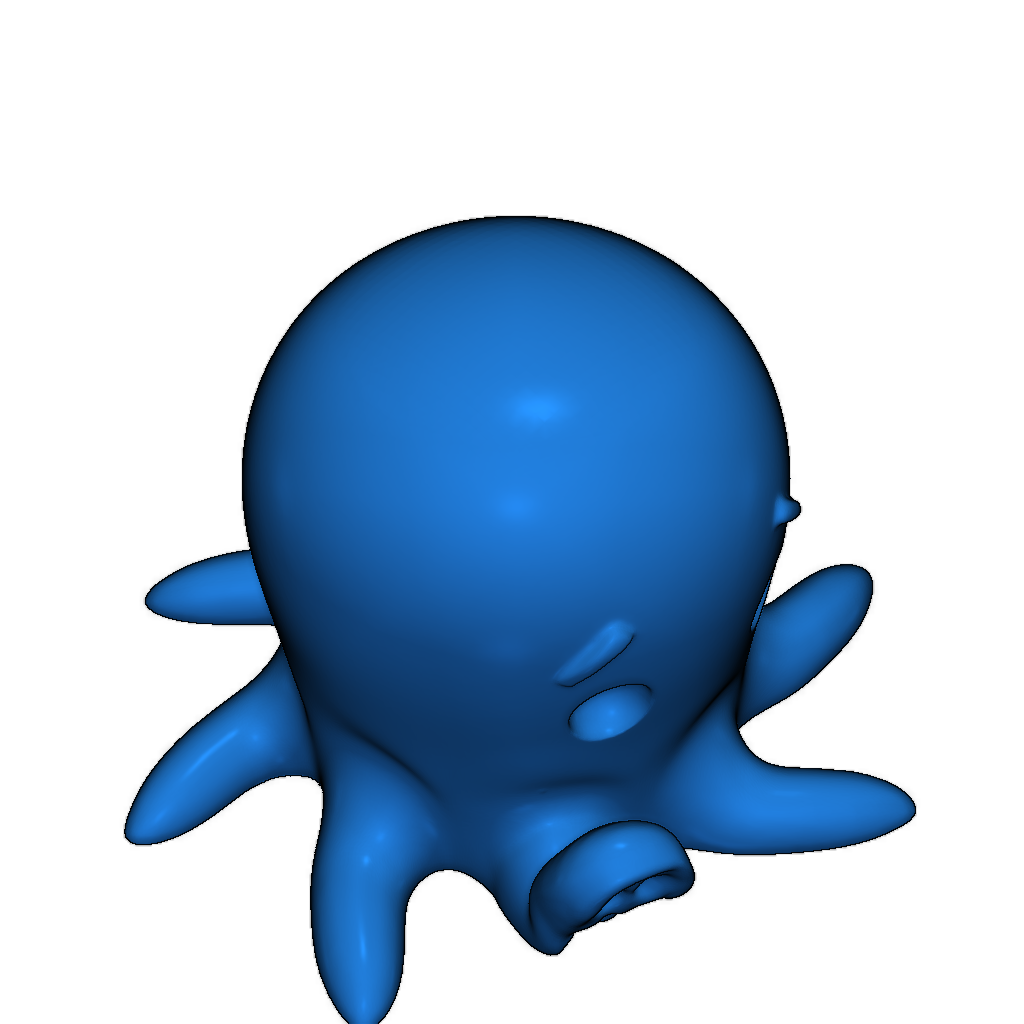
This is a 3D model of a cute octopus designed for printing on the MakerBot Mini. Please follow the instructions below for successful printing:
- If connected via WI-FI:
- On the Thing page, click on Thing Files to see available files.
- Download the desired file to your computer.
- Open the downloaded file in MakerBot Desktop, and it will appear on the build plate.
- Click the Print button to slice your model.
- To send the file to your MakerBot Replicator Mini, click Start Print.
- When the print file is sent, the Action Button will blink blue. Press it to confirm the print.
- The Action Button will glow red, indicating that the extruder is heating up.
- Once the extruder is heated, the printing process will begin.
After printing is complete, wait for the extruder to cool, then remove the build plate from the printer and gently take out the model. Remember to peel off the raft from the bottom of the print. Your finished model will be easily removed from the build plate. Enjoy your printed creation and take some photos to share on Thingiverse!
- If connected via USB:
- On the Thing page, click on Thing Files to see available files.
- Download the desired file to your computer.
- Open the downloaded file in MakerBot Desktop, and it will appear on the build plate.
- Click the Print button to slice your model.
- To send the file to your MakerBot Replicator Mini, click Start Print.
- If you wish to cancel, click Cancel Print.
- When the print file is sent, the Action Button will glow red, indicating that the extruder is heating up.
- Wait for the extruder to heat up, then the printing process will begin.
Please login to post comments.
Information
- Author: admin
- Date: 05.12.2025
- Category: Other
- Views: 147
- Downloads: 78
- Likes: 0
- Images: 1
- Files: 2
Download ZIP
Model Author
Similar models
×
❮
![]() ❯
❯