Creating a Lithophane
admin | 05.12.2025
3D Preview
Loading 3D model...
LMB: Rotate | Scroll: Zoom | RMB: Pan
Gallery (1)
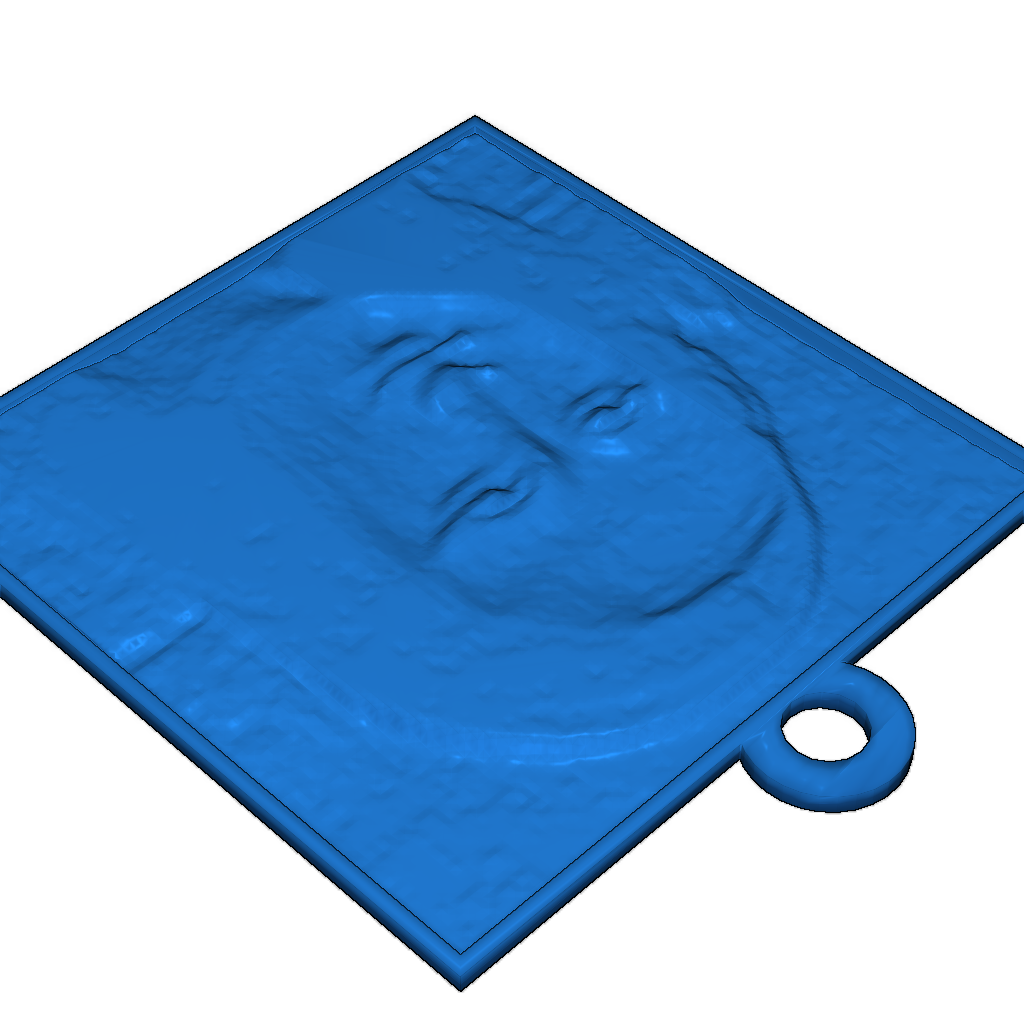
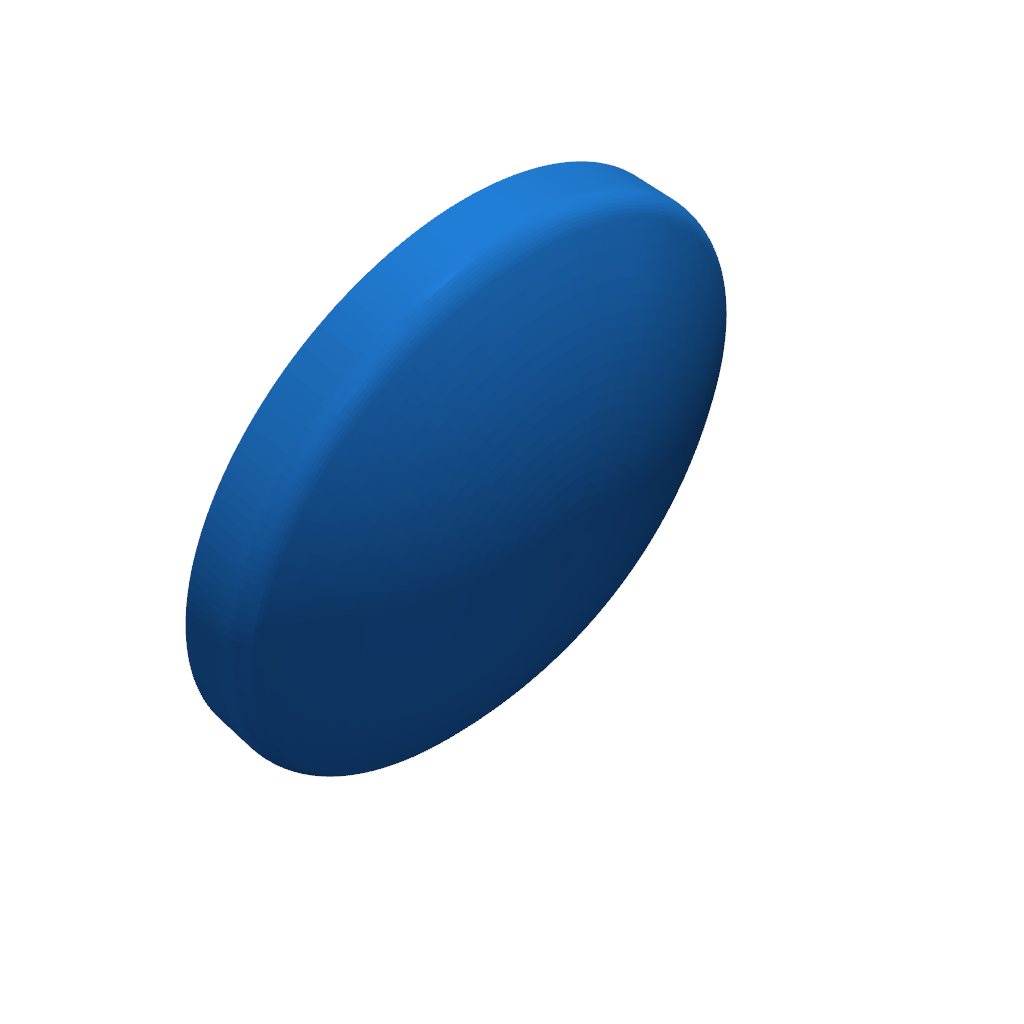
Click "Open in Customizer" to turn the image of your choice into a Lithophane! You can use any photo. The Lithophane tool generates a 3D model that looks like a rough terrain map. Download the file, print it on your MakerBot Desktop 3D Printer, and you have a picture perfect pane to hang on your window.
Printing Settings:
- Upload an image.
- Check the invert colors checkbox.
- Create a Lithophane.
- For best results, upload a square image and print using a light colored plastic at 0.2 mm layer height and 1 shell.
Once printed, hang your picture in a window.
Category
Please login to post comments.
Information
- Author: admin
- Date: 05.12.2025
- Category: Other
- Views: 143
- Downloads: 68
- Likes: 0
- Images: 1
- Files: 2
Download ZIP
Model Author
Similar models

×
❮
![]() ❯
❯