Print Settings and Instructions
admin | 05.12.2025
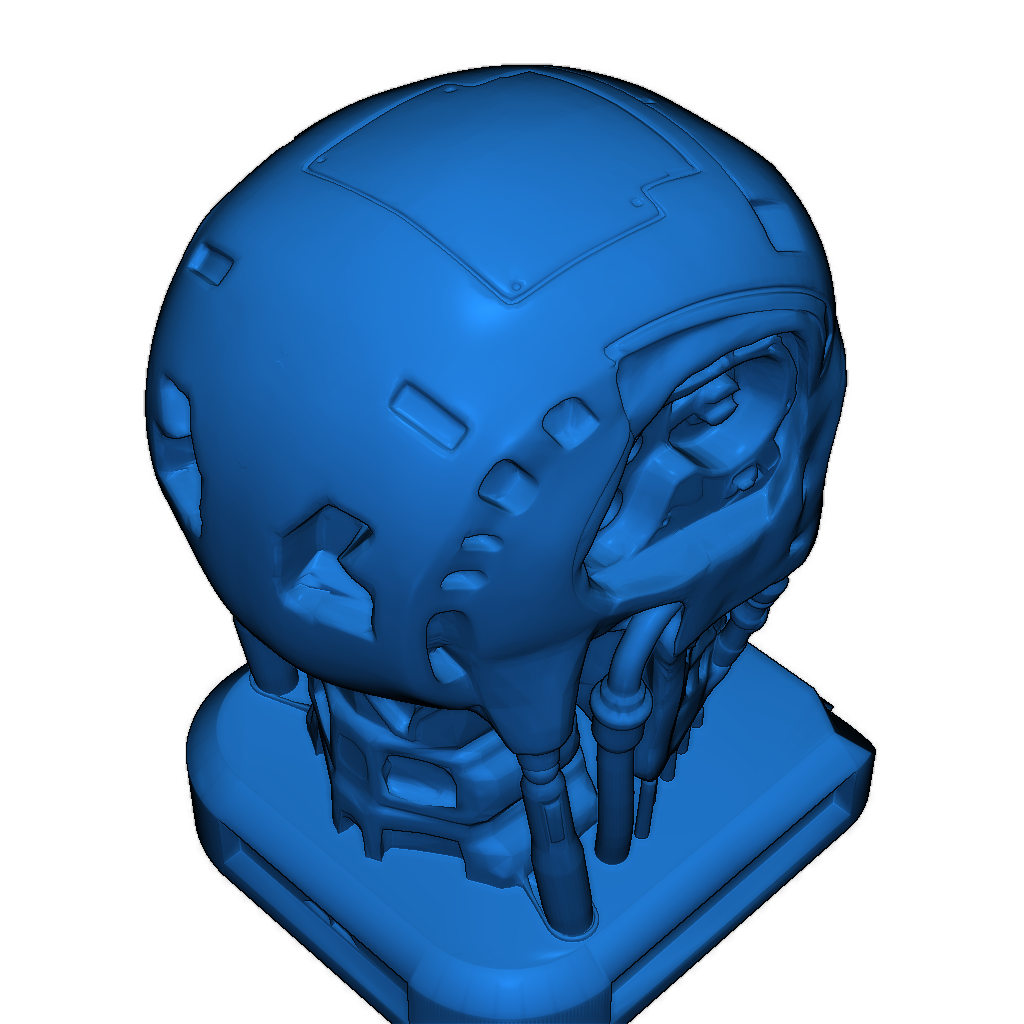
3D Preview
Loading 3D model...
LMB: Rotate | Scroll: Zoom | RMB: Pan
Gallery (1)
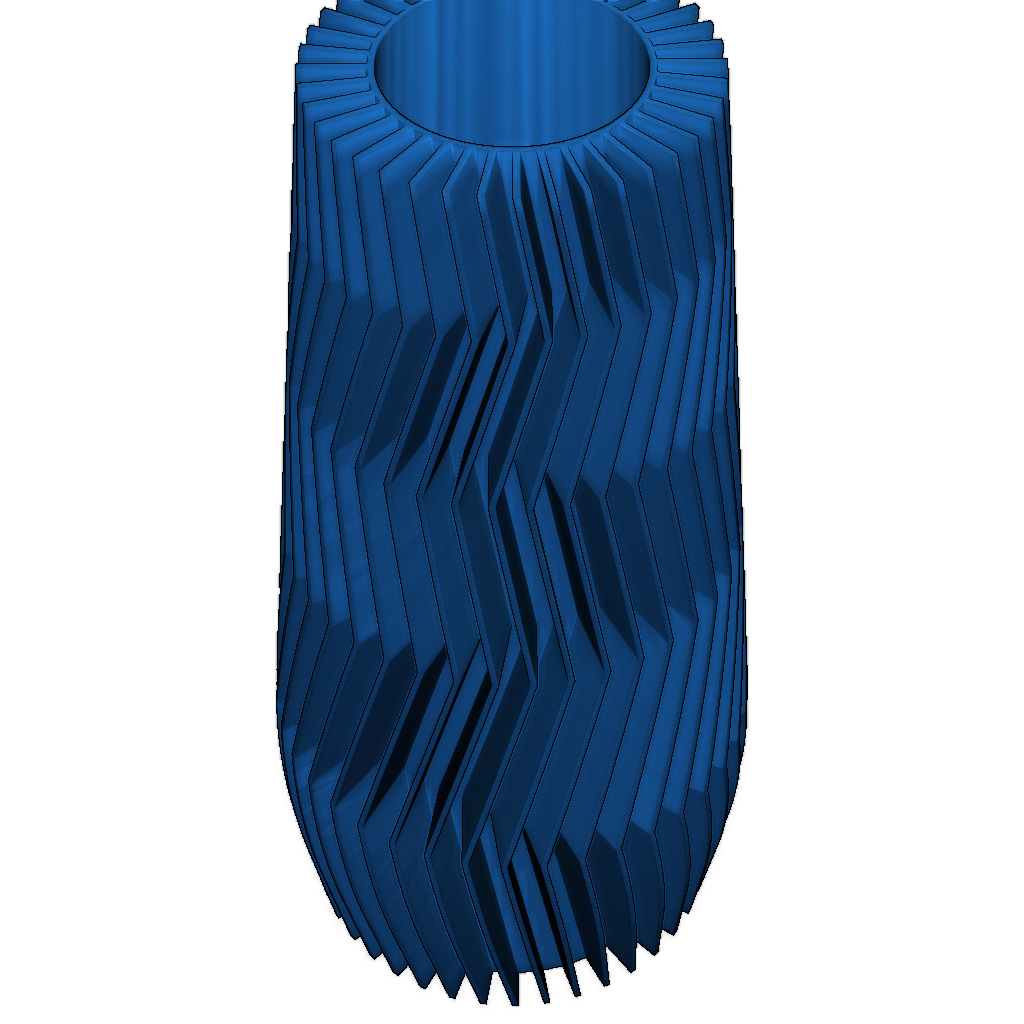
Print settings for the model printed on the DeeGreen printer.
- Print Parameters: Ensure the correct print mode and material quality are selected.
- Material Preparation: Check that the material is properly loaded and free from damage.
- Printer Calibration: Verify the alignment and print head settings before starting the print.
Category
Tags
-
vase.stlDownload
Please login to post comments.
Information
- Author: admin
- Date: 05.12.2025
- Category: Art & Design
- Views: 106
- Downloads: 40
- Likes: 0
- Images: 1
- Files: 1
Download ZIP
Model Author
Similar models

Recently viewed
×
❮
![]() ❯
❯