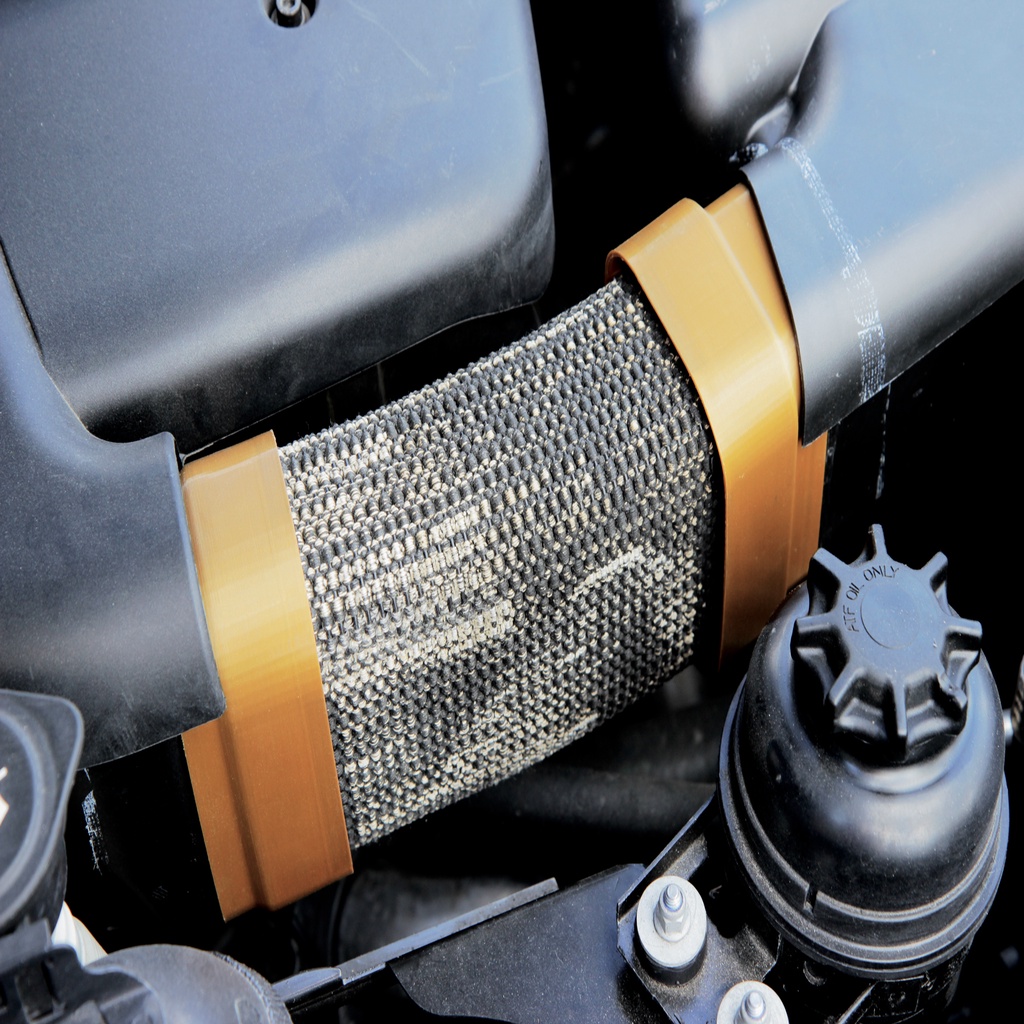
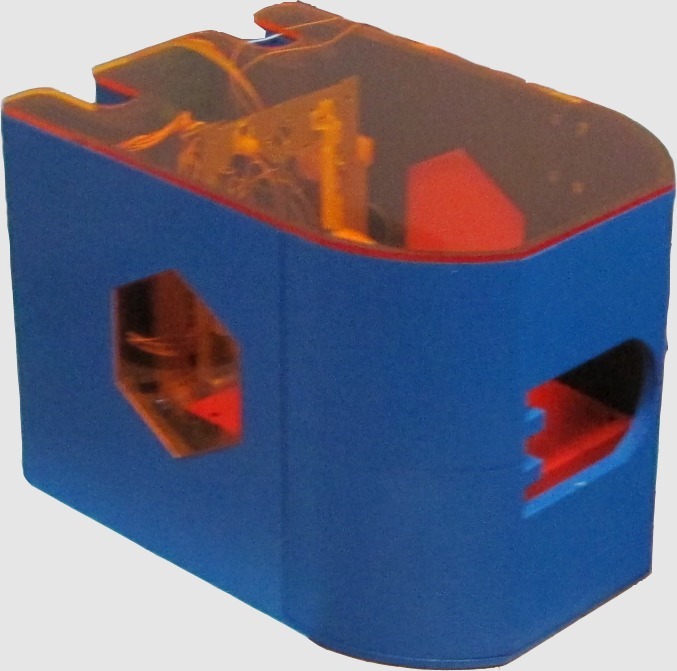
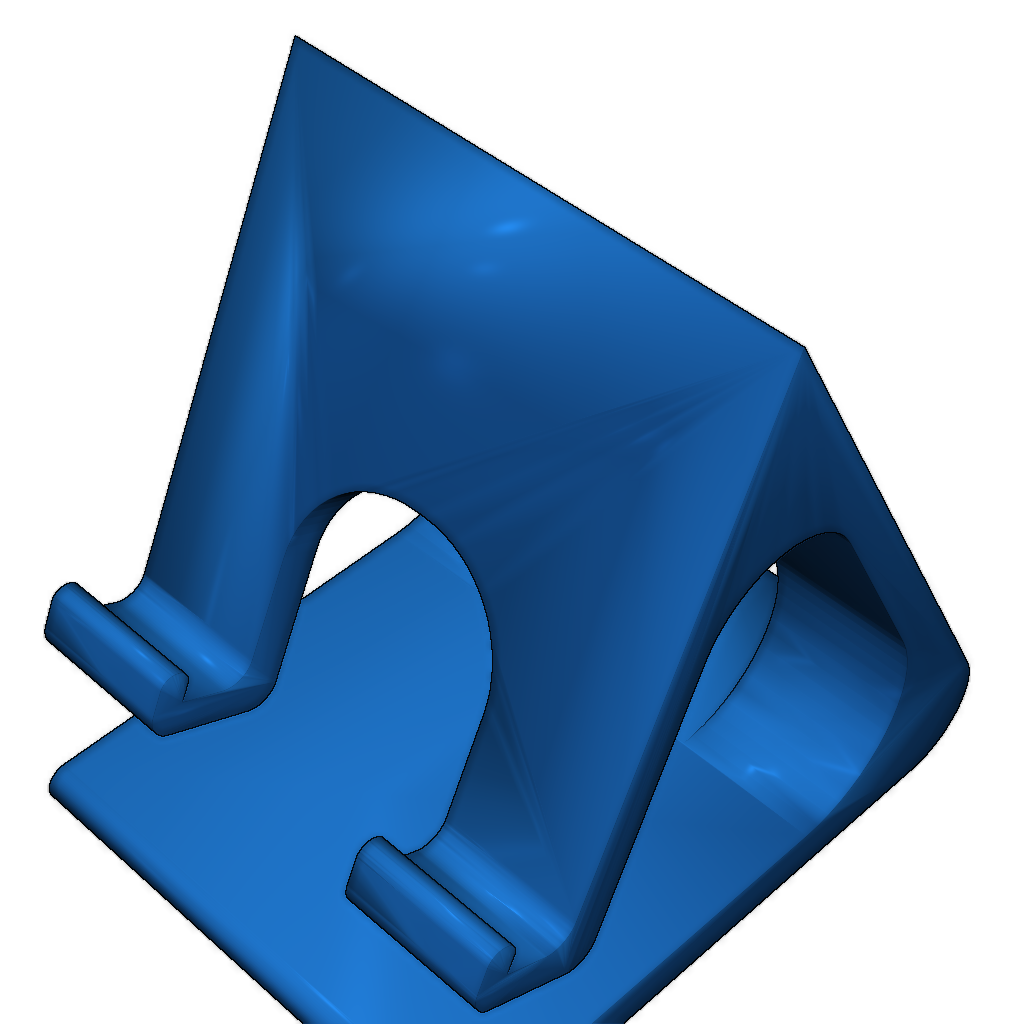
DiiiCooler for Wanhao Duplicator i3
admin | 05.12.2025
3D Preview
Loading 3D model...
Gallery (6)
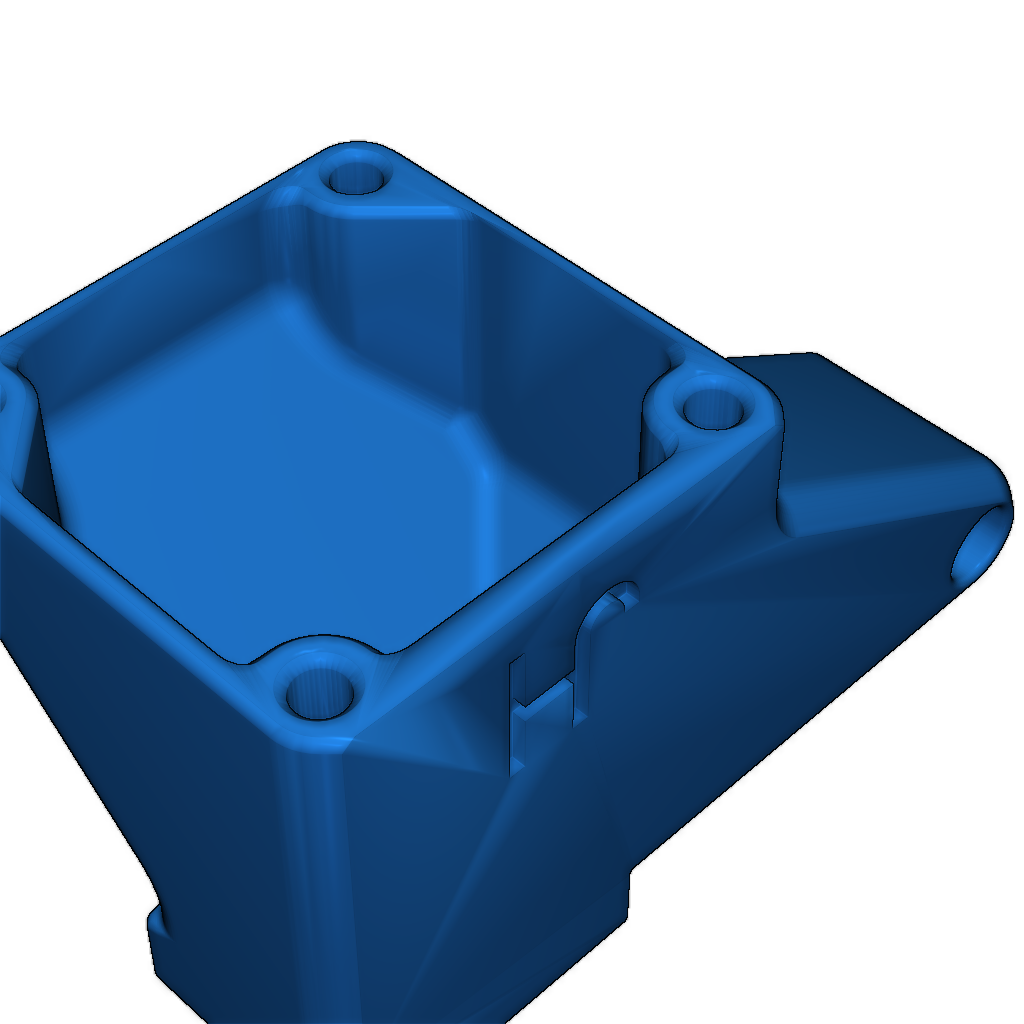
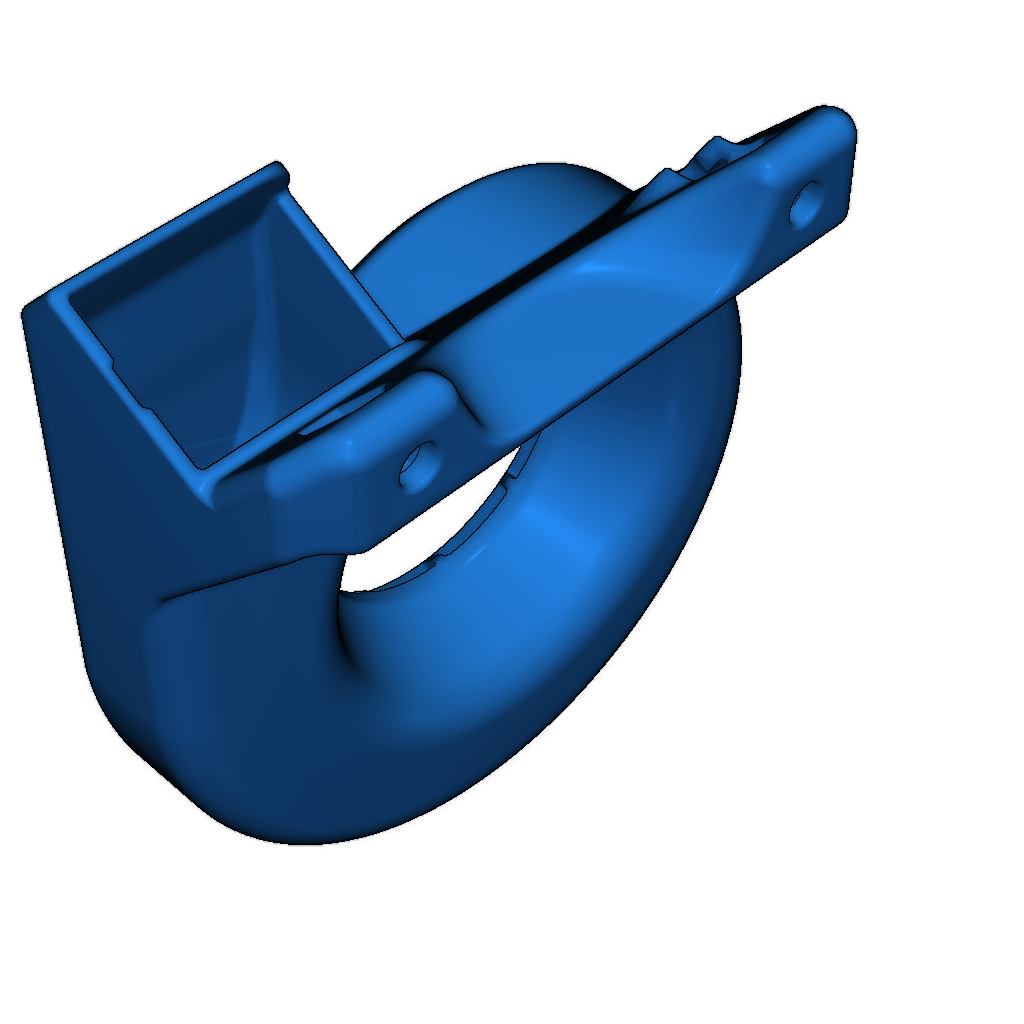
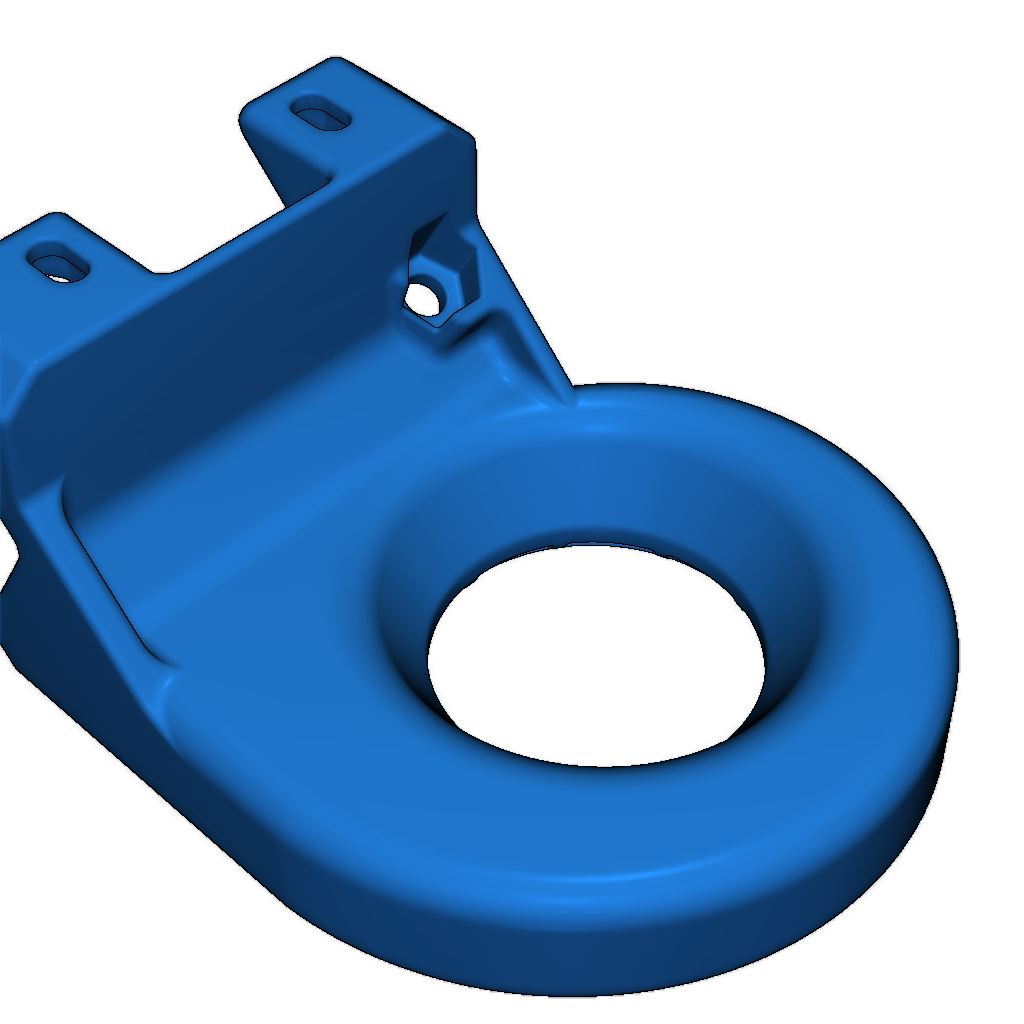
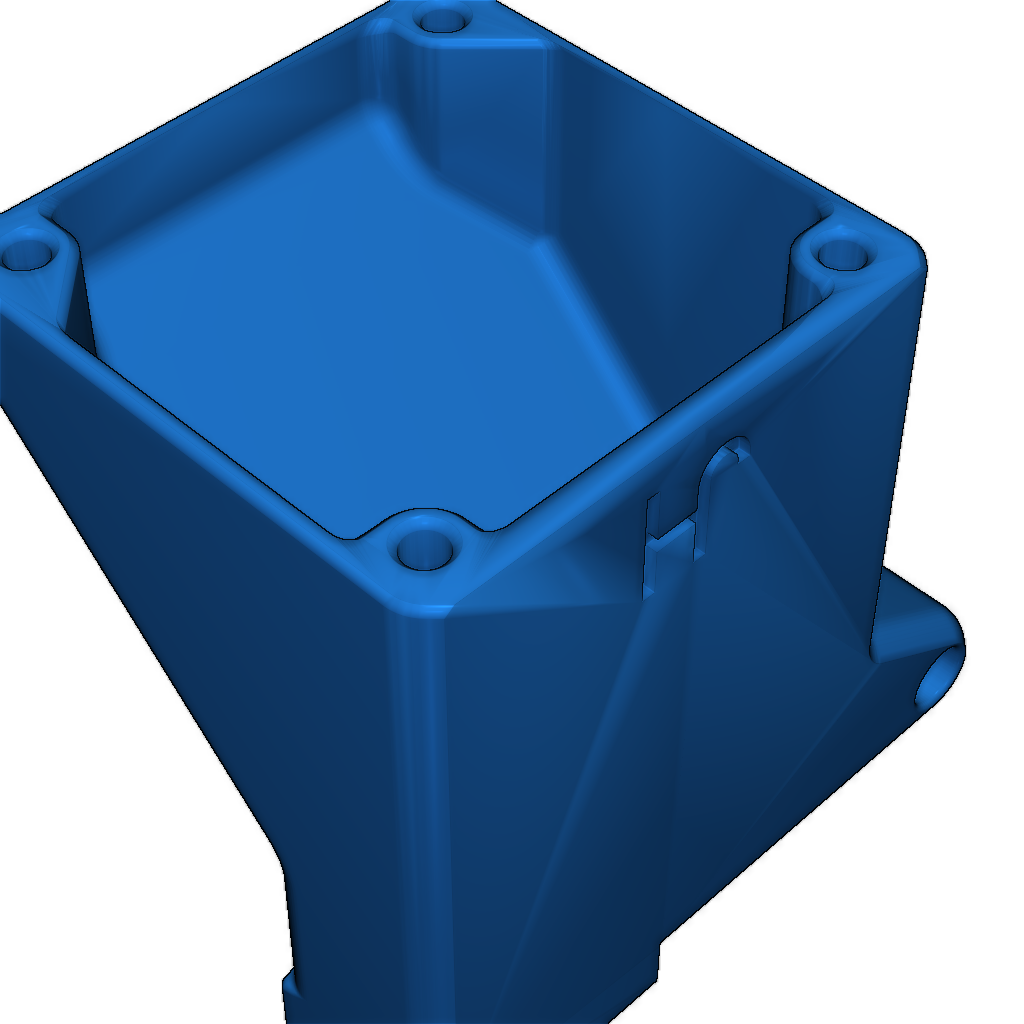
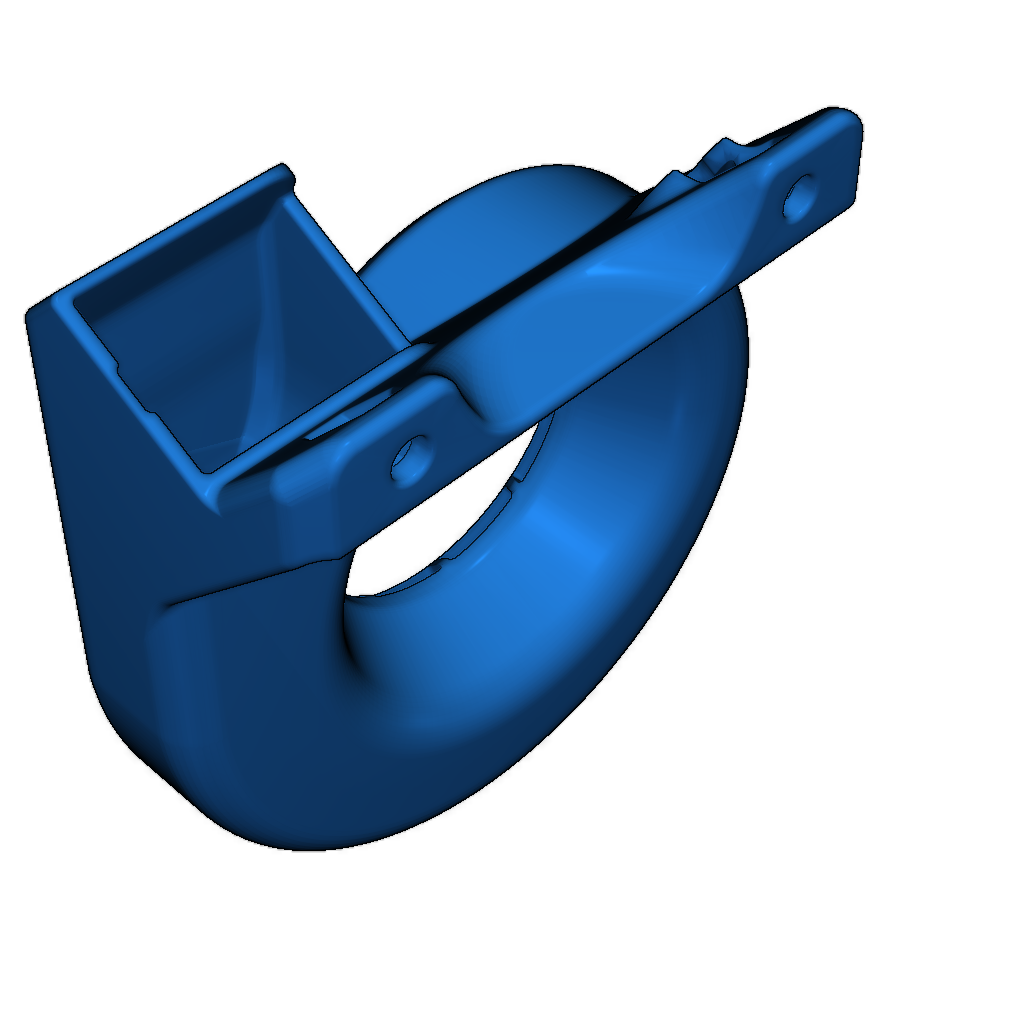
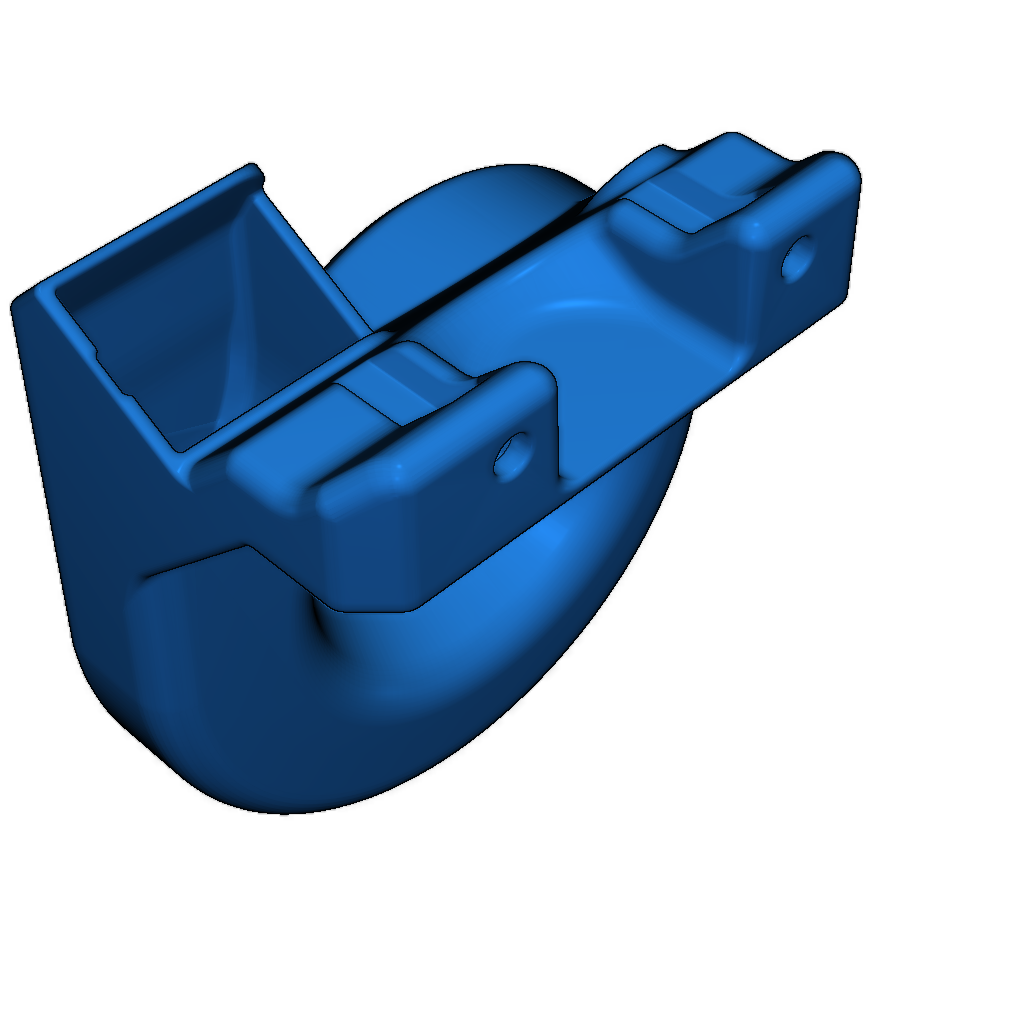
The DiiiCooler is a cooler designed to be mounted around the hotend of the Wanhao Duplicator i3. It provides a 360-degree cooling field around the hotend during printing.
Recommended Radial Fans:
Print this cooler without support using ABS, PET-G, or other filaments that can withstand some heat. PLA has worked in testing the prototypes but use it at your own risk.
Choosing the Right DiiiCooler:
- V1.0 - DiiiCooler_Rev3-21.STL or DiiiCooler_SHORT_Rev3-21.STL
- V2.0 - DiiiCooler_Rev3-21.STL or DiiiCooler_SHORT_Rev3-21.STL
- V2.1 - DiiiCooler_Rev3-21-V2-1_Beta3.STL
- PLUS - DiiiCooler_Rev3-21-V2-1_Beta3.STL
Attention V2.1 Owners: Check the mounting hole distance:
- 30.8 mm: Choose V2.1 Beta 2 or Beta 3 (Elongated holes).
- 40 mm: Choose DiiiCooler_Rev3-21 or DiiiCooler_SHORT_Rev3-21.
Required Hardware:
- 1 pcs M4x20 screw (or longer)
- 2 pcs M3x10 or M3x12 screws
- 1 pcs M4 nut (or locknut)
- 2 pcs M3 nuts (or locknuts)
- 1 pcs 51x51x15 mm radial fan
Mounting Instructions:
- Use M3 screws and nuts to attach the cooler in the two holes used by the stock cooler.
- Use M4 screw and nut to fasten the radial fan to the cooler.
- Connect the fan to the 3D printer where the stock 30 mm fan was connected.
Short Version: If you experience the DiiiCooler touching the build plate (it should be close but not touching), you can try the short version "DiiiCooler_SHORT_Rev3-21.STL". It's 1.5 mm shorter, but do not use it if you do not have issues with the standard cooler, as it will cool the hotend more effectively.
PID Heat Manager: Recommended for optimal hotend performance. This describes how to set your Duplicator i3 to use PID heat management for best temperature control of the hotend, regardless of which cooler you use. (For best results, perform your own PID tuning.) In Repetier-Host, go to [Config] -> [Firmware EEPROM Configuration] and change the following parameters:
- Extr.1 heat manager [0-3] = 1
- Extr.1 PID P-gain/dead-time = 7
- Extr.1 PID I-gain = 0.5
- Extr.1 PID D-gain = 25
Stock 30 mm Fan Adapter: An adapter for the 30 mm stock fan is included. It will not perform as well with the 30 mm fan as with a radial fan but still performs better than the stock cooler, and no soldering is required.
40 mm Fan Adapter: An adapter for a 40 mm fan is included. It will perform similarly to the 30 mm adapter but far from as good as a radial fan. Use only if you accidentally broke the 30 mm stock fan.
Please login to post comments.
Information
- Author: admin
- Date: 05.12.2025
- Category: 3D Printing
- Views: 107
- Downloads: 148
- Likes: 0
- Images: 6
- Files: 6
Download ZIP