Calibration Test Cube for 3D Printer
admin | 05.12.2025
3D Preview
Loading 3D model...
Gallery (1)
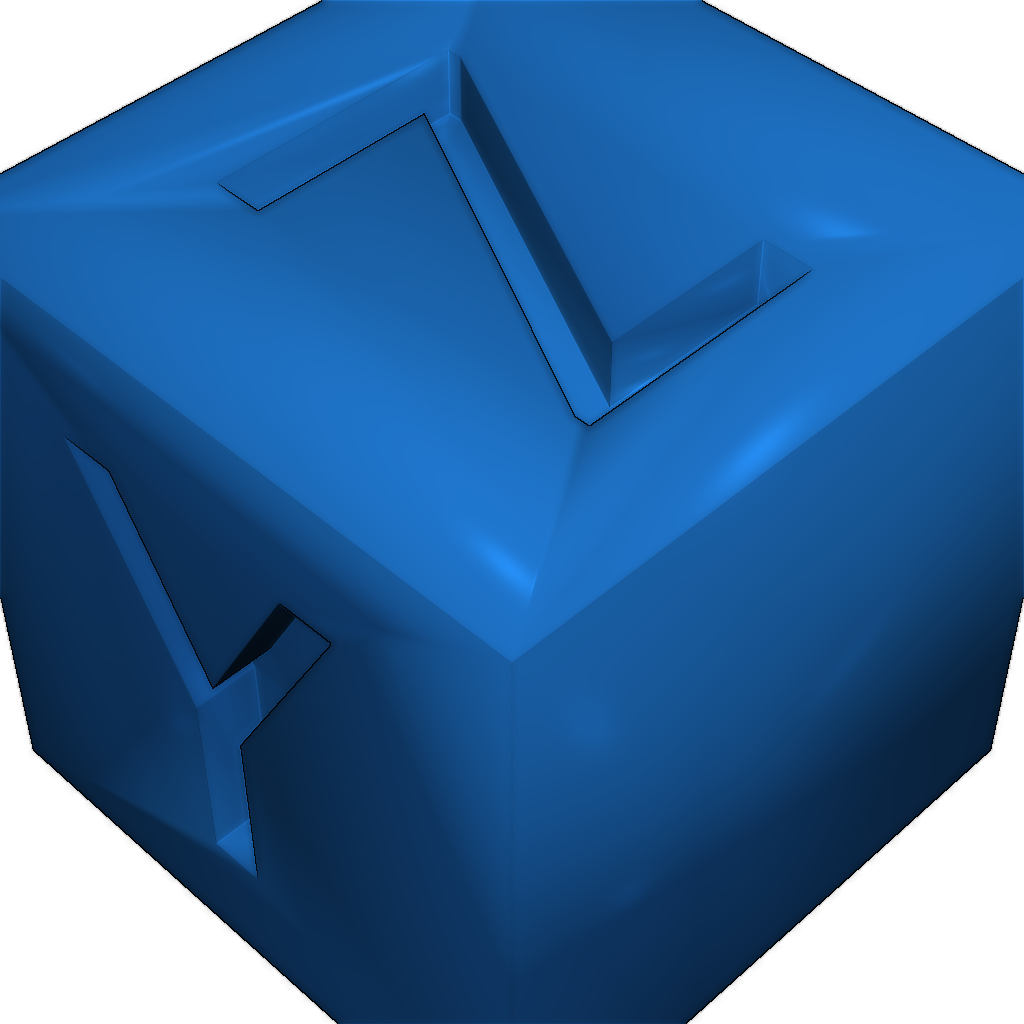
This is a simple calibration test cube for your 3D printer with X, Y & Z written on the axes. To further calibrate your 3D printer, print one out and measure this model's dimensions against the expected dimensions.
Once this is done, if your 3D printer allows it, you can adjust your Steps per mm in your printer's firmware. If:
e = expected dimension,
o = observed dimension,
s = current number of steps per mm,
then:
(e/o) x s = your new number of steps per mm
This is also the result of a guide on how to make your own 3D printer calibration cube using Freecad.
So why not have a go at making your own?
Print settings and instructions.
-
xyzCalibration_cube.stlDownload
Please login to post comments.
Information
- Author: admin
- Date: 05.12.2025
- Category: 3D Printing
- Views: 112
- Downloads: 46
- Likes: 0
- Images: 1
- Files: 1
Download ZIP