Filament Guide for Creality CR-10 Printer
admin | 05.12.2025
3D Preview
Loading 3D model...
Gallery (2)
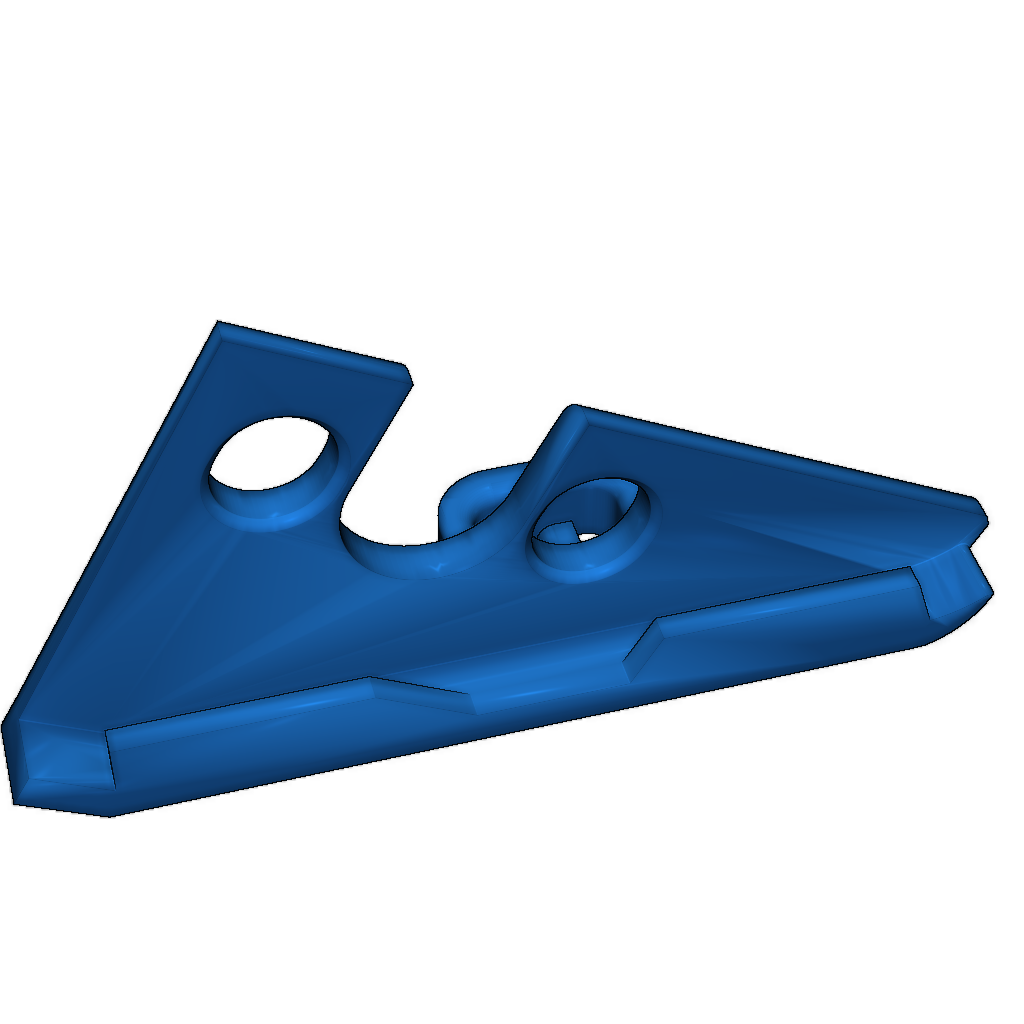
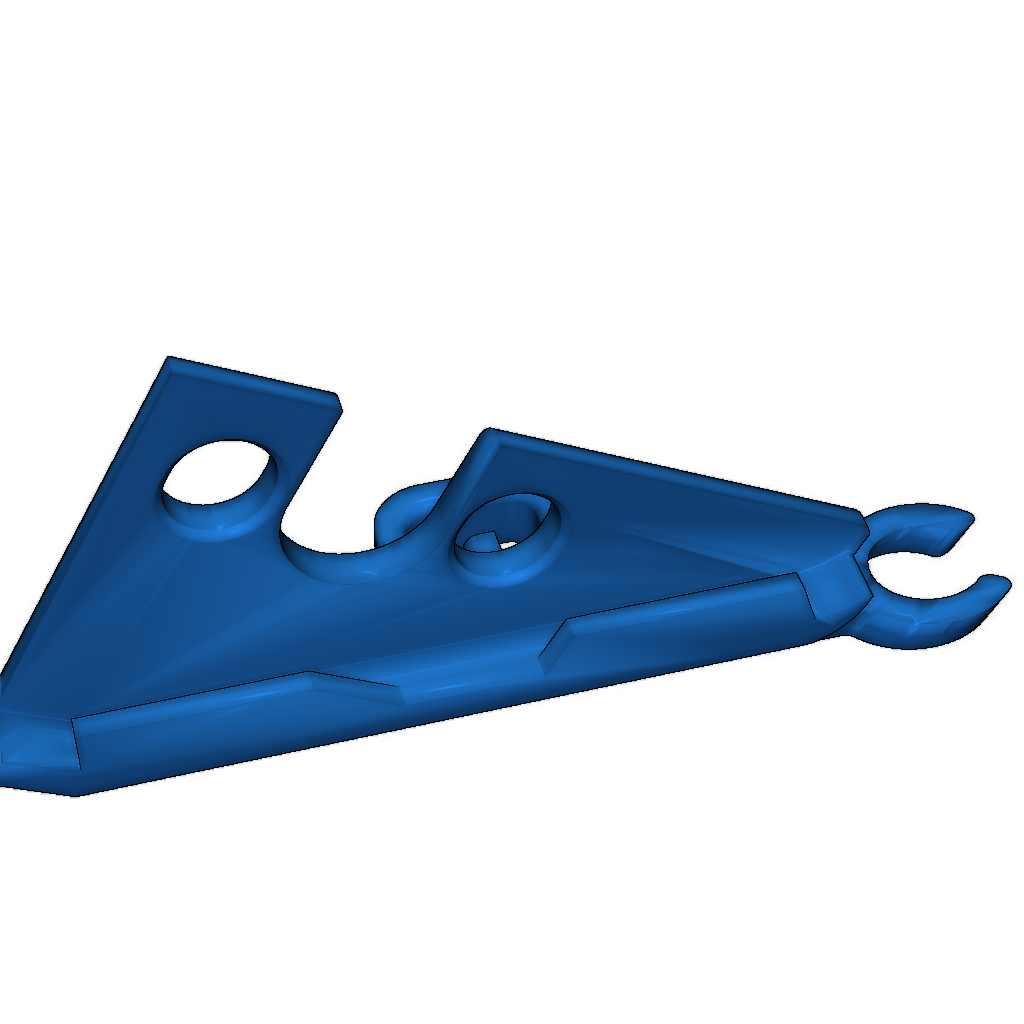
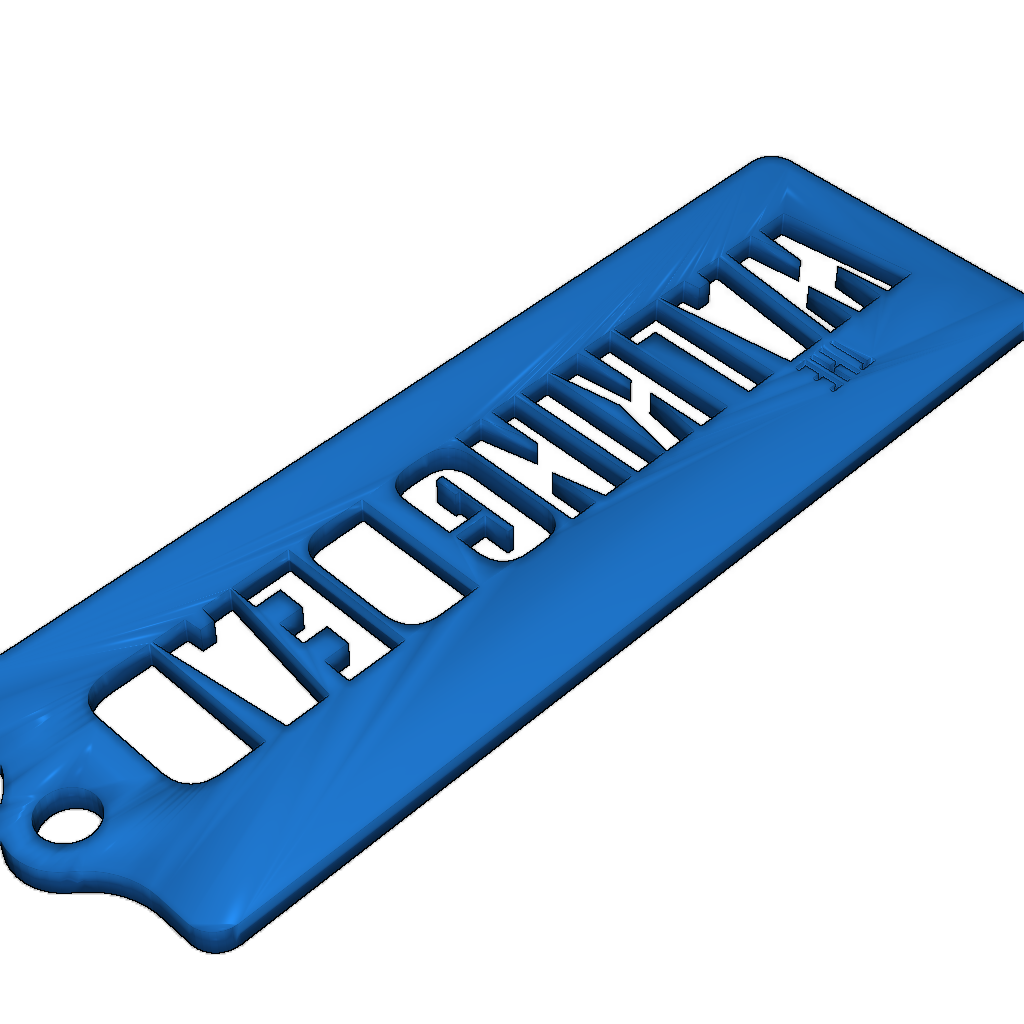
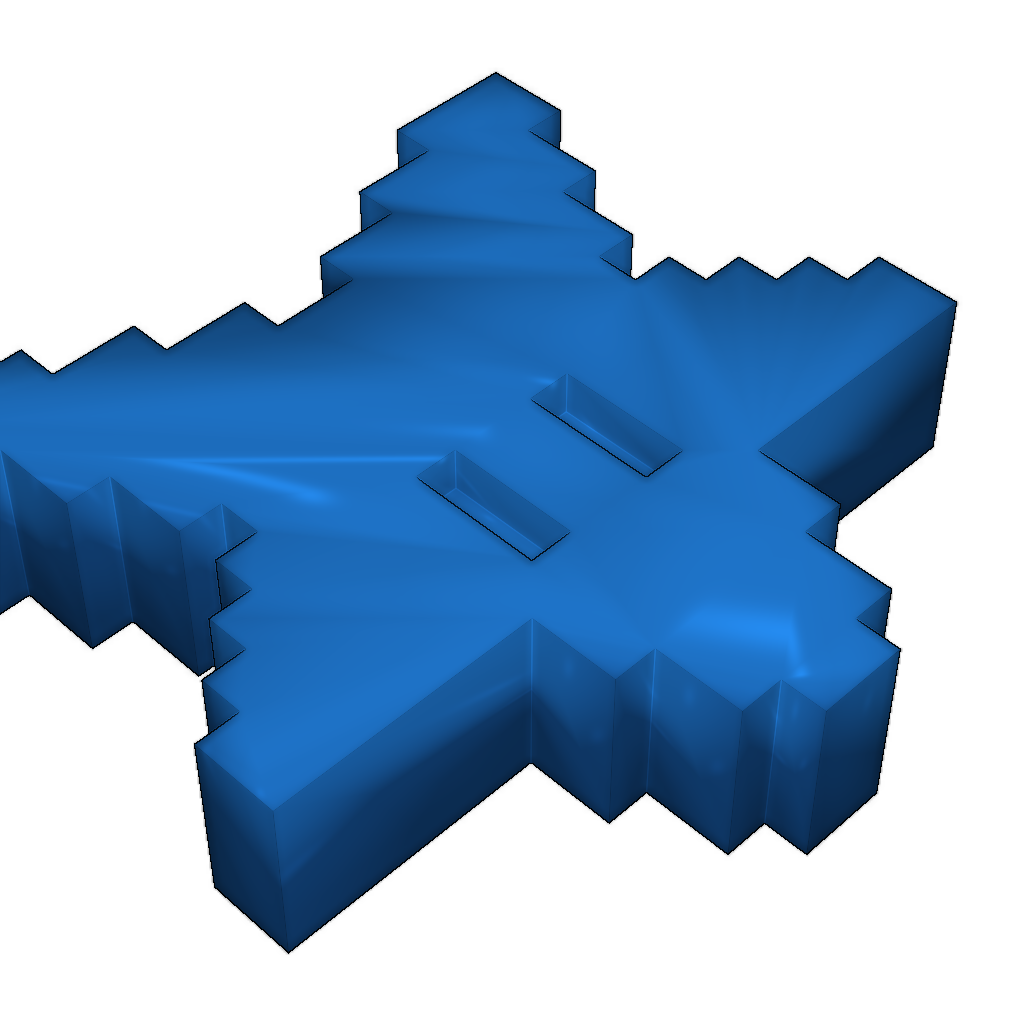
This is a filament guide designed for the Creality CR-10 printer. It prevents your filament from touching the (greasy) Z-Axis lead screw.
There are 2 versions of the guide: one with a clip to attach the wires from the hotend, and one without. To install the guide, simply clip it in place. If it does not fit, it may indicate that you have a printer where the hole for the Z-Axis lead screw was not drilled correctly.
To use the guide, insert the filament into the axis of the extruder hole as you normally would, and once it is in place, place it into the hook of the guide.
Please login to post comments.
Information
- Author: admin
- Date: 05.12.2025
- Category: Other
- Views: 119
- Downloads: 118
- Likes: 0
- Images: 2
- Files: 3
Download ZIP