Faceted Bowl and Vase
admin | 05.12.2025
3D Preview
Loading 3D model...
Gallery (3)
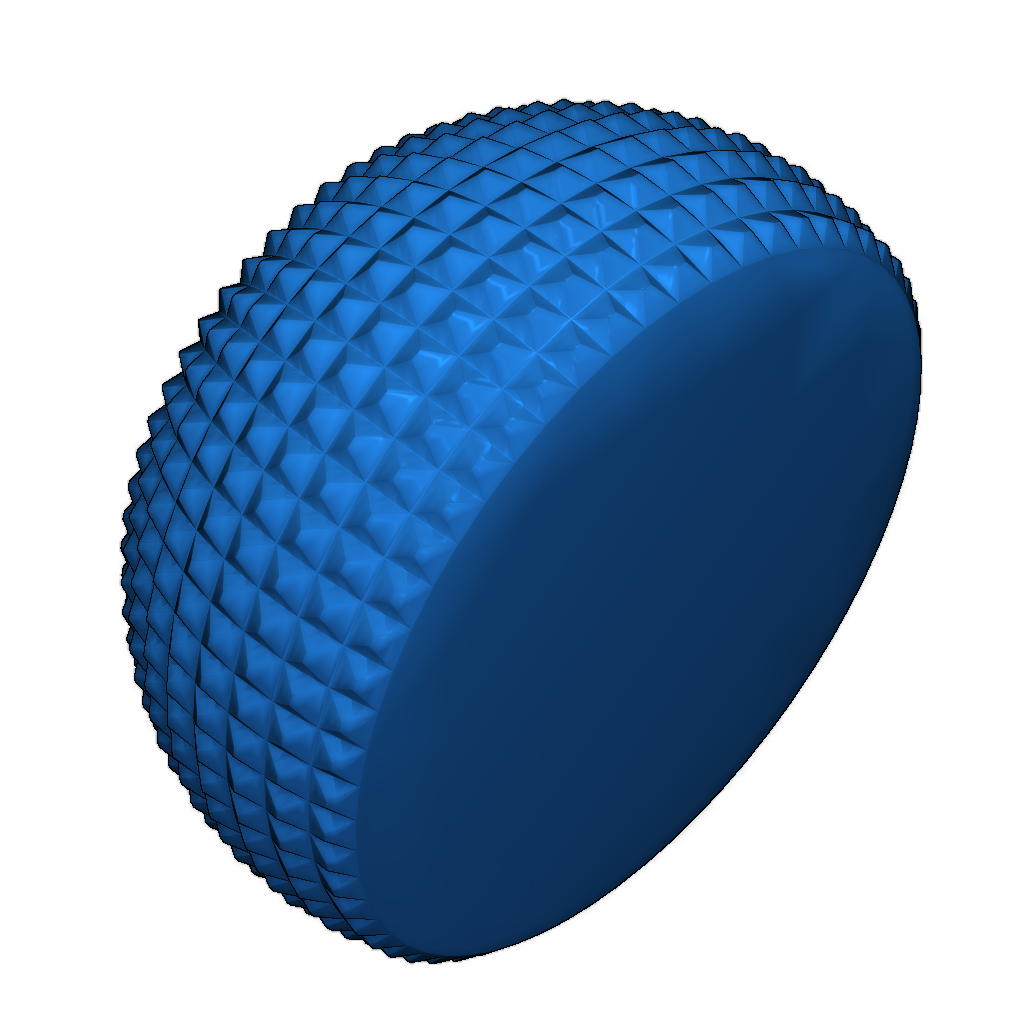
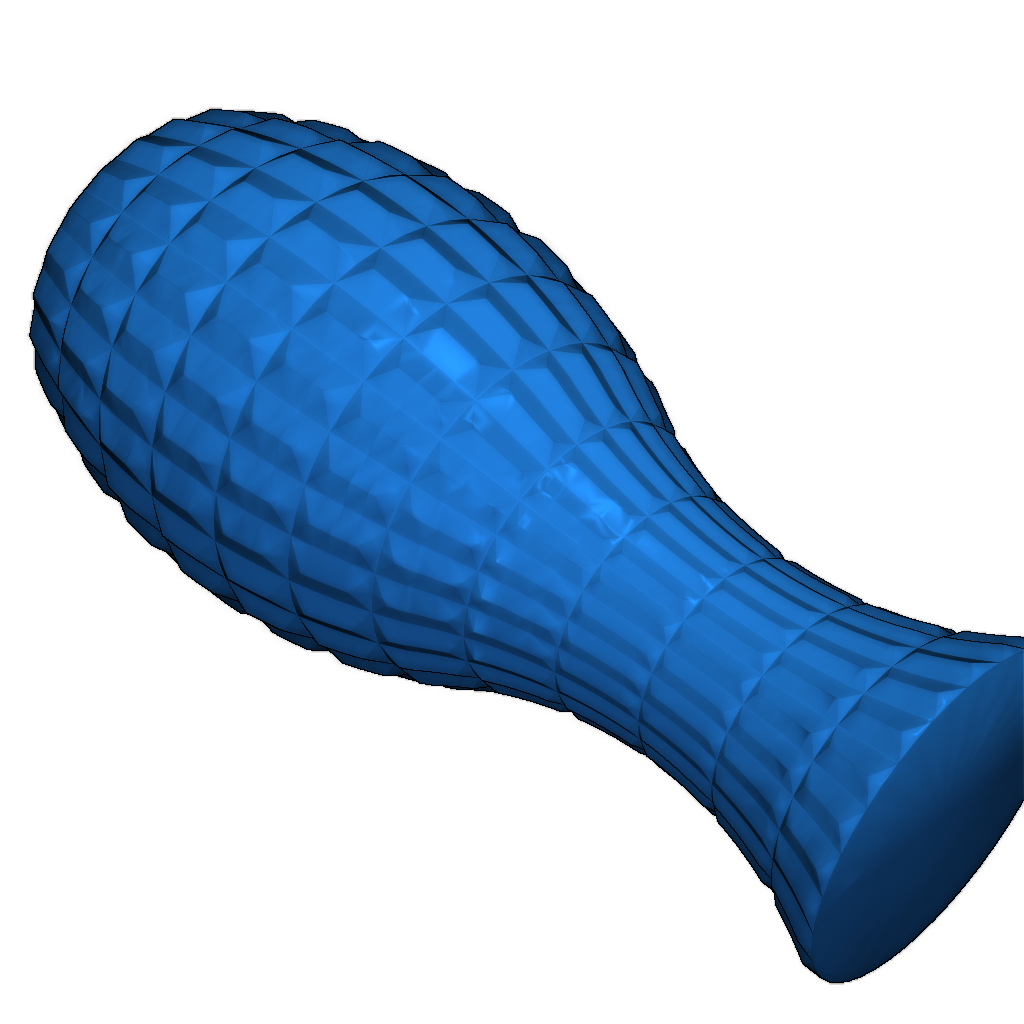
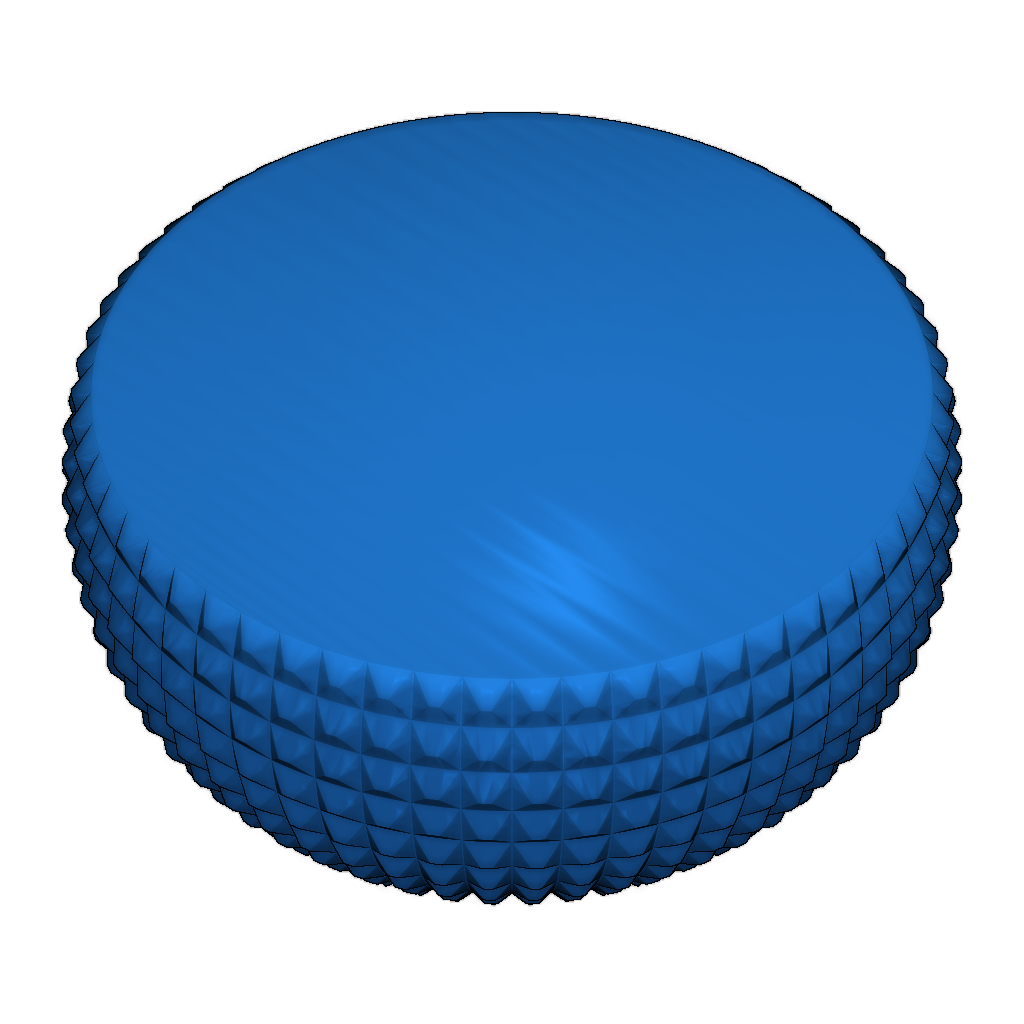
Model Description: This 3D model features a bowl and a vase designed with a 'cut glass' appearance. Both objects were printed on a FlyingBear P902 printer using transparent PLA filament.
Dimensions:
- Bowl: 165 mm diameter at the base, 196 mm diameter at the top, height 100 mm, maximum diameter 217 mm.
- Vase: 56 mm diameter at the top and bottom, height 170 mm, maximum diameter 78.5 mm.
Printing Settings: To achieve optimal results, it is essential to use the 'spiralize' or 'vase-mode' settings in your slicer. These settings will not print internal fills or a top for the bowl or vase, but will produce a bottom.
It is recommended to set the layer height to 0.3 mm, line width to 0.6 mm, and bottom thickness to 0.9 mm (or three layers). Additionally, set the 'Outer Wall Wipe Distance' to 0 to eliminate z-hop issues.
Printing Tips: If your printer has a smaller build area than 220 x 220 x 270 mm, scale the models down in your slicer to fit your dimensions. The optimal print speed for achieving sharp facets is 60 mm/sec. Increasing the speed to 80 mm/sec. may result in less defined edges.
Please login to post comments.
Information
- Author: admin
- Date: 05.12.2025
- Category: Art & Design
- Views: 101
- Downloads: 97
- Likes: 0
- Images: 3
- Files: 3
Download ZIP