ATARI ST Style Face Plate and Button for ALPS DF354H Floppy Drive
admin | 08.12.2025
3D Preview
Loading 3D model...
LMB: Rotate | Scroll: Zoom | RMB: Pan
Gallery (4)
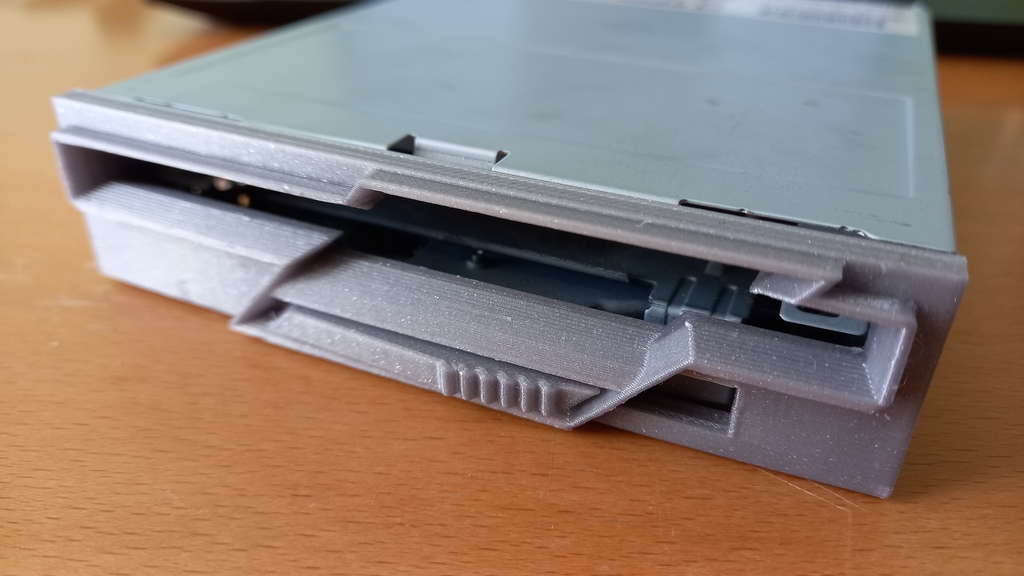

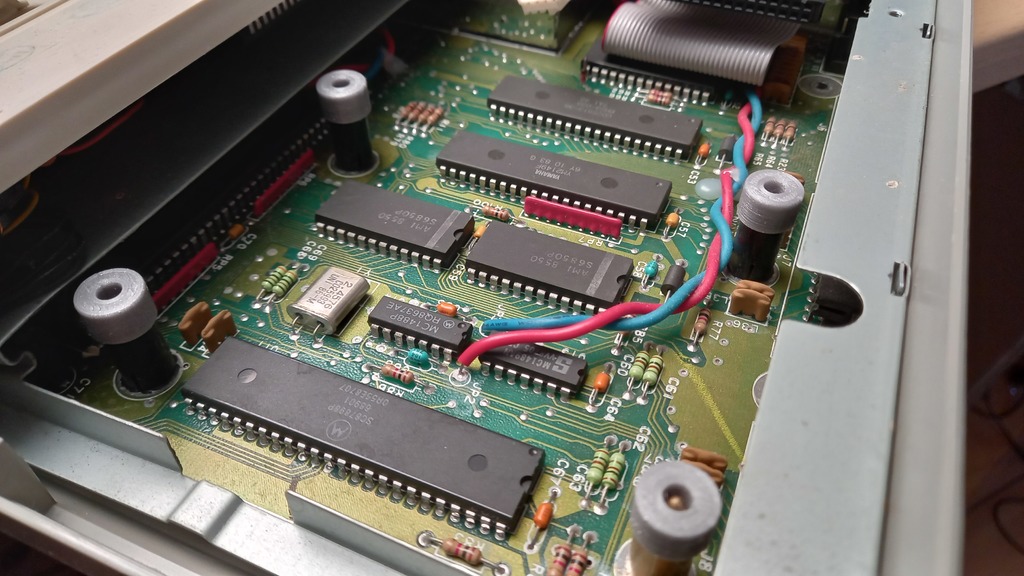
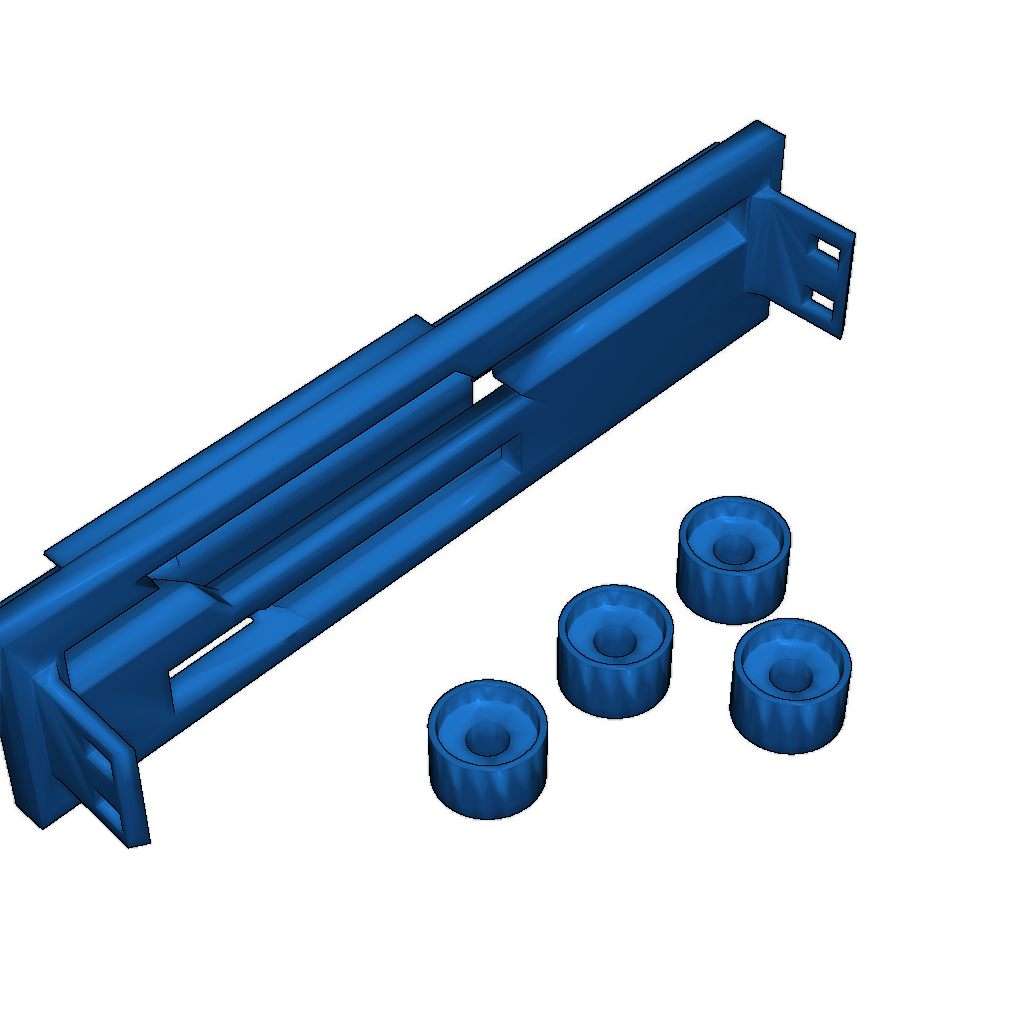
This model serves as a replacement for the standard face plate and drive button of the ALPS DF354H floppy drive, enabling it to fit into an ATARI ST/STe case with a long button drive bay. This solution eliminates the need for case modification when using the floppy drive with ATARI ST.
Construction Features:
- Designed for compatibility with the ALPS DF354H drive.
- May require modifications if used with other drive types.
- The long button drive may be taller than the ALPS DF354H; spacers may be needed to align the drive properly.
- Longer screws (M3) will be necessary for installation.
Printing Recommendations:
- Print parts in high quality.
- Remove the top cover from the floppy drive and carefully detach the plastic face plate and eject button.
- Slide the printed eject button from the back into the face plate (it fits only one way).
- Ensure the button moves freely, then clip the ST face plate onto the ALPS drive.
- Close the top cover, taking care as the new eject button may not retract fully like the original drive.
Category
Tags
-
Laufwerk_Long_Button_ALPS_Faceplate.stlDownload
Please login to post comments.
Information
- Author: admin
- Date: 08.12.2025
- Category: Auto & Moto
- Views: 133
- Downloads: 46
- Likes: 0
- Images: 4
- Files: 1
Download ZIP
Model Author
Similar models

Recently viewed
×
❮
![]() ❯
❯